Scheduling
When a broadcast fires, what happens around DST, and what to expect when a worker misses the window
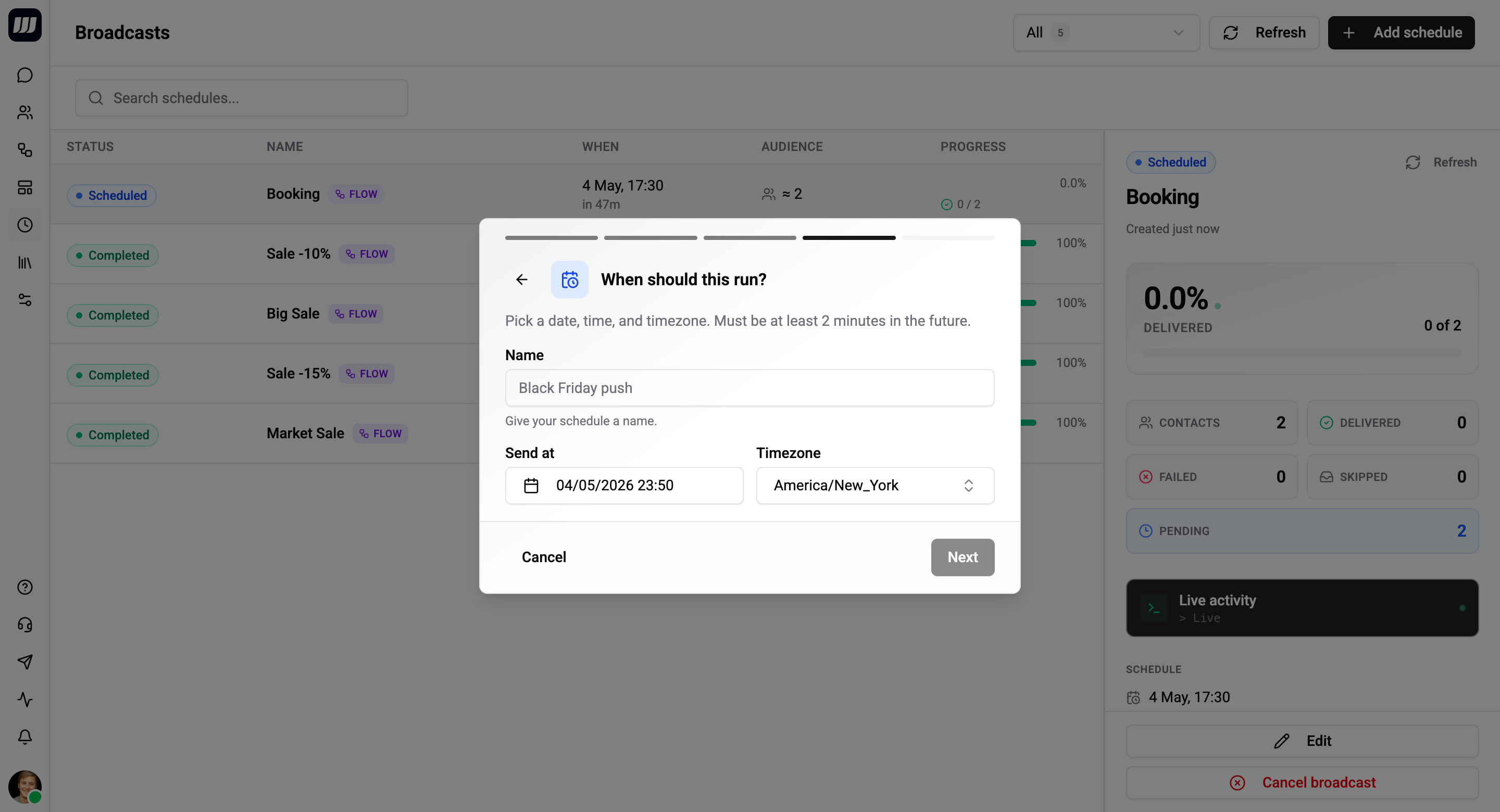
A broadcast has two time fields: scheduledAt (absolute UTC) and timezone (IANA zone). The engine fires on scheduledAt; the timezone is for display and DST round-tripping in the UI.
How the Time is Stored
| Field | Stored as | Example |
|---|---|---|
scheduledAt | Absolute UTC ISO timestamp | 2026-04-30T07:00:00.000Z |
timezone | IANA zone name | Europe/Kyiv |
When you pick "Apr 30 at 10:00 Europe/Kyiv", the wizard converts that to UTC for storage and the engine fires on the UTC timestamp. The timezone label is preserved separately so the UI can render the original local time consistently across users in different timezones and across DST transitions.
Minimum Lead Time
scheduledAt must be at least 2 minutes in the future when you confirm.
| Why | Detail |
|---|---|
| Scheduler tick | The broadcast scheduler polls every 60s. A broadcast scheduled 30s in the future may slip past the first tick. |
| Late-fire grace window | The next-tick safety net only covers a 5-minute lateness window - anything tighter risks transitioning to FAILED. |
The wizard's confirm button is disabled until your time satisfies the 2-minute lead time. The API returns a BAD_USER_INPUT error with a clear message if you bypass the UI and call the mutation directly.
When the Broadcast Fires
The scheduler tick runs every 60 seconds. On each tick:
- Find all broadcasts where
status = SCHEDULEDandscheduledAt <= now + 30s. - For each, acquire a firing lock, transition to
SENDING, resolve the audience, stream contacts in pages of 500, enqueue dispatches. - As batches drain, counters roll up and the broadcast eventually transitions to
COMPLETED.
Practical timing: if you schedule a broadcast for 10:00:00, it almost always fires within 10:00:00 – 10:01:00 UTC. The 30-second look-ahead in the query lets the tick that runs at 09:59:30 already start work for 10:00:00 rather than waiting for the 10:00:30 tick.
Late-Fire Policy
If a worker is down or a deploy misses a tick, a broadcast can be picked up after its scheduled time. The policy is:
Age of scheduledAt at pickup | Action |
|---|---|
now − 5 min ≤ scheduledAt ≤ now | Fire now. Operator intent is honoured; the small grace window covers normal scheduler hiccups. |
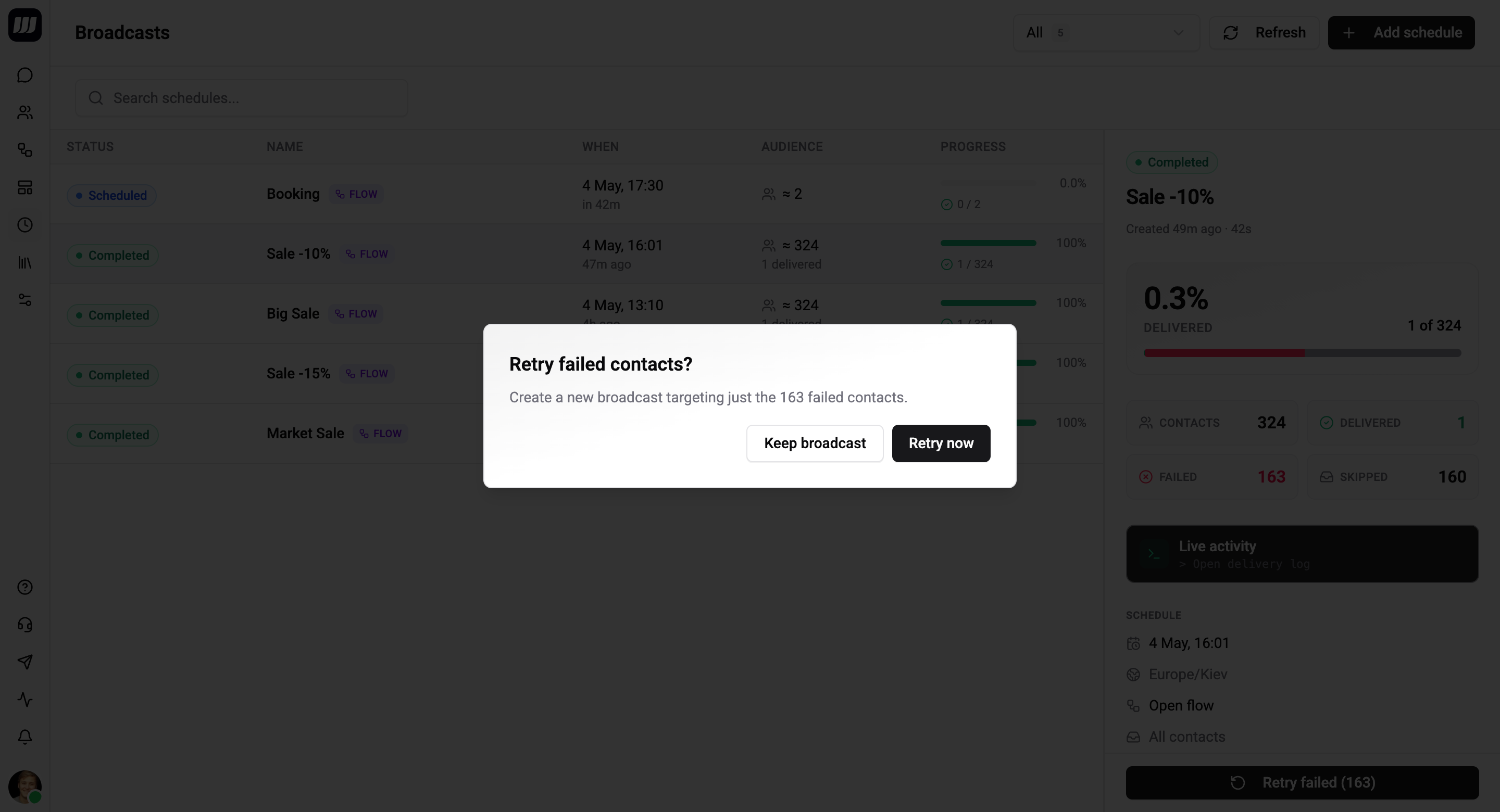
scheduledAt < now − 5 min | Transition SCHEDULED → FAILED with failureReason = MISSED_WINDOW. The broadcast does not fire. |
We will never silently fire a broadcast hours late. If your "9am Monday" send didn't go out by 9:05am Monday, it transitions to FAILED instead of becoming a "9pm Monday" send by accident.
When this happens, the detail page shows the failure reason and a Retry button that opens a fresh wizard with the same audience and payload pre-filled, ready to re-schedule.
DST and Timezone Edge Cases
The stored timezone solves the most common headaches:
- Spring-forward / fall-back transitions - picking "March 30 02:30 Europe/London" works fine; the UI converts to UTC at save time using the current rules. (If the chosen local time is ambiguous because of a DST jump, the wizard surfaces a hint and lets you pick which interpretation you mean.)
- Cross-timezone teams - colleagues in different regions still see the run time labelled with the original zone you picked. There is no silent conversion.
- Org policy changes - moving your default timezone in Settings affects only the default for new wizards; existing scheduled broadcasts keep the timezone you originally picked.
Editing the Schedule
You can change scheduledAt and timezone while the broadcast is SCHEDULED. Once it transitions to SENDING, the schedule is locked - partial dispatch is in flight.
The same 2-minute lead-time check applies to edits. You cannot push the time so far back that it would already have fired by the next tick.
What Recurrence Means Here
Broadcasts do not recur. The Schedule step has no cron field, no "every Monday" toggle. Two reasons:
- Auditability. Each fire has its own per-contact history page. A recurring broadcast would smear that across N runs.
- Plumbing fit. Recurring sends are exactly what scheduled triggers are for, and the trigger system already supports cron expressions and "relative to a contact date field" semantics.
If you genuinely need a recurring send, model it as a recurring scheduled trigger on a flow. If you need "the same audience and payload, three weeks in a row," create three broadcasts.
Soft Deadlines and Worker Health
The scheduler runs on the worker process (separate from the API process), with these properties:
- A periodic stuck-broadcast sweeper rescues broadcasts pinned in
SENDINGfor >10 minutes with no recent dispatch activity. See Lifecycle → Sweeper for what it does. - A firing lock prevents two workers from fanning the same broadcast out twice - even during failover.
- Per-batch dispatch is bounded by rate-limit handling at the provider layer; if WhatsApp returns 429, the unfinished tail re-enqueues with backoff and the broadcast stays in
SENDINGuntil the queue drains.
Operators don't need to tune any of this; it's mentioned here only so the timing model is transparent.