Webhook Received
Fire a flow when an external system POSTs to a Wexio webhook URL
The Webhook Received trigger runs a flow when an external system - Stripe, GitHub, Shopify, your backend, a Zap, an n8n workflow - sends an HTTP POST to a unique Wexio webhook URL. It's the main integration surface for connecting flows to anything that speaks HTTP.
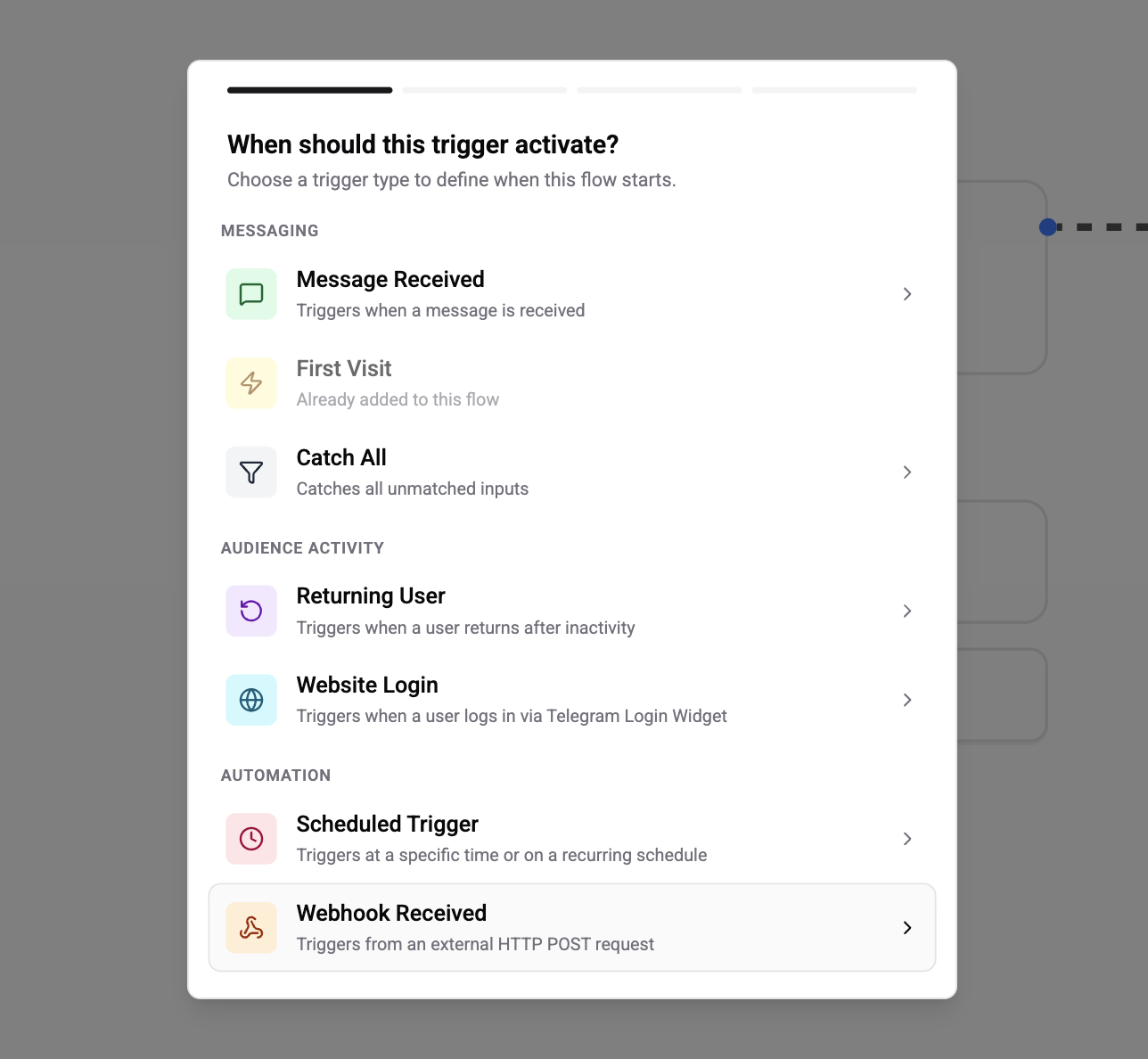
Prerequisite - Create an Inbound Webhook Connection
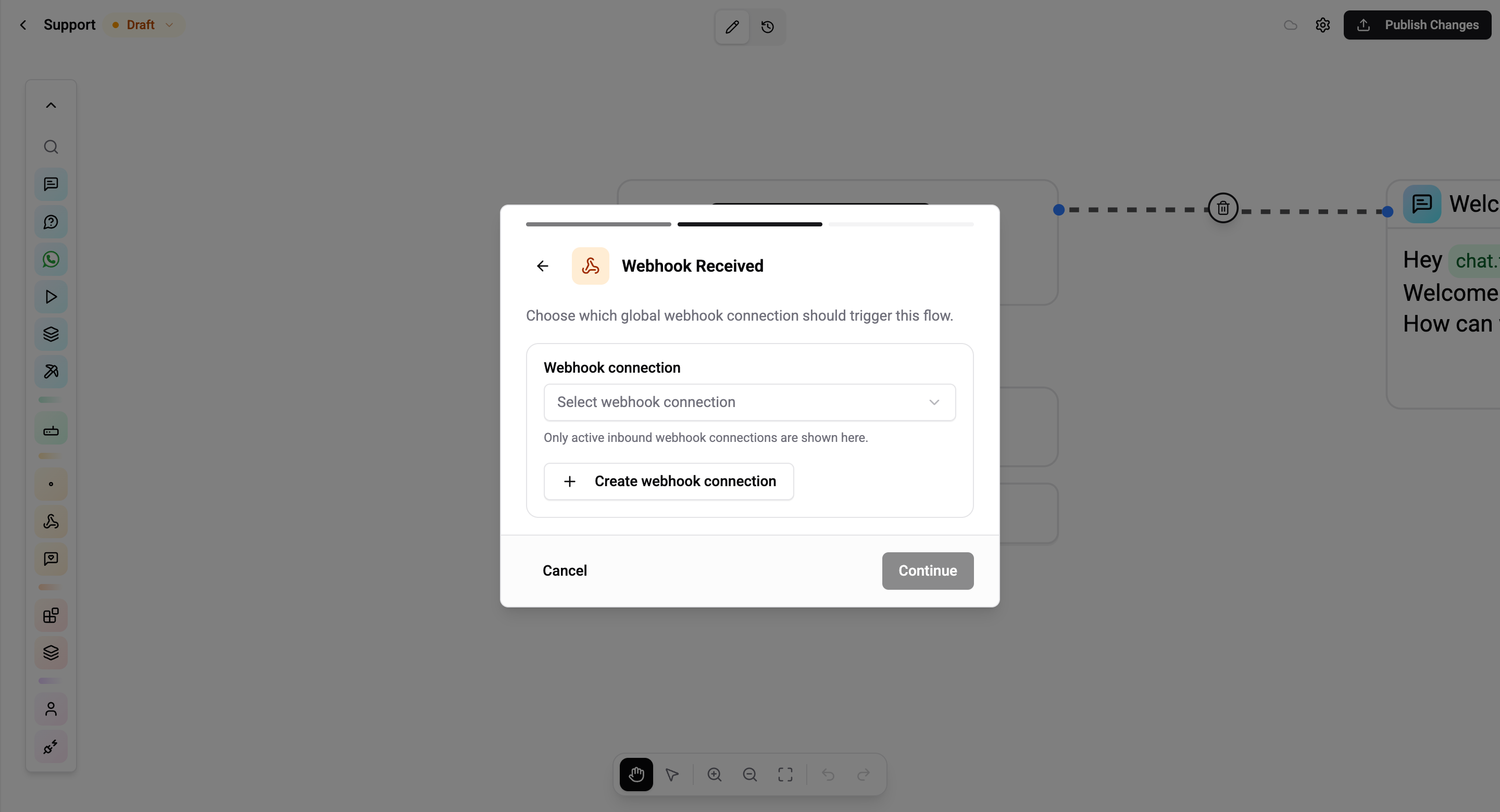
Unlike other triggers, Webhook Received points at a global webhook connection that lives at Settings → Webhooks. Create the connection first (it holds the URL, signing secret, identifier mapping, and payload schema), then bind flow triggers to it.
One connection can be reused by many triggers in many flows - the trigger is just a pointer.
Start at Webhooks → Inbound to set up a connection, then come back here to attach a trigger.
Configuration
A single field - the webhook connection to bind to.
| Field | Description |
|---|---|
| Webhook connection | Pick one of the inbound connections in your organisation. The picker shows name, endpoint path, and schema version |
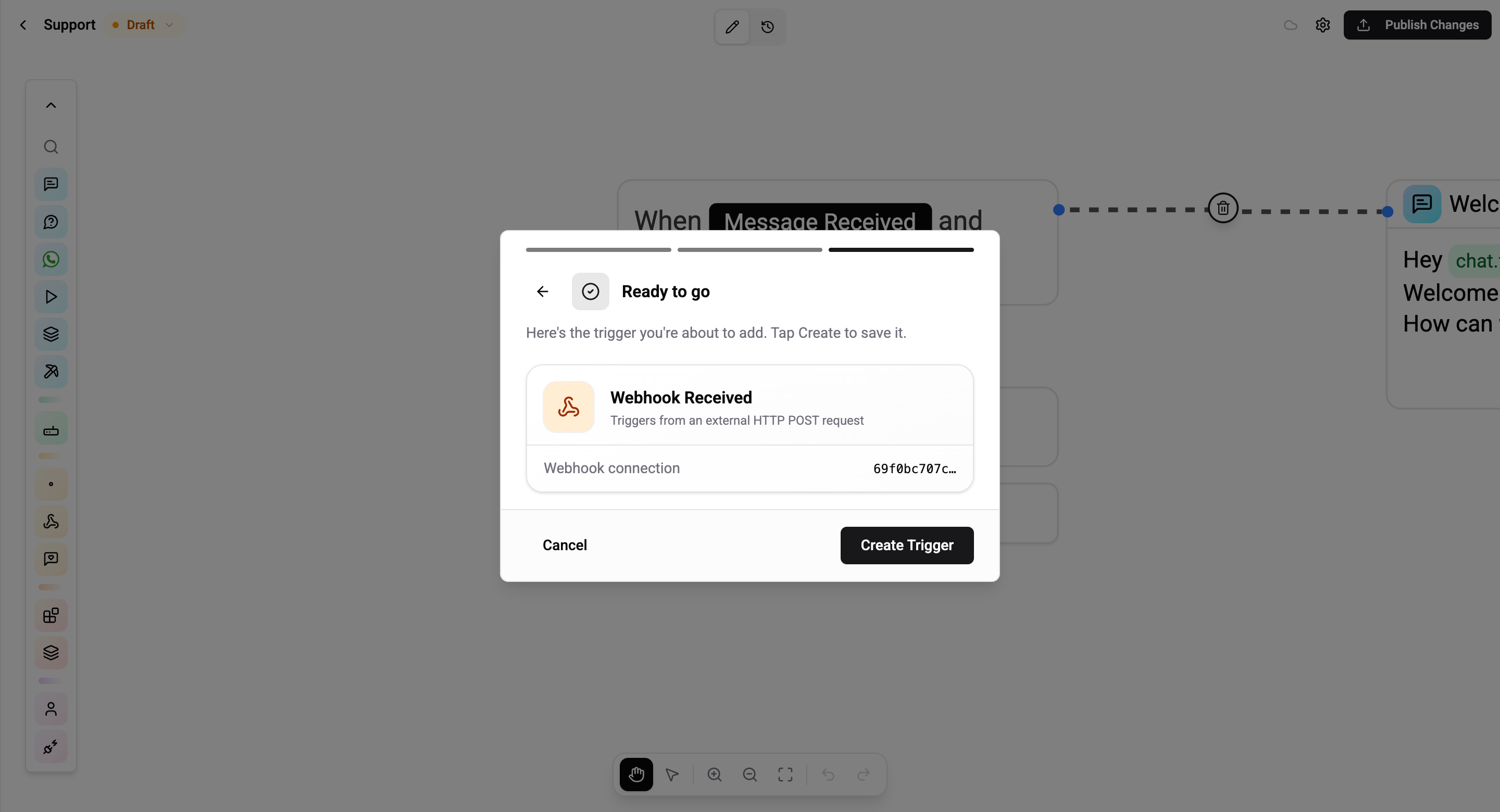
Everything else - the URL, the authentication method, how to match the payload to a contact, which fields become variables - is owned by the connection itself.
How It Works
External System                         Wexio
      │                                   │
      │  POST /webhooks/in/{connectionId} │
      │  Authorisation header or secret   │
      │  Body: { customer: {...}, ... }   │
      │ ────────────────────────────────► │
      │                                   │
      │                        1. Verify authentication
      │                        2. Parse JSON + learn/extract fields
      │                        3. Resolve the contact using the
      │                           connection's identifier mapping
      │                        4. Find all flows with a Webhook Received
      │                           trigger bound to this connection
      │                        5. Start each matching flow
      │                                   │
      │  202 Accepted                     │
      │ ◄──────────────────────────────── │
Variables
When the webhook is received, every scalar field in the payload - as learned from the connection's current schema - becomes a flow variable under the webhook. namespace.
A payload like
{
  "customer": { "id": "cus_123", "email": "jane@example.com" },
  "order":    { "id": "ord_456", "total": 99.50, "currency": "USD" }
}
exposes:
{{webhook.customer.id}}{{webhook.customer.email}}{{webhook.order.id}}{{webhook.order.total}}{{webhook.order.currency}}
Nested objects and arrays are flattened to their scalar leaves only - use a Condition or HTTP Request card if you need to iterate over a list.
To populate the variable picker with real fields, capture a sample payload on the connection. See Webhooks → Inbound → Capture schema.
Contact Resolution
The connection decides how the incoming payload maps to a Wexio contact. The mapping is:
- Identifier type - how to look the contact up (Chat ID, Phone number, Channel user ID, Email)
- JSON path - where to read it from in the payload (e.g.
$.customer.email) - Channel integration - required when the identifier type is Channel User ID (scopes the lookup to the right bot)
See Webhooks → Inbound → Contact resolution for the complete setup.
If the path resolves to no matching contact, the webhook log row is flagged IDENTIFIER_NOT_FOUND and no flow runs.
Messaging Window
Webhook Received is a proactive trigger - there is no user message at the moment it fires, so the 24-hour messaging window may be closed.
| Channel | Outside 24h window |
|---|---|
| Telegram | Any card - no window |
| Viber | Any card - may be billable |
| Must start with a Template card | |
Delivery fails; 7-day extension available with human_agent tag |
Rules and Caveats
- Many-to-one. Multiple flows can bind a Webhook Received trigger to the same connection. Use AND-connected rules on payload fields to route to different flows based on payload content.
- Payload limit: 100 KB per request.
- Idempotency: include an
X-Idempotency-Keyheader on the POST and Wexio will dedupe replays within the retention window. - Schema is advisory. Wexio never rejects a request based on schema shape - it's only used to populate the variable picker. Sending a payload that omits a learned field simply means that variable is
nullat runtime. - Connection is organisation-global. Deleting a connection also detaches it from every trigger that referenced it.
Common Use Cases
- Payment platform notifications - Stripe / Paddle / Revolut → send a receipt via WhatsApp template
- E-commerce events - Shopify
orders/paid→ trigger a fulfilment flow - CRM round-trips - HubSpot property change → ask the contact a follow-up question in Telegram
- No-code bridges - n8n / Zapier / Make → build custom logic in their UI, dispatch into Wexio for the messaging step
- Internal systems - your backend emits a "support ticket escalated" event → Wexio pages the operator with a link to the inbox
Related
- Webhooks → Inbound - connection setup, authentication modes, schema capture
- Webhooks → Integrations - step-by-step guides per external platform