Website Login
Fire a flow when a user signs in via the Telegram Login Widget
The Website Login trigger fires when a user authenticates on your website with the Telegram Login Widget. It's how you greet, verify, or onboard a user the moment they link their Telegram identity to your web product.
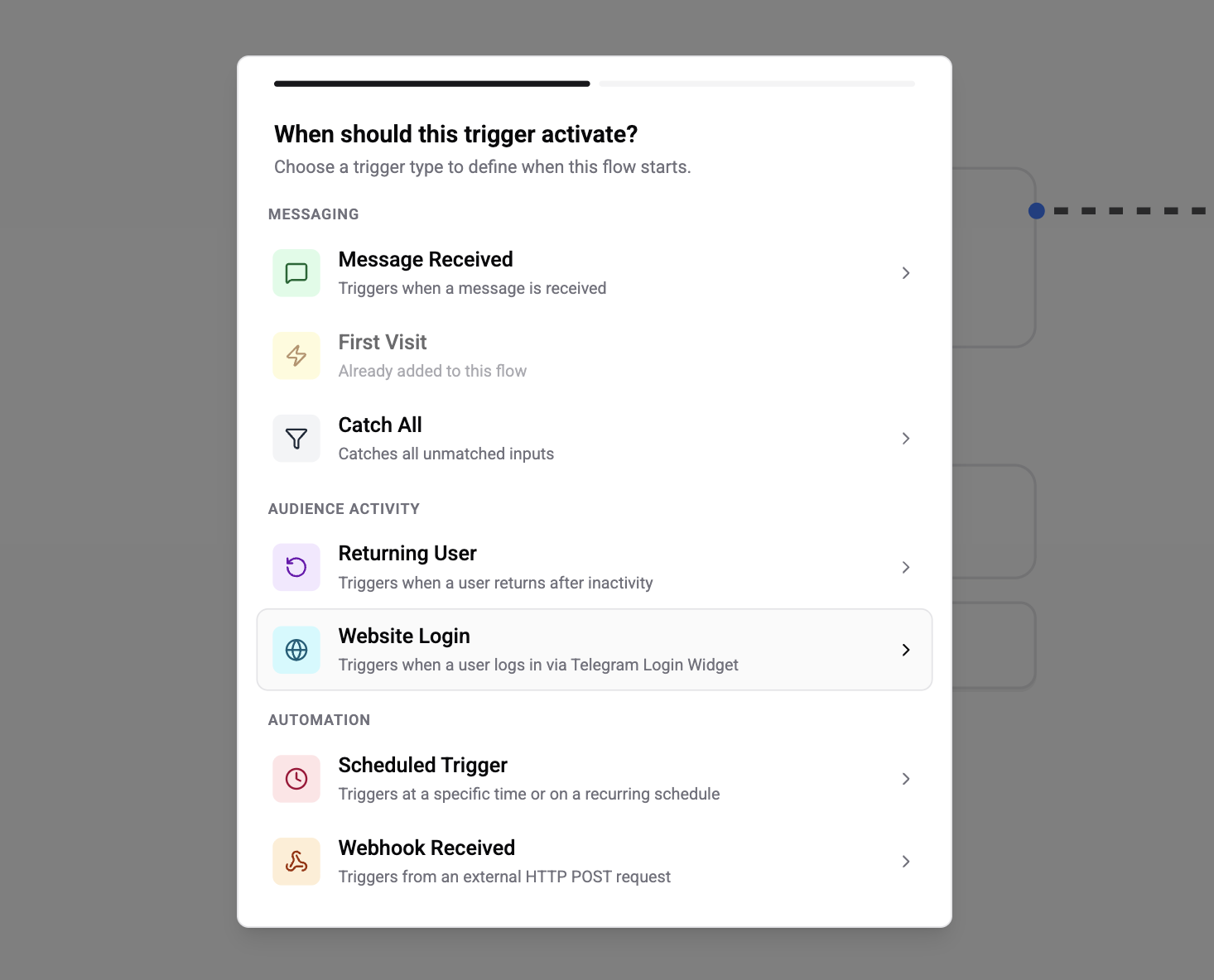
Configuration
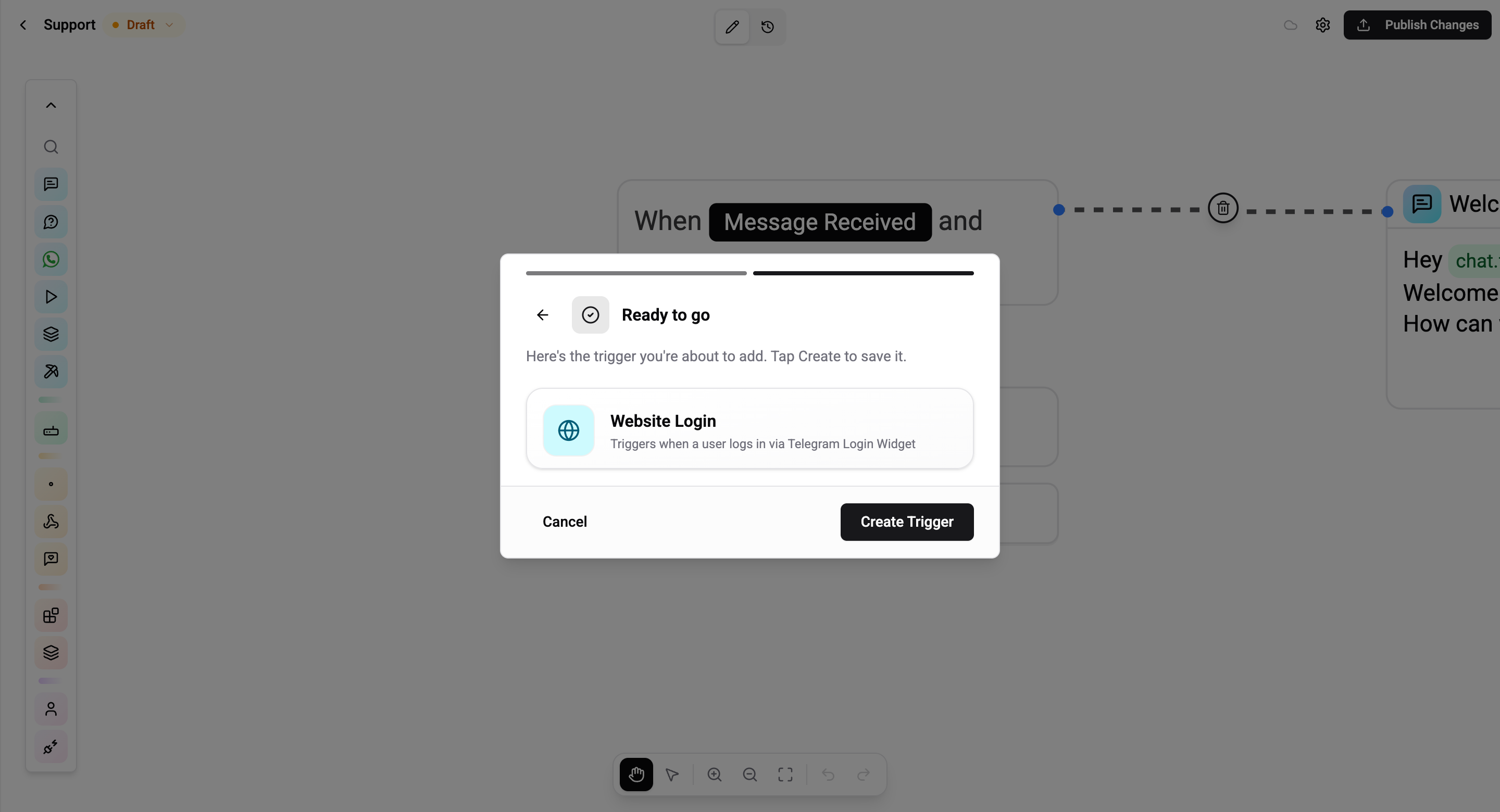
None. Pick Website Login in step 1 and go straight to the review step.
How It Works
When a user clicks the Log in with Telegram widget on an external website, Telegram sends your bot a built-in service message called connected_website that carries the domain they logged in on. Wexio stamps isWebsiteLogin = true on the trigger context, and any flow with a Website Login trigger fires.
User clicks "Log in with Telegram" on example.com
             │
             ▼
Telegram sends connected_website service message to your bot
             │
             ▼
Wexio sets isWebsiteLogin = true in trigger context
             │
             ▼
Flow with Website Login trigger runs
Rules and Caveats
- Telegram-only. The trigger fires off a Telegram-specific service message; there is no equivalent on WhatsApp, Instagram, or Viber.
- Not the same as
login_urlbuttons. Inline keyboard buttons withlogin_urlsend auth data directly back to a web endpoint you host - your bot never receives that event. Use Website Login only for the sidebar widget flow. - Reactive - the user just authorised the domain, so the 24-hour window is open.
- Fires every time the user re-logs in. If the same user links the same domain twice, you'll see two firings unless you de-duplicate in the flow itself (e.g. with a Condition card that reads the contact's
last_website_login_atfield).
Common Use Cases
- Verification confirmation - send "You're now signed in to example.com" with a helpful link
- Onboarding trigger - ask the newly linked user to complete a short profile
- Account-binding - run a flow that stores the website's user ID on the contact's profile for future cross-platform messaging
- Fraud alert - if the domain looks unexpected, notify the user to confirm it was them