Account
Organisation Invitations
View and respond to pending organisation invitations
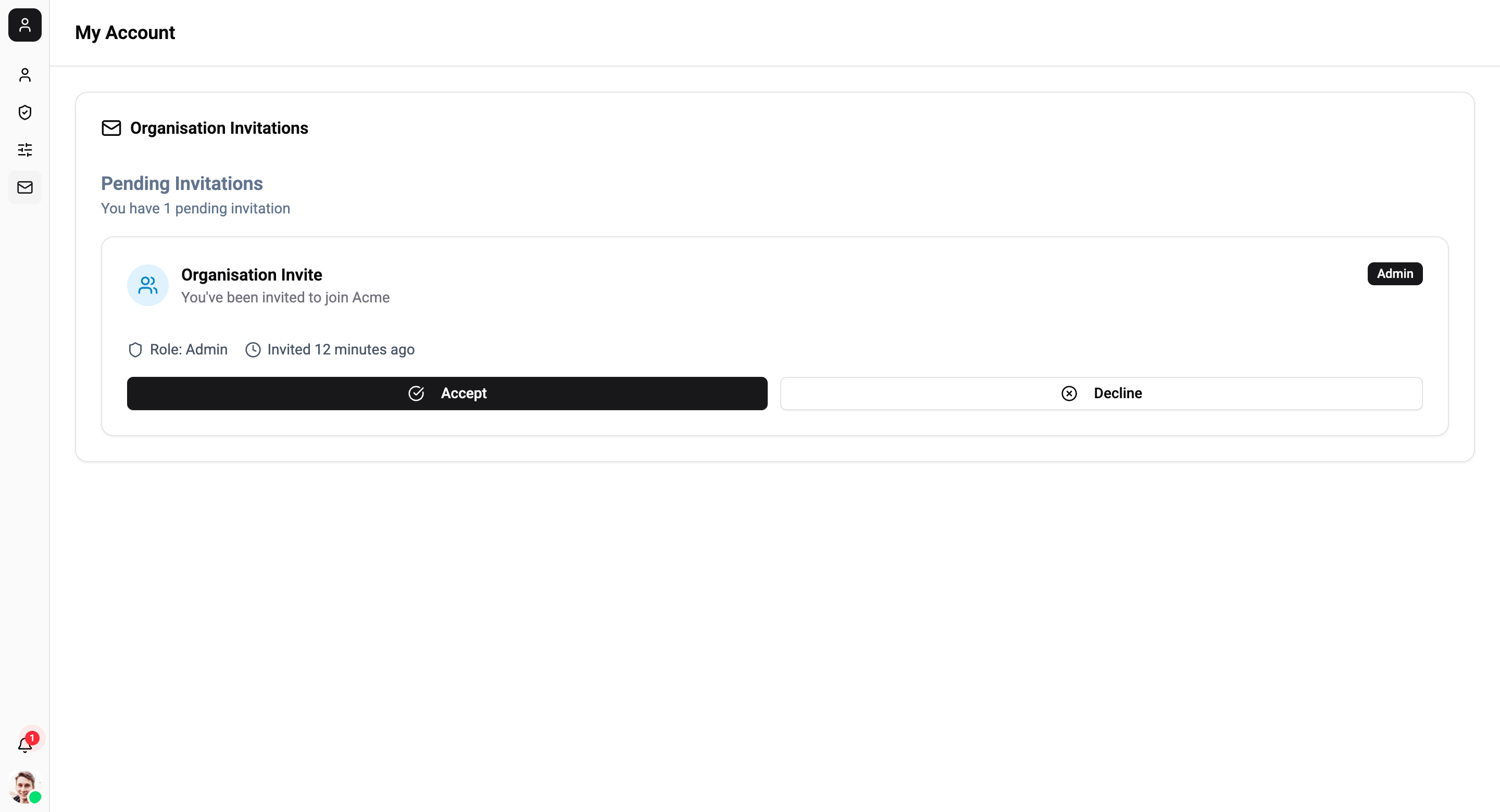
The Invitations page shows all pending invitations to join organisations. Accept or decline invitations from this page.
Pending Invitations
Each invitation card shows:
| Detail | Description |
|---|---|
| Organisation | The organisation you've been invited to join |
| Role | The role you'll be assigned (Owner, Admin, Editor, or Agent) |
| Invited | How long ago the invitation was sent |
Responding to Invitations
Each invitation has two actions:
- Accept - Join the organisation with the assigned role. After accepting, the page refreshes and the organisation becomes available in your organisation switcher.
- Decline - Reject the invitation. The invitation is removed from your list.
If you have no pending invitations, the page displays an empty state.