FlowsCards
AI Text Card
Generate an AI response and send it to the contact
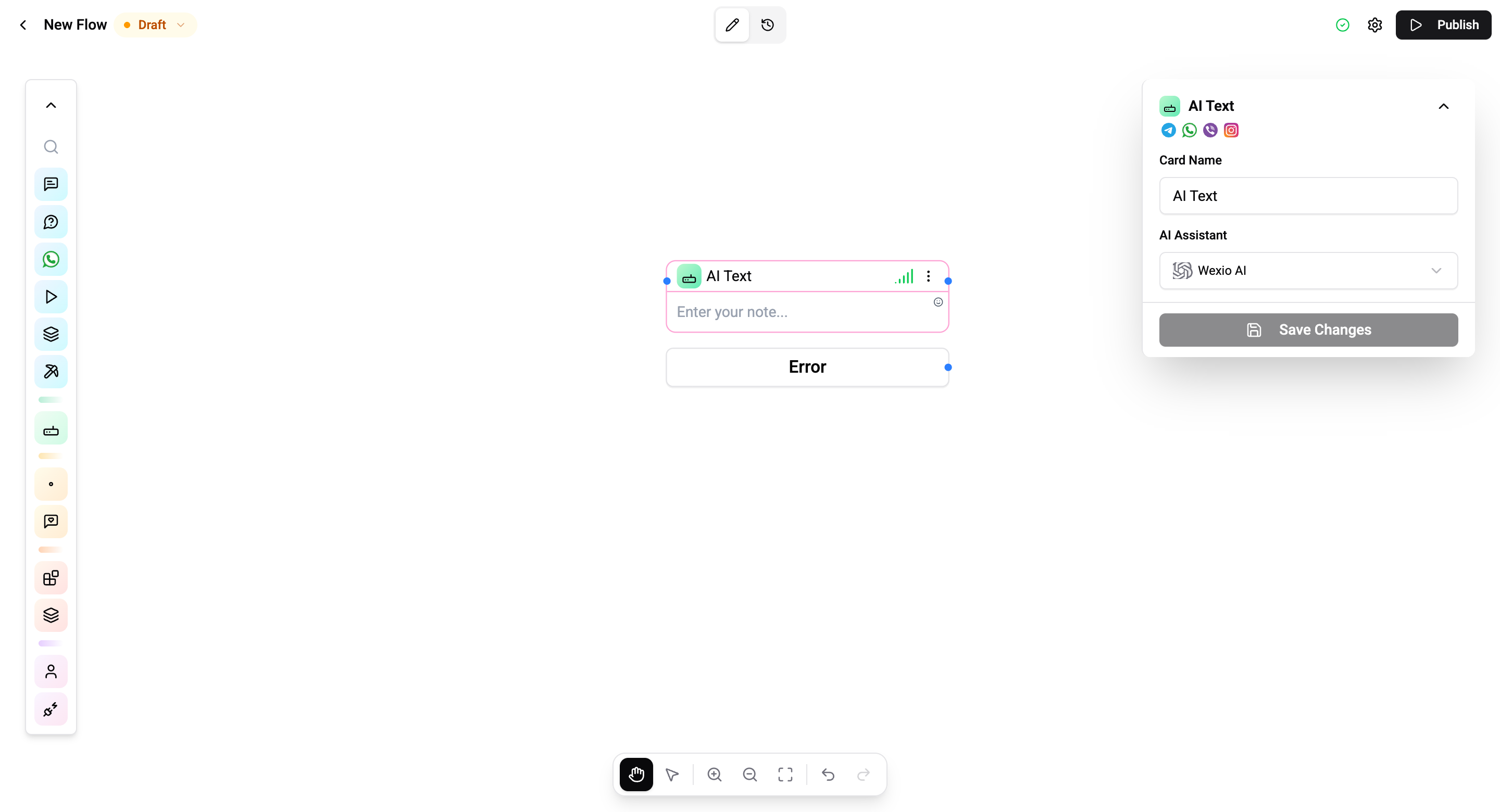
The AI Text Card generates a response using an AI model and sends it directly to the contact as a message in the conversation.
Configuration
| Setting | Description |
|---|---|
| System prompt | Instructions that define the AI's behavior |
| User prompt | The message or question to send to the AI |
Both prompts support flow variables - e.g. {{user.firstName}}, {{lastMessage.text}}.
How It Works
- The system and user prompts are constructed with resolved variables.
- The prompt is sent to the AI model.
- The generated response is sent to the contact as a chat message.
- The flow continues to the next card.
Connections
- 1 input port - Receives execution.
- 1 output port - Continues after the AI response is received.
Use Cases
- Generate personalized responses based on contact data.
- Summarize conversations for handoff to operators.
- Extract information from user messages.
- Translate content dynamically.
Operations Cost
Depends on the AI model and token usage.
The AI Text Card processes a single prompt. For multi-turn conversations with memory, use the AI Agent Card.