Onboarding
Step-by-step onboarding walkthrough
The onboarding wizard guides you through the initial setup of your Wexio workspace. It walks you through creating your organisation, connecting a messaging channel, and choosing a plan.
Step 1: Create Organisation
The first step is creating your organisation - your workspace where all team members, conversations, and automations live.
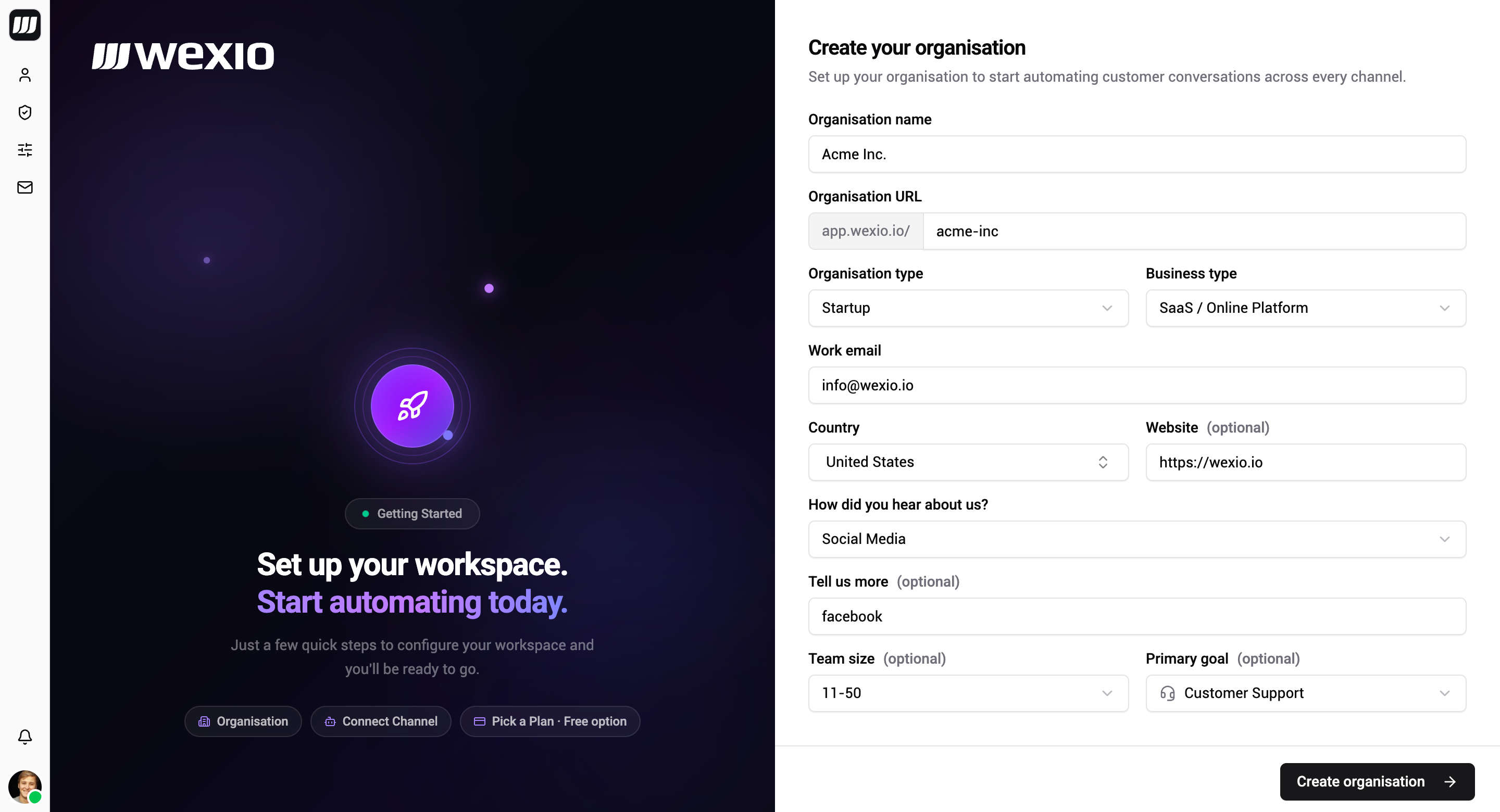
Fill in the following fields:
| Field | Required | Description |
|---|---|---|
| Organisation Name | Yes | A descriptive name for your team or business |
| Organisation URL | Yes | A URL-friendly slug (auto-generated from name, editable). Only lowercase letters, numbers, - and _ allowed |
| Organisation Type | Yes | Select the type of organisation |
| Business Type | Yes | Select your industry |
| Work Email | Yes | Pre-filled from your account email |
| Country | Yes | Searchable country selector |
| Website | No | Your company website URL |
Click Create Organisation to proceed.
Step 2: Connect a Bot
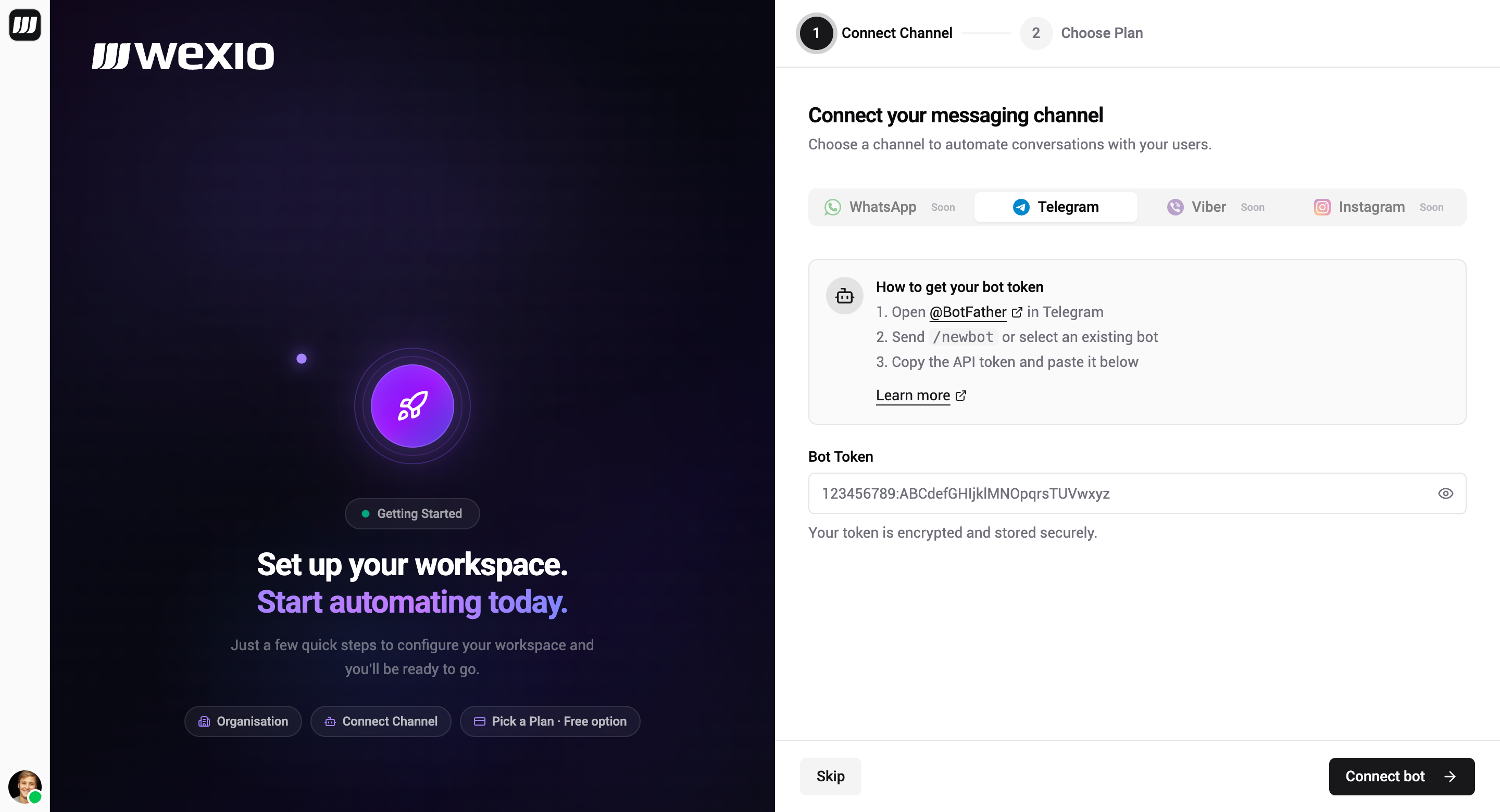
After creating your organisation, you'll be prompted to connect a messaging channel. Telegram, WhatsApp, Instagram, Viber and the web widget are all available - see Channels.
Connecting Telegram
- Open @BotFather on Telegram
- Send the
/newbotcommand and follow the prompts - Copy the bot token provided by BotFather
- Paste it into the Bot Token field
- Click Connect Bot
You can skip this step and connect a bot later from Settings → Integrations.
Step 3: Choose Your Plan
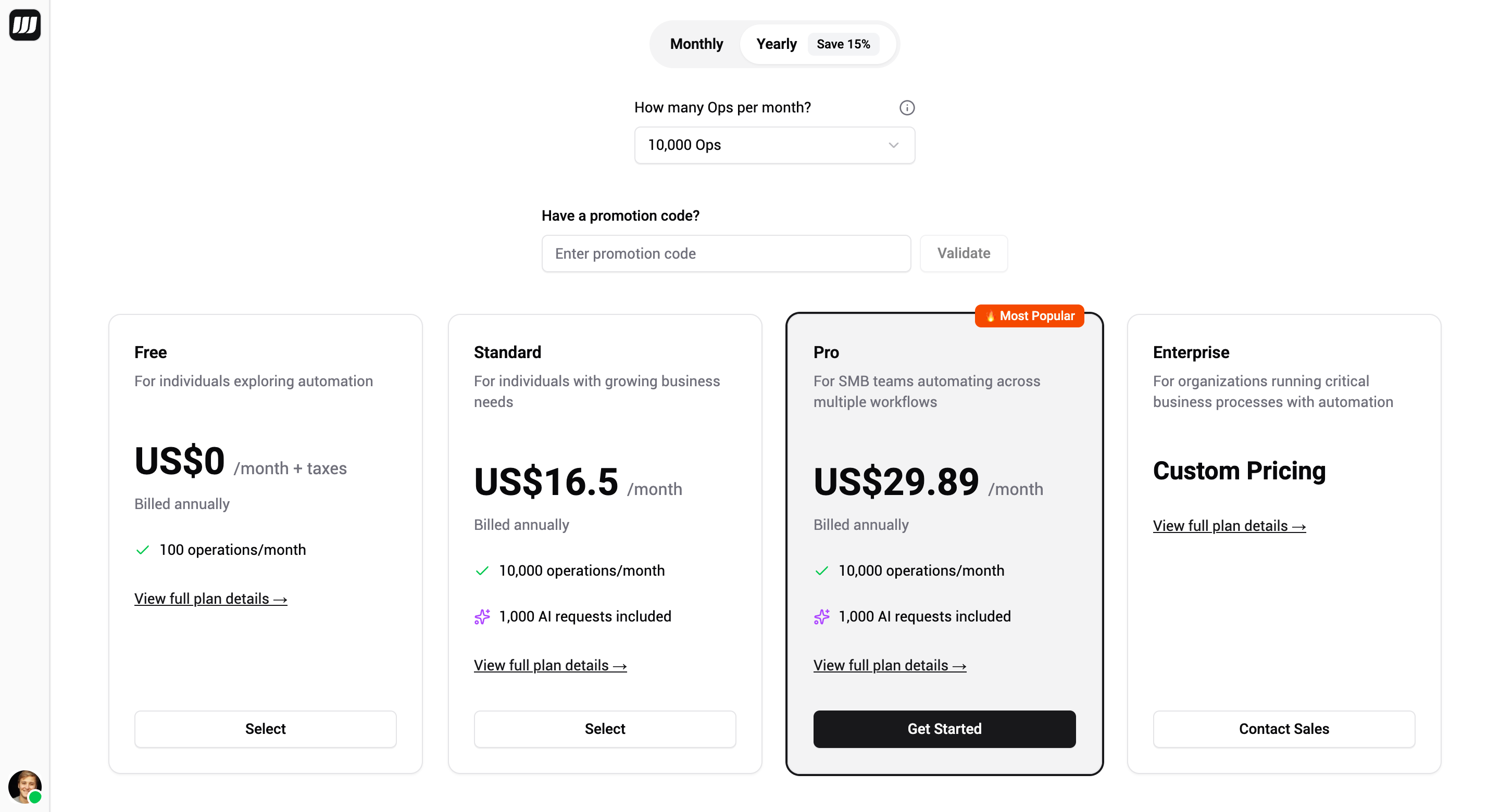
Select a billing plan that fits your needs. Wexio offers plans from Free to Enterprise - view full pricing details at wexio.io/pricing.
Free Plan
If you choose the Free plan, it activates instantly - no payment details required. You'll be redirected straight to your Inbox and can upgrade anytime from Settings → Billing.
Paid Plans
If you choose a paid plan, you'll be asked to add your payment details. All payments are securely processed through Stripe. Every paid plan includes a free trial period so you can explore all features before being charged.
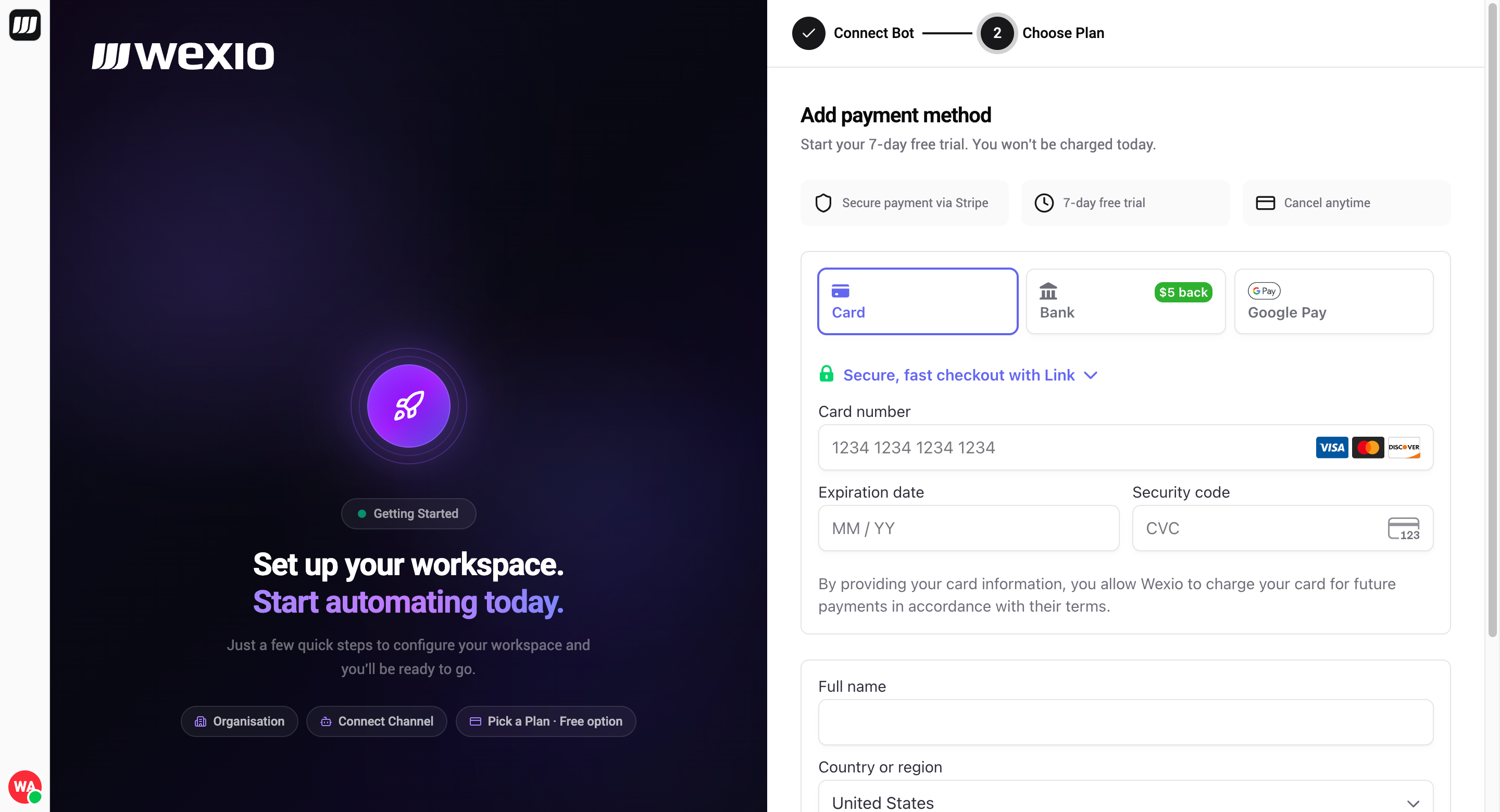
Enter your card details and click Start Free Trial to proceed.
You can cancel or change your plan at any time from Settings → Billing.
Step 4: Done!
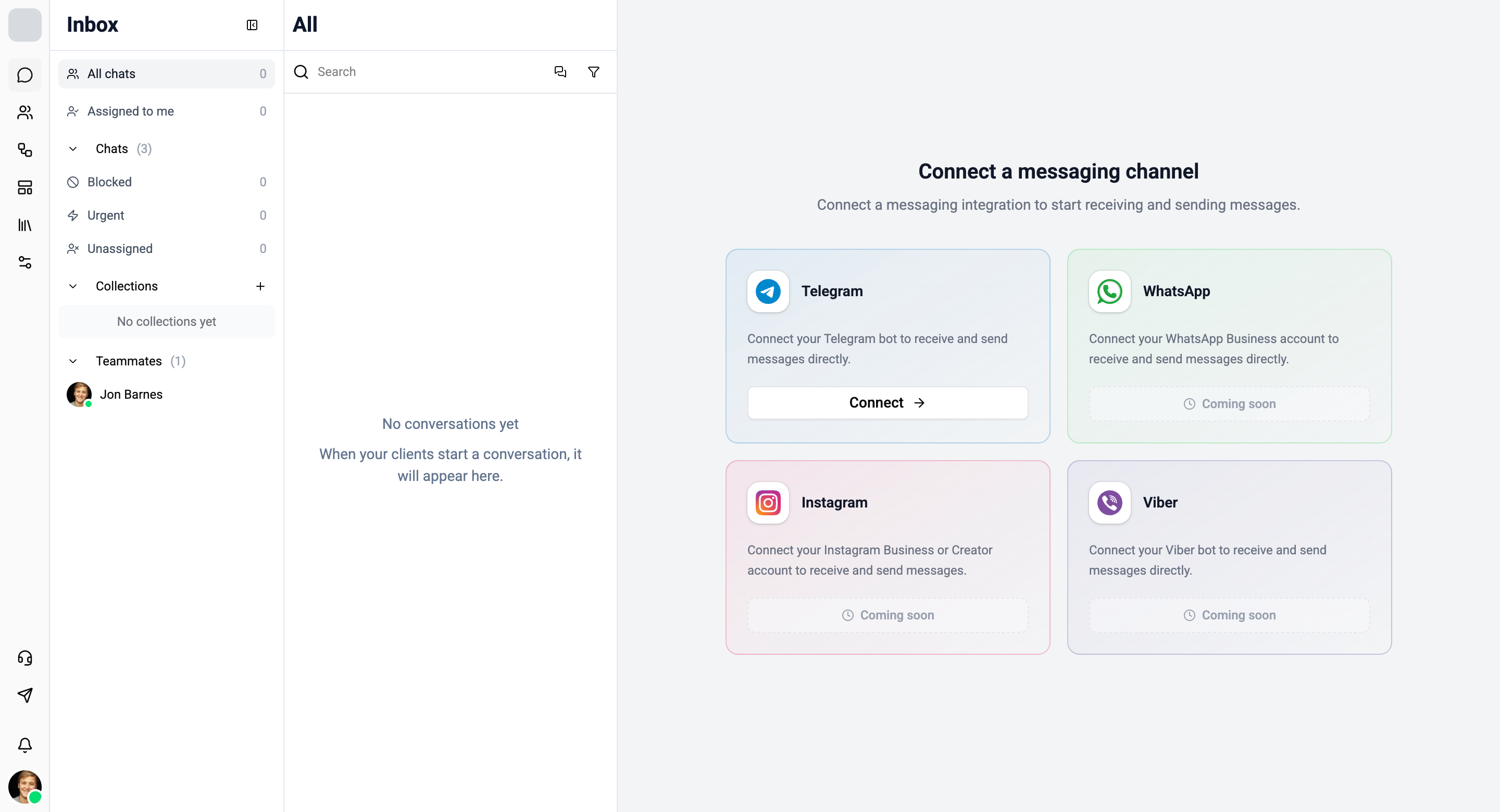
Once you've completed the wizard, you'll be redirected to your Inbox where you can start managing conversations.