InboxChatMessages
Media Button Messages
Media content combined with interactive buttons
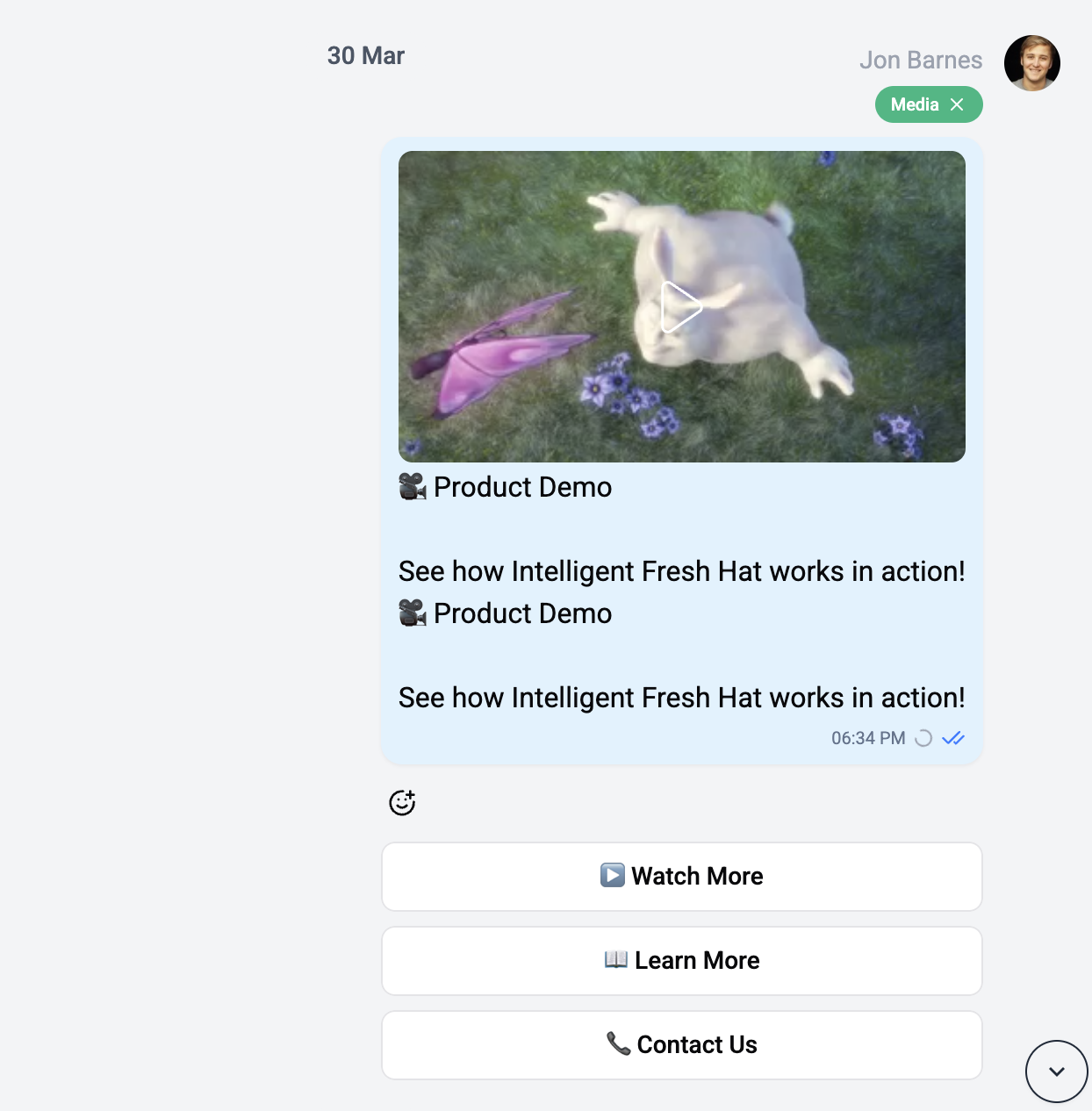
Media button messages combine a media attachment (photo, video, or document) with interactive buttons below.
How It Works
A media button message renders the media content at the top, followed by a row of interactive buttons. This is commonly used for rich interactive content like product cards or promotional messages.
Button Types
The buttons behave the same as in standard button messages:
- URL - Opens an external link
- Callback - Triggers a bot action
- Contact - Requests contact sharing
- Location - Requests location sharing