FlowsCards
CRM Card
Push contact data to a connected CRM integration
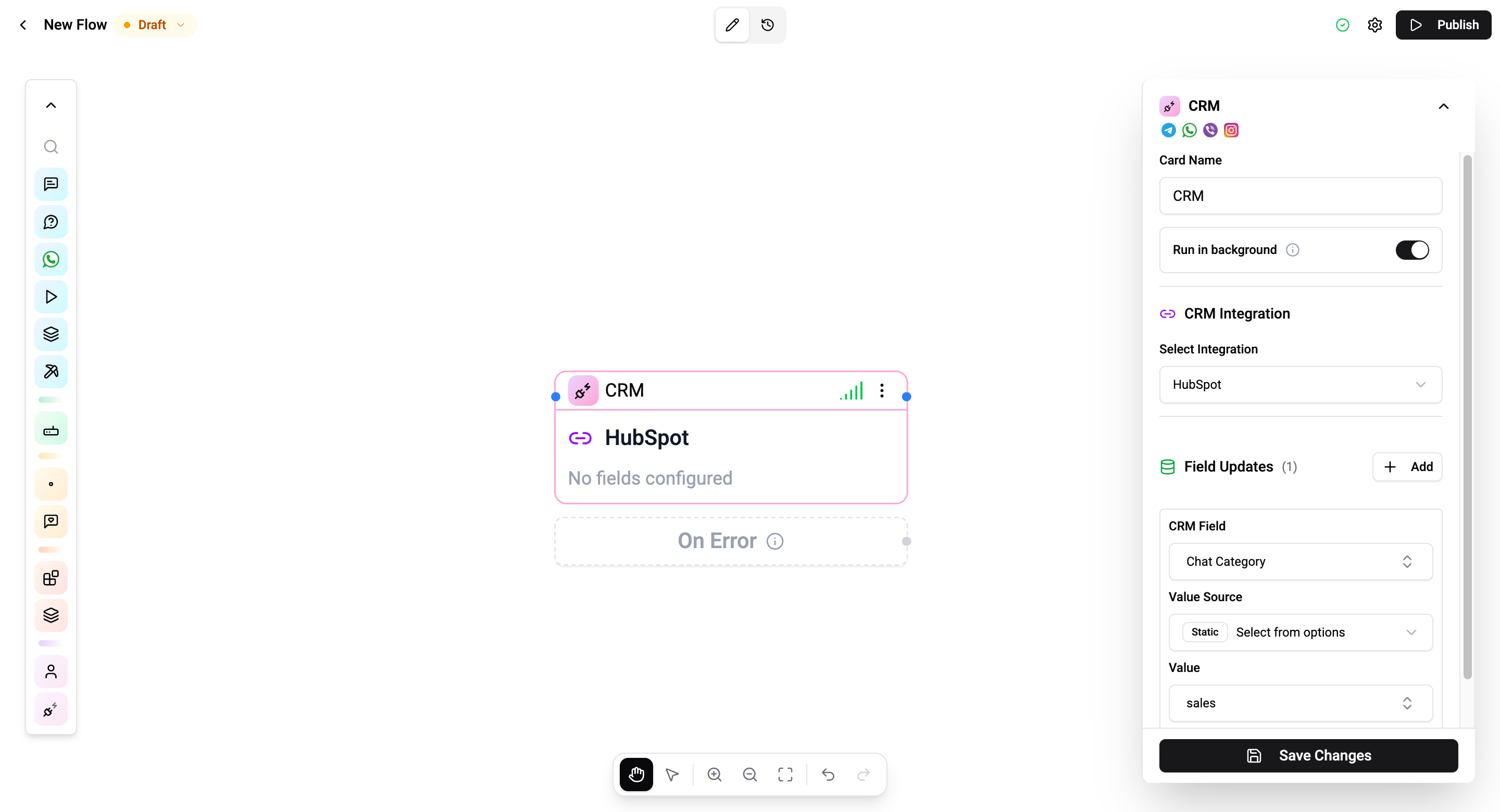
The CRM Card syncs contact data from your workspace to an external CRM integration.
Configuration
| Setting | Description |
|---|---|
| Integration | Select the connected CRM integration |
| Field updates | Map CRM fields to values |
Field Updates
Each field update maps a CRM field to a value source:
| Setting | Description |
|---|---|
| CRM field | The target field in the external CRM (loaded from the integration schema) |
| Value source | Static (fixed value or flow variable) or Profile field (contact profile field) |
| Value | The value to write - supports flow variables when source is Static |
Connections
- 1 input port - Receives execution.
- 2 output ports:
- Next - CRM update succeeded.
- Error - CRM update failed (only active when Run in background is off).
Background Execution
The card runs in the background by default. When Run in background is enabled, the flow continues immediately and the Error port is disabled. Turn it off to use the Error branch for handling CRM failures.
Operations Cost
2 operations per execution.
CRM integrations must be connected in Settings → Integrations before using this card.