FlowsCards
Media Card
Send images, videos, or animations to the contact
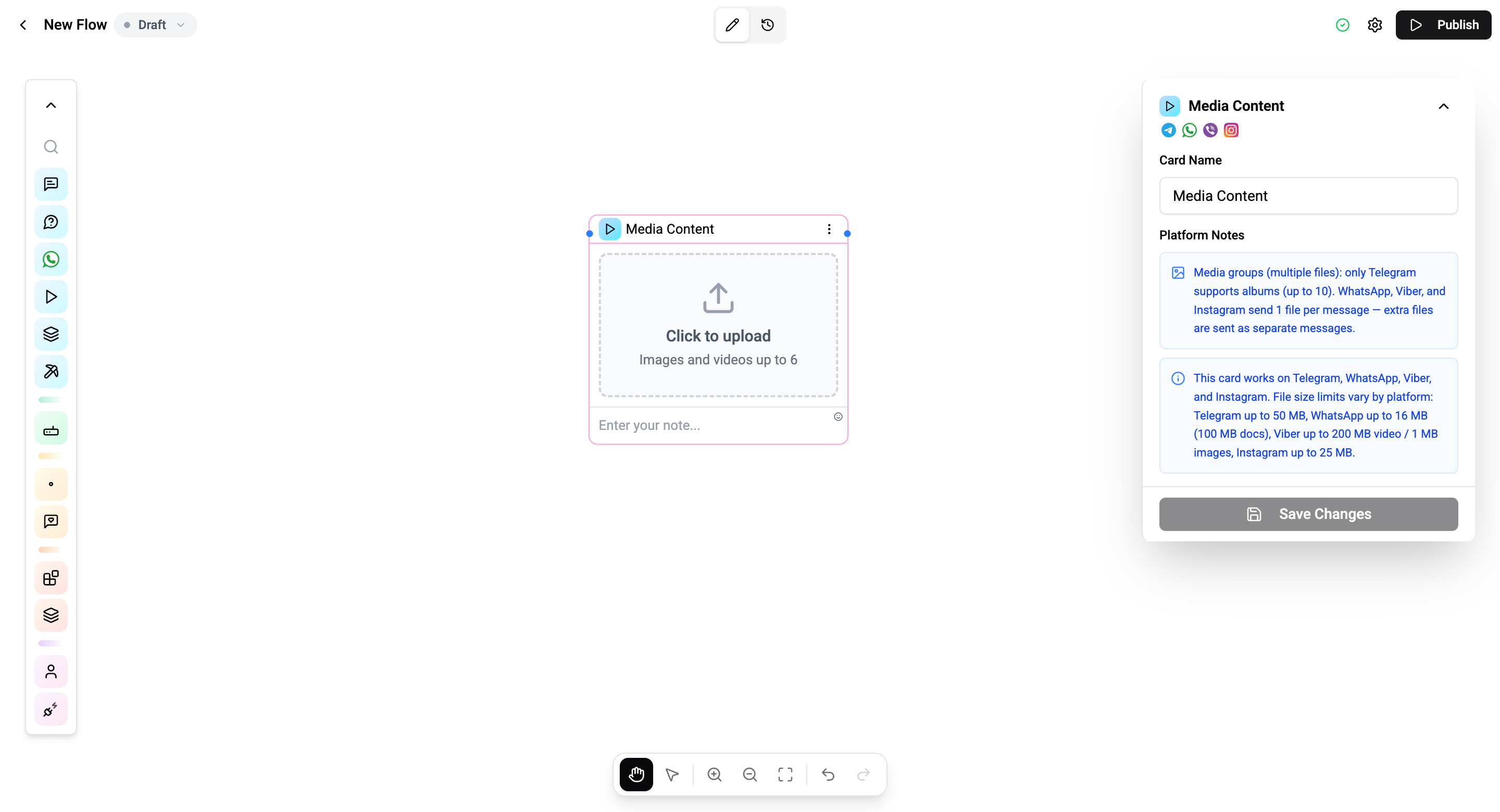
The Media Card sends visual content - images, videos, GIFs, or animations - to the contact.
Configuration
| Setting | Description |
|---|---|
| Media upload | Upload a file from your device |
| Caption | Optional text caption below the media |
Supported Formats
| Type | Formats |
|---|---|
| Images | JPG, PNG, GIF, WebP |
| Videos | MP4, MOV |
| Animations | GIF, TGS (Telegram sticker format) |
Connections
- 1 input port - Receives execution from a previous card
- 1 output port - Continues to the next card after media is sent
Operations Cost
1 operation per execution.
Channel Considerations
- Telegram - Supports all formats including animated stickers
- WhatsApp - Maximum file size of 16MB for media
- Instagram - Images and videos only
- Viber - Images and videos only
To send media with interactive buttons, use the Media Button Card instead.