FlowsCards
WhatsApp Template Card
Send a pre-approved WhatsApp message template
The WA Template Card sends a pre-approved WhatsApp Business message template. Templates are required for initiating conversations or messaging outside the 24-hour messaging window.
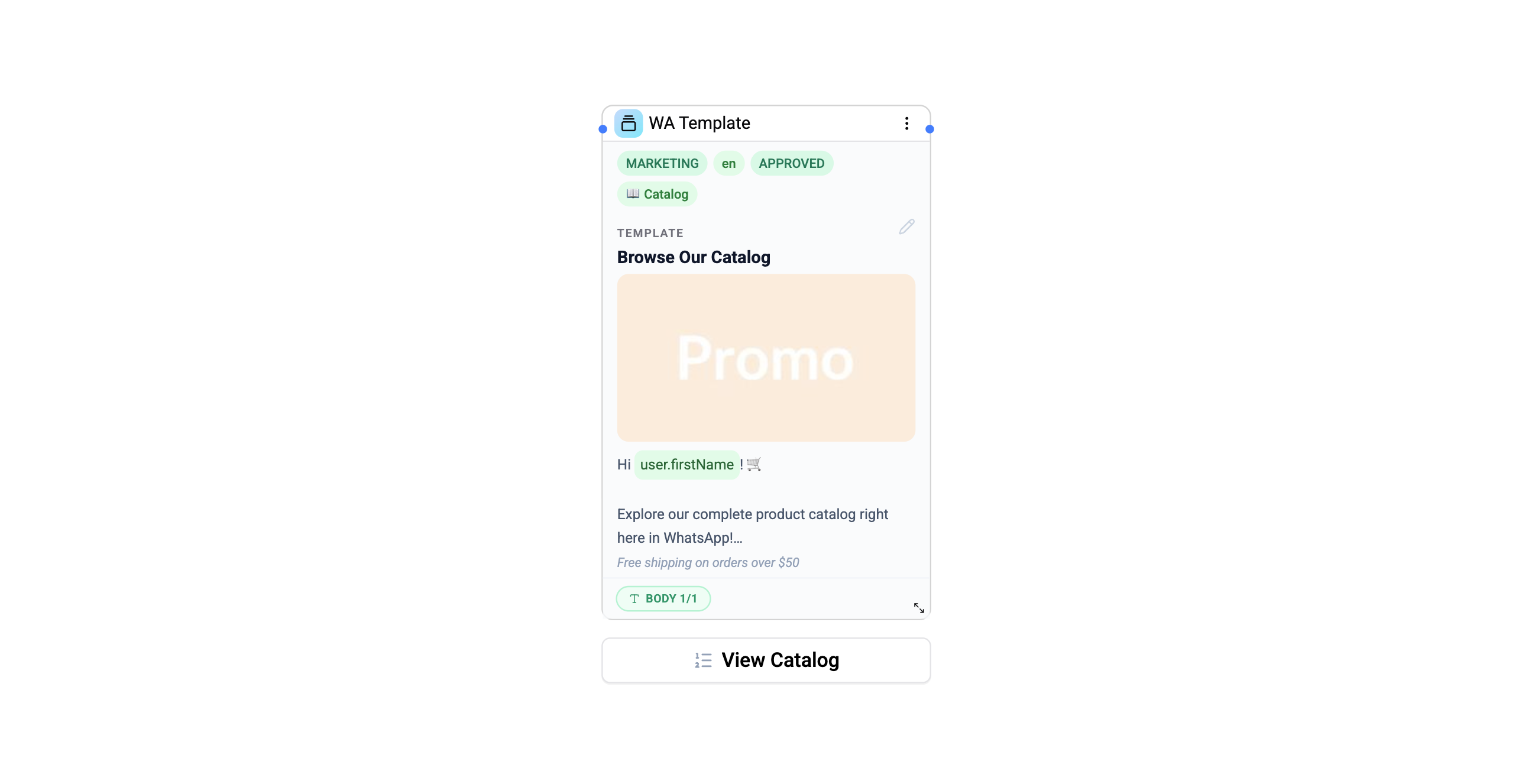
Configuration
| Setting | Description |
|---|---|
| Integration | Select the WhatsApp Business integration |
| Template | Select from approved templates |
| Variable overrides | Map flow variables to template placeholders |
Template Components
Templates can include:
- Header - Text, image, video, document, or location
- Body - Main text with variable placeholders (
{{1}},{{2}}) - Footer - Optional footer text
- Buttons - Quick reply, URL, phone, or copy code buttons
Variable Mapping
Map flow variables to template placeholders:
{{1}} → {{user.first_name}}
{{2}} → {{flow.orderCard.orderId}}
{{3}} → {{system.currentDate}}
Header media can be set via a media ID. Button URL suffixes can also use variables.
Routing Behavior
The WA Template card supports two modes depending on whether the template has routable quick reply buttons:
| Template Type | Behavior |
|---|---|
| No routable buttons | Fire-and-forget - the template is sent and the flow continues immediately |
| With quick reply buttons | Two-phase - the template is sent, the flow pauses, and resumes when the contact clicks a button |
When quick reply buttons are configured, each button creates an output connection for branching.
Connections
- 1 input port - Receives execution
- 1 output port - Default continuation (fire-and-forget mode)
- Multiple output ports - One per quick reply button (routing mode)
Use Cases
- Order confirmations - Send structured order updates
- Appointment reminders - Scheduled template messages
- Marketing campaigns - Broadcast approved marketing content
- Re-engagement - Reach out after the 24-hour window
Operations Cost
1 operation per execution.
Templates must be approved by Meta/WhatsApp before they can be used. Manage your templates in the WhatsApp Business Manager.