FlowsCards
Audio Card
Send audio files or voice messages
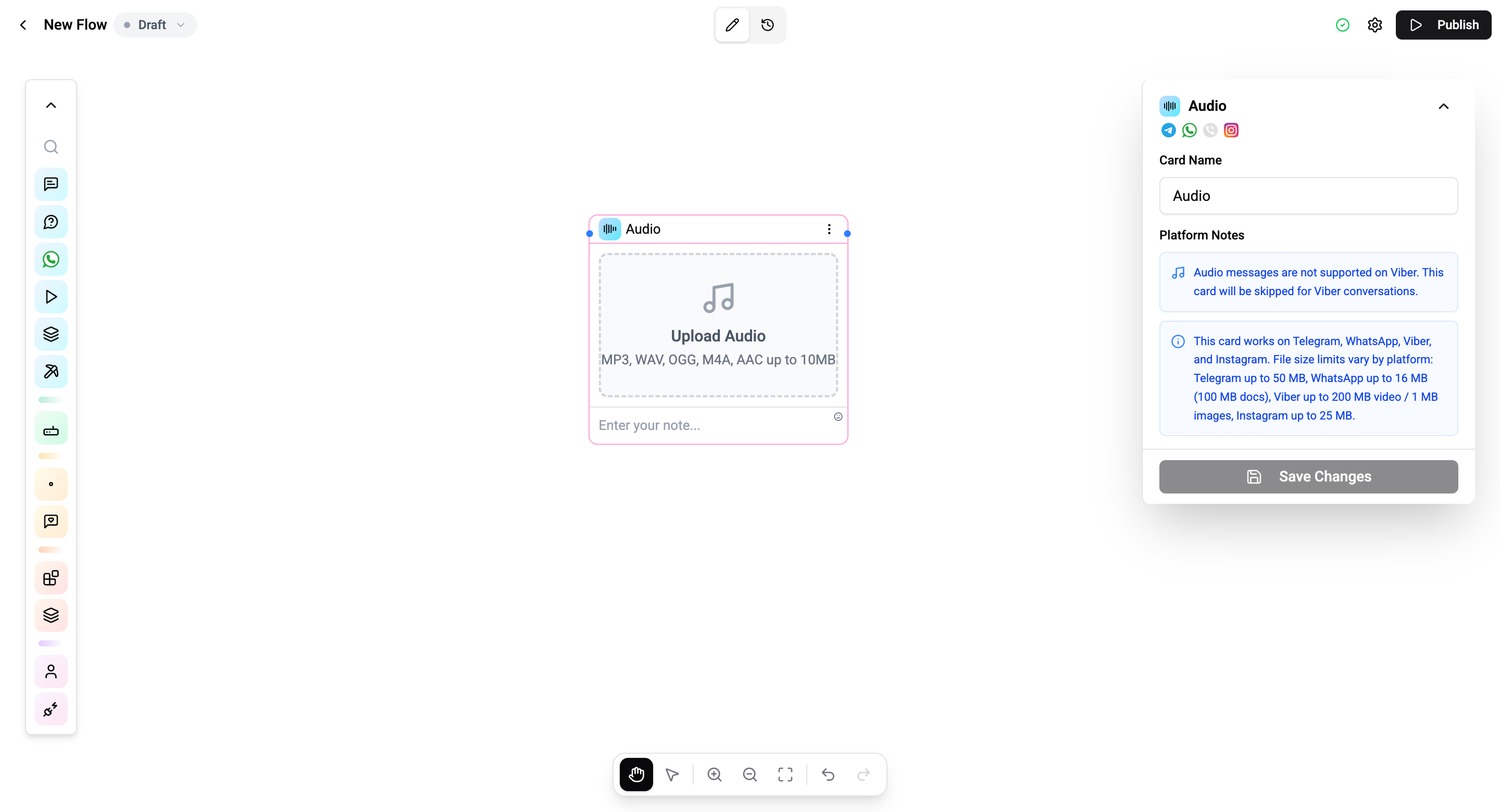
The Audio Card sends an audio file or voice message to the contact.
Configuration
| Setting | Description |
|---|---|
| Audio upload | Upload an audio file from your device |
| Voice message | Send as a voice message (circular player) vs. audio file |
| Caption | Optional text with the audio |
Supported Formats
| Format | Description |
|---|---|
| MP3 | Standard audio |
| OGG | Opus-encoded for voice messages |
| WAV | Uncompressed audio |
| M4A | AAC audio |
Voice vs. Audio File
- Voice message - Displayed as a playable voice note with waveform (like a regular voice message)
- Audio file - Displayed as a downloadable file attachment
Operations Cost
1 operation per execution.
To send audio with interactive buttons, use the Audio Button Card.