FlowsCards
Note Card
Add internal notes visible only to your team
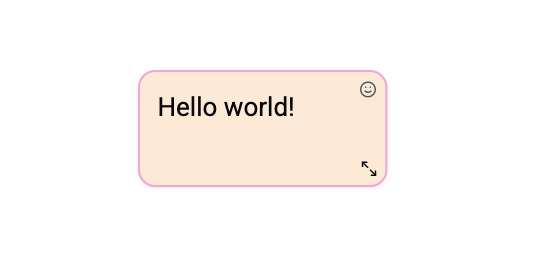
The Note Card adds an internal annotation to the flow. Notes are not sent to the contact - they are only visible in the flow editor.
Configuration
| Setting | Description |
|---|---|
| Note text | Rich-text internal note content |
Behavior
- Notes are skipped during flow execution - they do not affect flow logic.
- They appear on the canvas as resizable orange annotations.
- No connection ports - the Note Card is standalone and cannot be connected to other cards.
- They are included in version history snapshots.
Use Cases
- Documentation - Explain the purpose of a flow section.
- Instructions - Leave notes for other team members.
- Annotations - Add context to complex logic.
Operations Cost
0 operations - Notes don't execute any actions.