Getting Started
Workspace Overview
Understanding your Wexio workspace
Your Wexio workspace (organisation) is the central hub where all your team's activity happens.
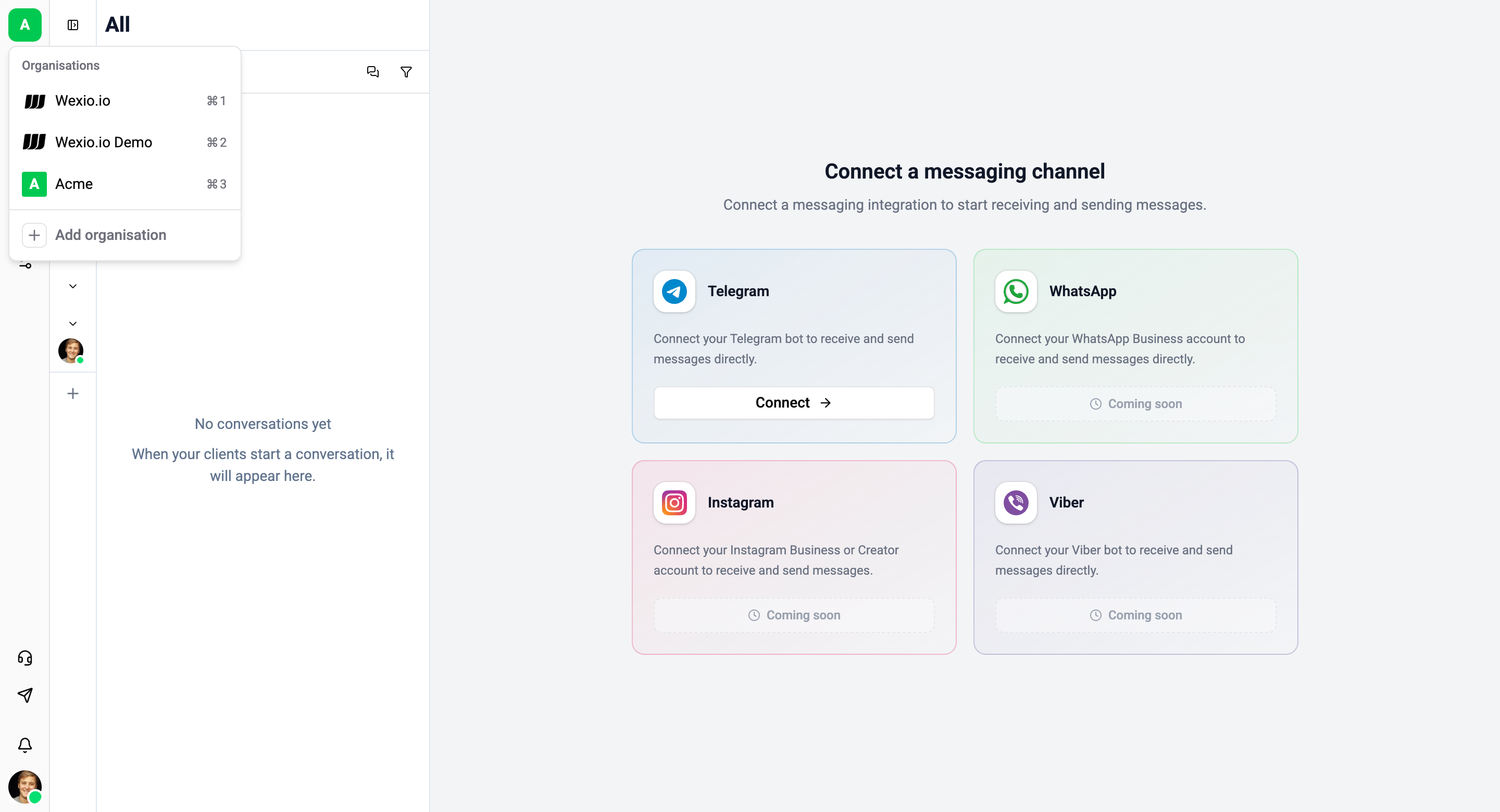
Navigation
The main sidebar provides access to all features:
- Inbox - Customer conversations
- People - Contact database
- Flows - Automation workflows
- Library - Templates and quick replies
- Analytics - Performance dashboards
- Integrations - Connected services
- Settings - Workspace configuration
Organisation Switcher
If you belong to multiple organisations, you can switch between them using the organisation switcher in the top-left corner of the sidebar.
Roles & Permissions
Wexio uses role-based access control with four roles:
| Role | Description |
|---|---|
| Owner | Full access, billing management, can delete organisation |
| Admin | Full access to all features, can manage team members and settings |
| Editor | Can create and edit flows, templates, and contacts - cannot manage team or settings |
| Agent | Inbox-only access - can view and respond to conversations |
Permission breakdown
| Permission | Owner | Admin | Editor | Agent |
|---|---|---|---|---|
| Access Inbox & respond to chats | ✅ | ✅ | ✅ | ✅ |
| Manage contacts (People) | ✅ | ✅ | ✅ | ❌ |
| Create & edit Flows | ✅ | ✅ | ✅ | ❌ |
| Create & edit Templates | ✅ | ✅ | ✅ | ❌ |
| Manage Integrations | ✅ | ✅ | ❌ | ❌ |
| Manage Team members | ✅ | ✅ | ❌ | ❌ |
| Manage Organisation settings | ✅ | ✅ | ❌ | ❌ |
| Manage Billing & subscription | ✅ | ❌ | ❌ | ❌ |
| Delete Organisation | ✅ | ❌ | ❌ | ❌ |
Some features like Integrations management and Team settings require Admin or Owner role.