AI
AI Providers
Connect and configure AI providers
Wexio supports multiple AI providers. You need to connect at least one before creating an AI assistant.
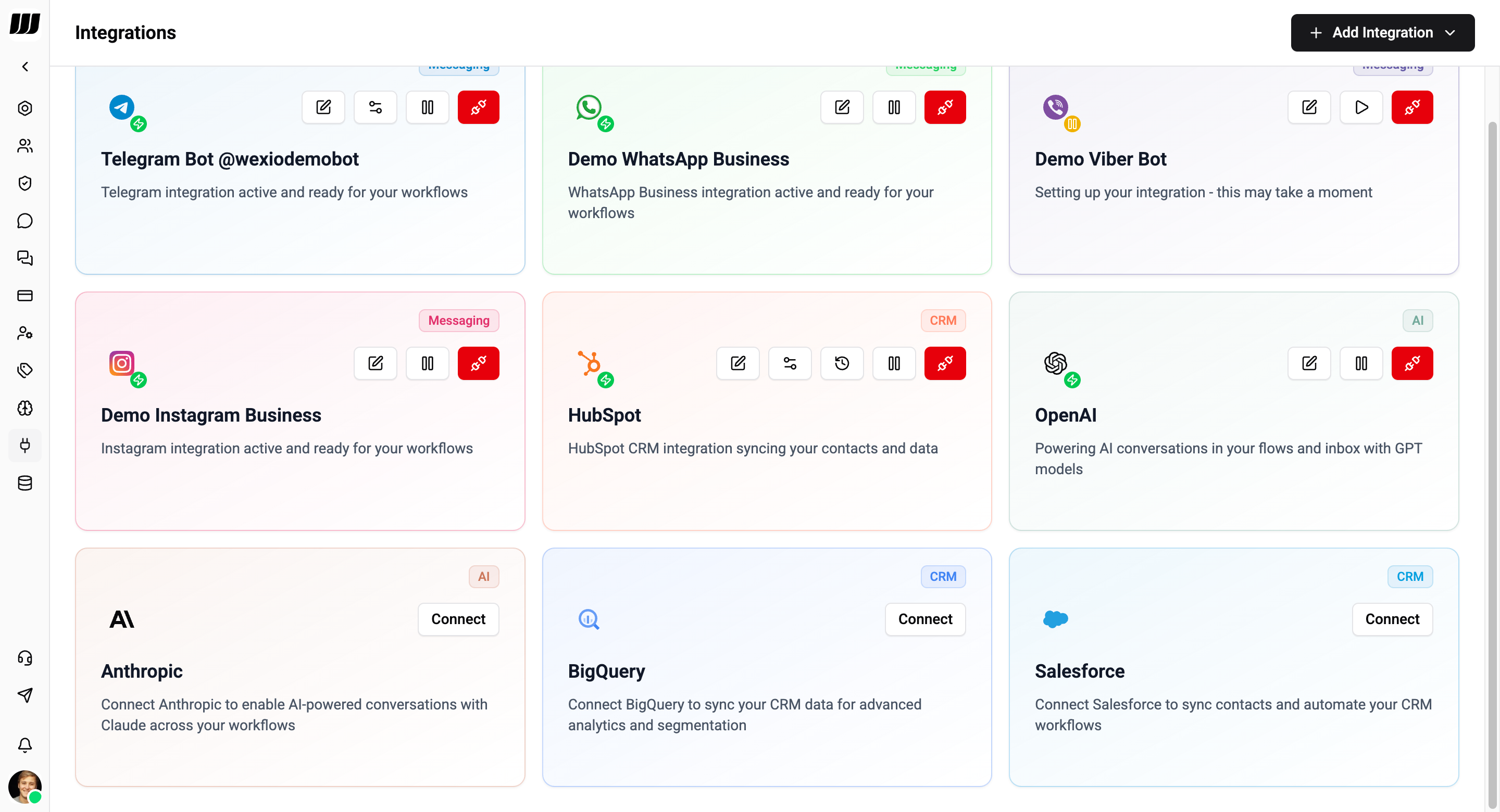
Supported Providers
OpenAI
Connect your OpenAI account to use GPT models, DALL-E, Whisper, and TTS.
Setup:
- Go to Settings → Integrations
- Find OpenAI and click Connect
- Enter your OpenAI API key
- Save
Capabilities:
- Chat - all available models returned by the OpenAI API, including the latest releases
- Image generation
- Text-to-speech
- Audio transcription
- Vision (multimodal models)
Anthropic
Connect Anthropic to use Claude models for AI-powered conversations.
Setup:
- Go to Settings → Integrations
- Find Anthropic and click Connect
- Enter your Anthropic API key
- Save
Capabilities:
- Chat - all available models returned by the Anthropic API, including the latest releases
Anthropic does not support image generation, text-to-speech, or audio transcription. Use OpenAI for those capabilities.
Wexio automatically fetches the full list of models from each provider's API, so new models are available as soon as the provider releases them - no update required.
API keys are managed in Settings → Integrations → AI Providers.
Choosing a Provider
| Factor | OpenAI | Anthropic |
|---|---|---|
| Best for | Full-featured AI (chat, images, audio) | Nuanced conversations |
| Chat models | All available OpenAI models | All available Anthropic models |
| Image generation | ✅ | ❌ Not supported |
| Text-to-speech | ✅ | ❌ Not supported |
| Transcription | ✅ | ❌ Not supported |
You can connect both providers and use different ones for different assistants.