InboxChatMessages
Button Messages
Interactive messages with inline buttons and reply keyboards
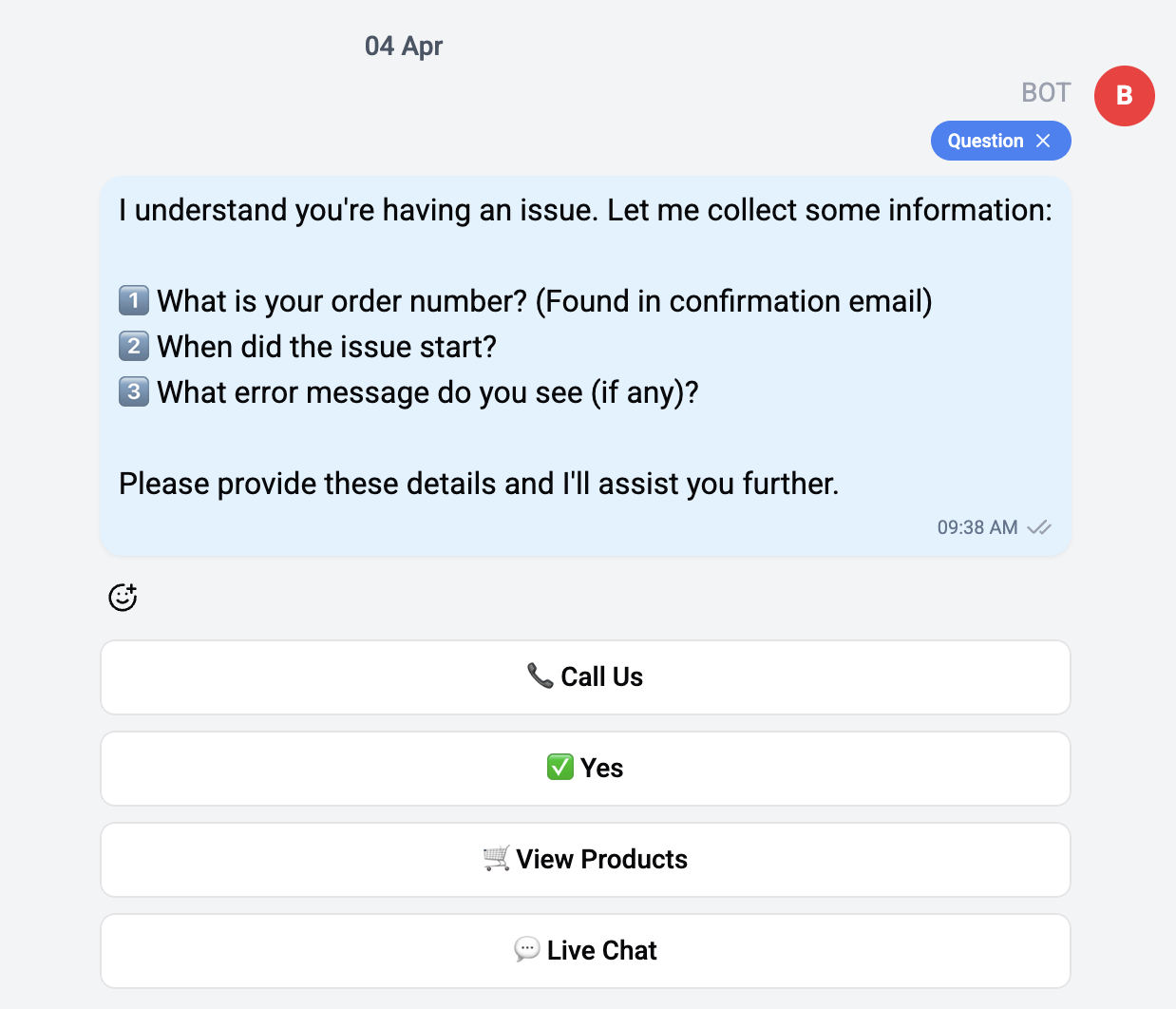
Button messages combine text or media with interactive buttons that contacts can tap to take action.
Variants
| Variant | Description |
|---|---|
| Buttons | Text message with buttons below |
| Media Buttons | Image or video with buttons |
| Audio Buttons | Audio message with buttons |
| Document Buttons | Document with buttons |
Button Types
Each button can perform a different action:
| Button Type | Description | Channels |
|---|---|---|
| Callback | Triggers a specific branch in a flow | All |
| URL | Opens a link in the user's browser | All |
| Contact Request | Asks user to share their phone number | Telegram |
| Location Request | Asks user to share their location | Telegram, WhatsApp |
| Telegram Web App | Opens a Telegram Mini App | Telegram |
| Telegram Login | Authenticates via Telegram Login widget | Telegram |
| Telegram Pay | Initiates a Telegram payment | Telegram |
| Phone | Displays a phone number to call | |
| Catalog | Opens the product catalog | |
| Product | Shows a specific product | |
| Product List | Shows multiple product cards | |
| WhatsApp Flow | Launches a WhatsApp Flow |
Interaction
When a contact taps a callback button:
- The button press is registered and displayed in the conversation
- If connected to a flow, the corresponding branch continues executing
- The button text and callback data are logged
URL buttons open directly in the contact's browser/app without any server-side processing.
Display
Buttons render as a row of tappable elements below the message content. The layout adapts to the number of buttons and the channel's capabilities.
The maximum number of buttons varies by channel. Telegram supports up to 100 inline buttons, while WhatsApp supports up to 3 quick reply buttons per message.