SettingsIntegrations
AI Providers
Connect OpenAI and Anthropic for AI assistants
AI providers power the AI Assistants in Wexio. Connect your API keys to enable AI-driven automated conversations.
OpenAI
Setup:
- Go to Settings → Integrations
- Find OpenAI and click Connect
- Enter your OpenAI API key
- Save
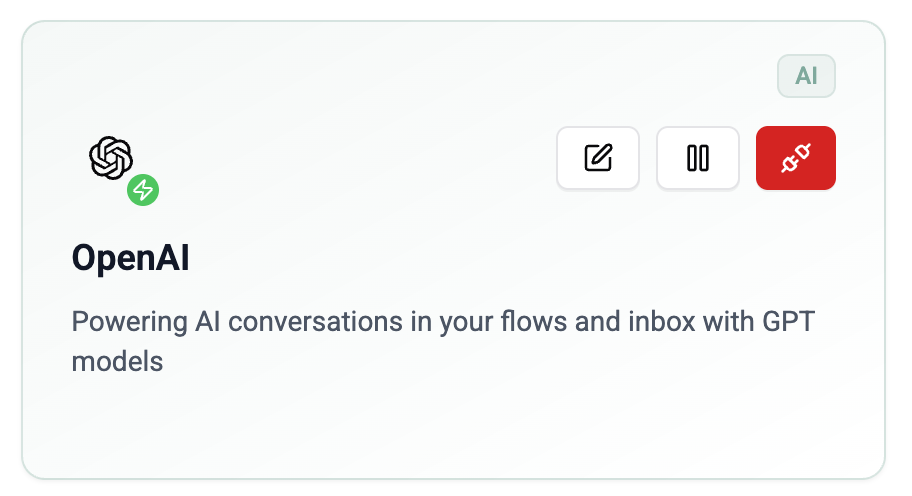
Available models are fetched directly from OpenAI, so you always have access to the latest models.
Anthropic
Setup:
- Go to Settings → Integrations
- Find Anthropic and click Connect
- Enter your Anthropic API key
- Save
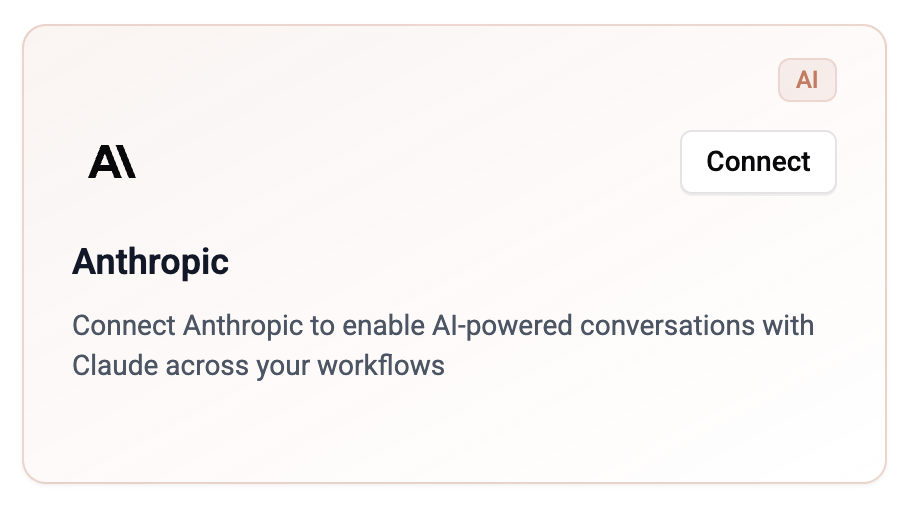
Available models are fetched directly from Anthropic, so you always have access to the latest models.
API Key Security
API keys are encrypted and stored securely. Only workspace admins and owners can manage integrations.
- Keys are never displayed after saving
- Each workspace uses its own keys
- Usage is billed directly by the AI provider based on your API plan