Help Center
The widget's Help tab - articles, folders, tags, reactions, and the AI knowledge base
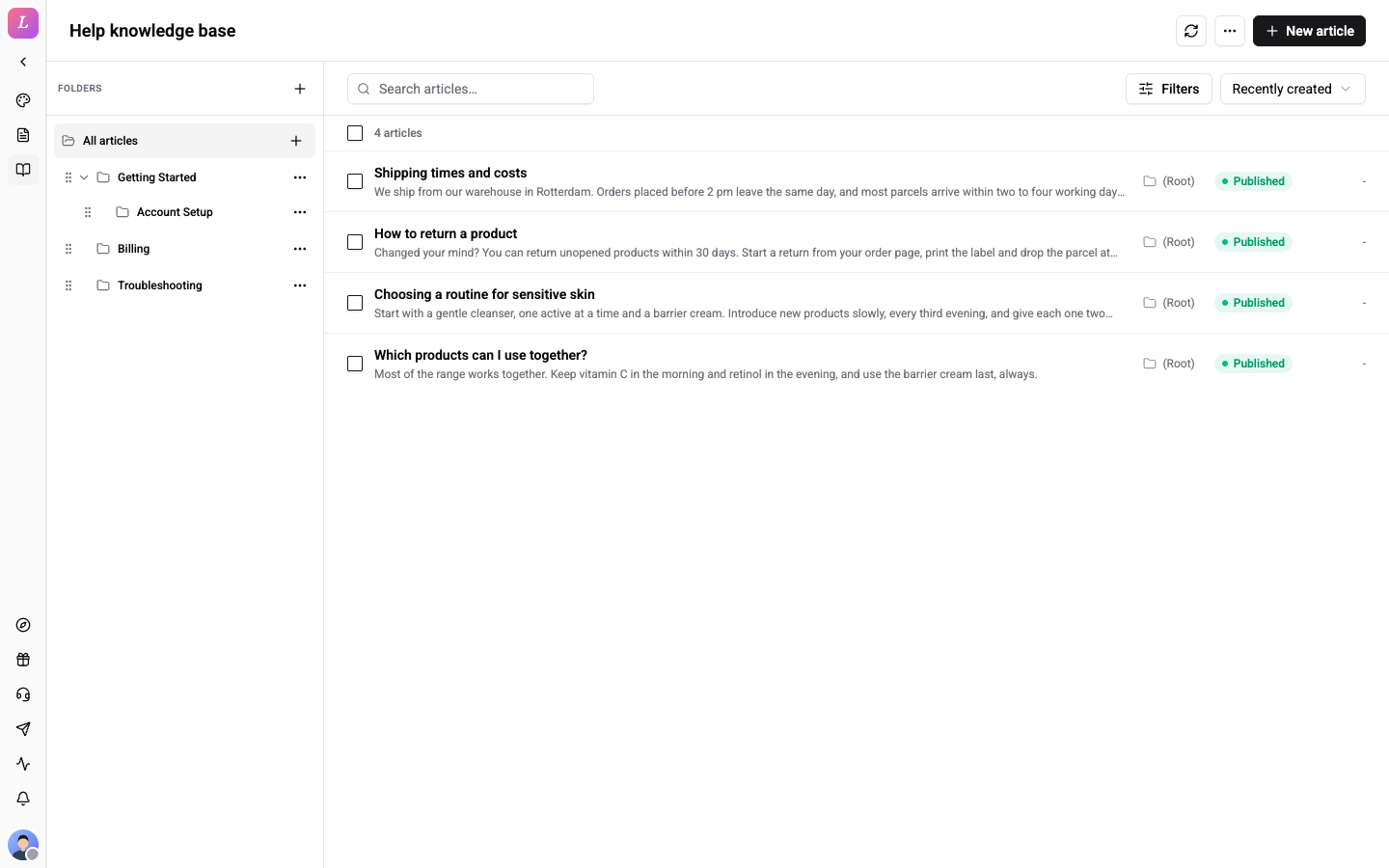
The Help knowledge base page (/{org}/web/help) backs the widget's Help tab: a searchable knowledge base of articles organised into folders and tagged for filtering. Published articles also feed the AI assistant.
If no widget exists yet, opening this page as a Standard+ admin auto-provisions one.
Write an Article
- Open Help and click New article.
- Fill the Title and the Content. Pick Markdown or HTML for the body. HTML is sanitised on save. The Preview tab shows the article as a visitor sees it.
- Click Details to set the Slug, Folder, Locale and Canonical URL, and to add tags.
- Click Save draft, or Publish to make it live. Unpublish moves it back to a draft.
Published articles appear in the widget's Help tab and are indexed for the AI assistant. Title and content are required. is shown if either is empty.
Folders
A folder tree organises articles hierarchically. Click Add root folder, then create, rename, move, or delete folders; the widget's Help tab mirrors the structure. Selecting a folder filters the list. The toggle switches between Including subfolders and Direct children only. A folder with subfolders or articles can't be deleted: move its children out first.
Tags
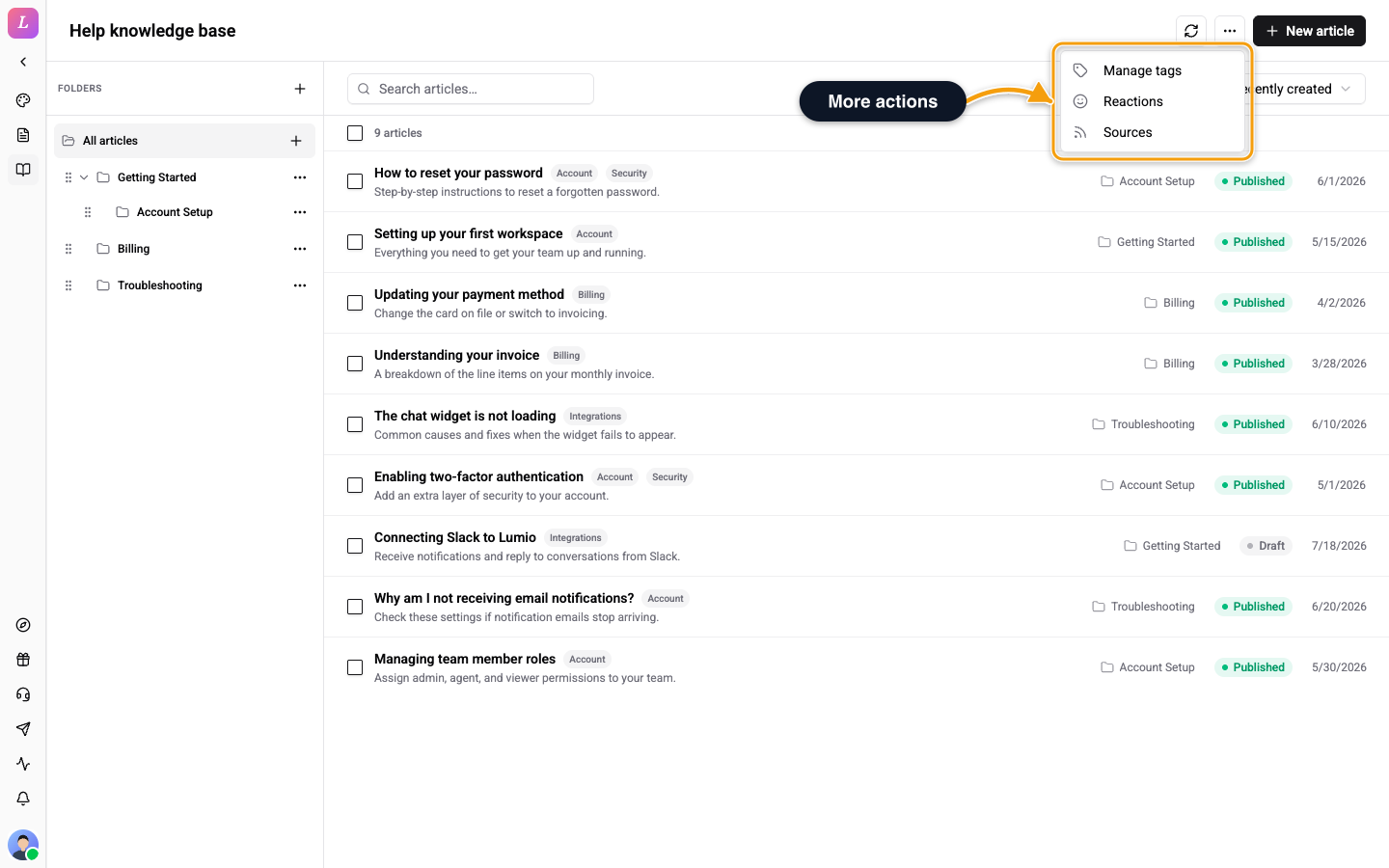
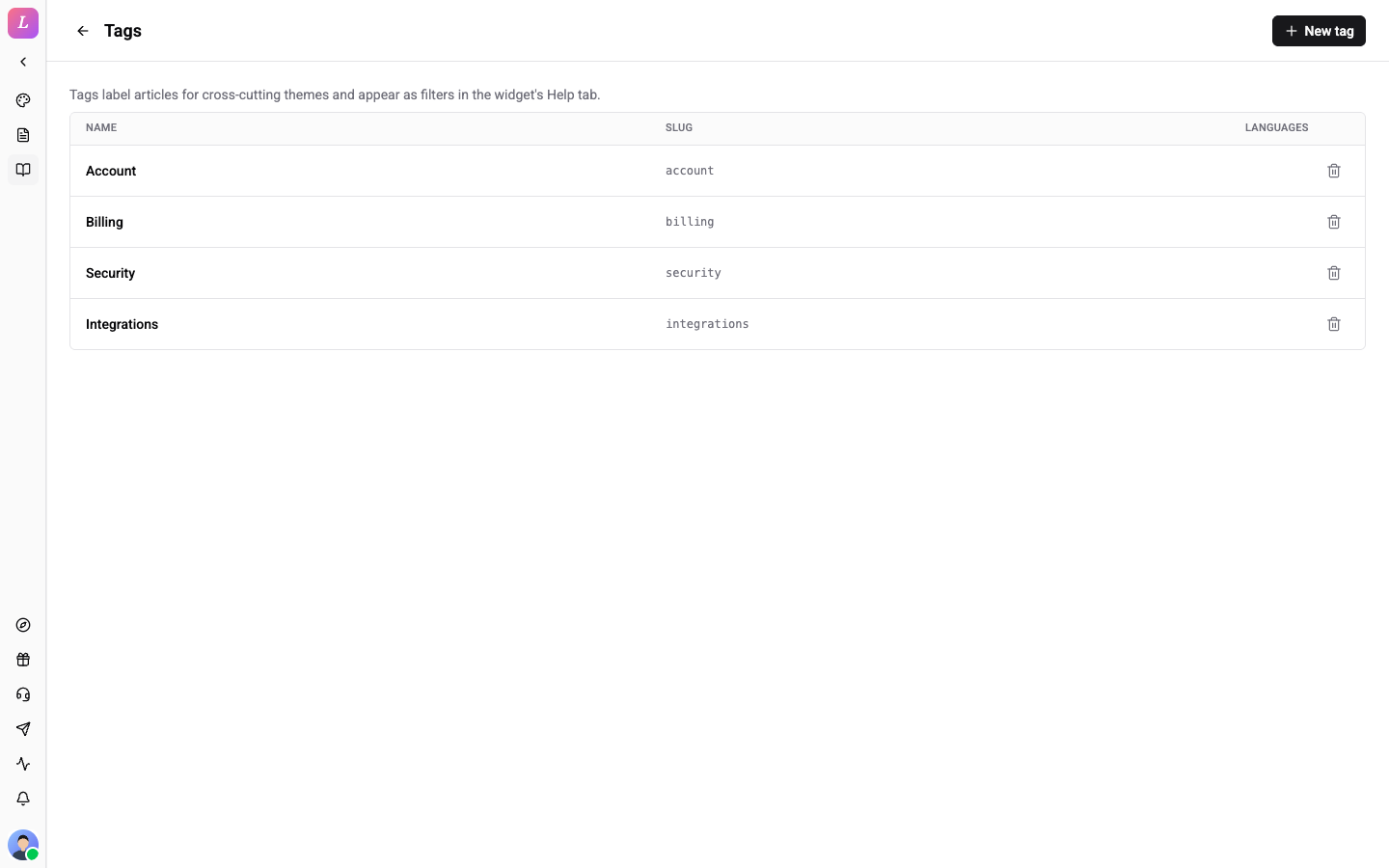
Tags label articles for cross-cutting themes and appear as filters in the widget's Help tab. Open the More actions menu and choose Manage tags to open the Tags page. Click New tag to add one, or open a tag to edit it. An empty list shows No tags yet. Click the back arrow to return. Tags use the same fields as categories and tags in News.
Filter and Bulk Edit
The filter bar combines folder, Status (Published or Draft), Tags, Language, Translation (Missing translation or Fully translated), a sort order and a search box. Tick several articles to show the bulk bar. Open Actions to Move to… a folder or Delete them together.
Reactions
Visitors can react to articles. Open More actions, then Reactions to set the Help palette (the default is 👍 / 👎). Turn on Show reactions in widget to show the bar, and click Add slot to add an emoji. A palette holds 2 to 5 slots. Each visitor gets one vote per article.
Visibility and Locale Fallback
- An article shows in a given widget only if both the article and its folder are scoped to that widget. Use Show in widgets to choose. An article scoped to no widget is AI assistant only: indexed for the assistant but never displayed. An article assigned to a widget its folder is not in shows a warning and stays hidden there.
- Untranslated articles follow the widget's
contentLocaleFallbacksetting.
The AI Knowledge Base
Published help articles are automatically sliced into knowledge chunks (text + embeddings) used by the AI assistant for retrieval and semantic answers. This happens automatically. You do not edit chunks directly.
Excerpts
Excerpts show as plain text in the dashboard and in the widget, where long ones are shortened for display. Excerpts from an RSS source are cut at 500 characters when the source uses the default field map. A custom excerpt mapping and webhook sources keep the full excerpt.
Roles
Admin / Owner / Editor have full edit access. Agents are view-only.
Related
- Content Ingestion - mirror an existing knowledge base via RSS or webhook push.
- News - the News tab, its categories and tags, and reactions.