InboxChatMessages
Template Messages
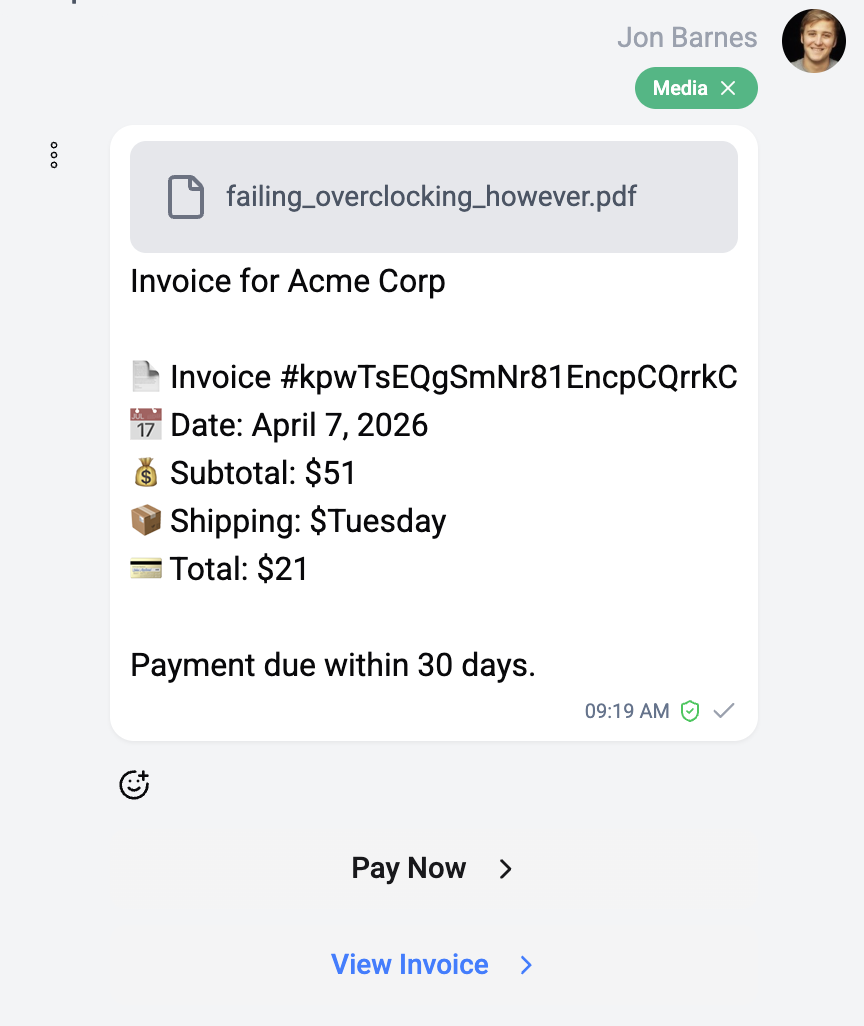
Pre-approved WhatsApp message templates with media and carousels
Template messages are WhatsApp-specific pre-approved message formats required for initiating conversations or sending messages outside the 24-hour messaging window.
Structure
A WhatsApp template message can contain:
| Component | Description |
|---|---|
| Header | Optional media (image, video, document) or text |
| Body | Main message text with variable placeholders |
| Footer | Optional footer text |
| Buttons | Quick reply or call-to-action buttons |
Header Types
| Type | Description |
|---|---|
| Text | Static or variable text header |
| Image | Header image |
| Video | Header video |
| Document | Attached document (PDF, etc.) |
| Location | Map location header |
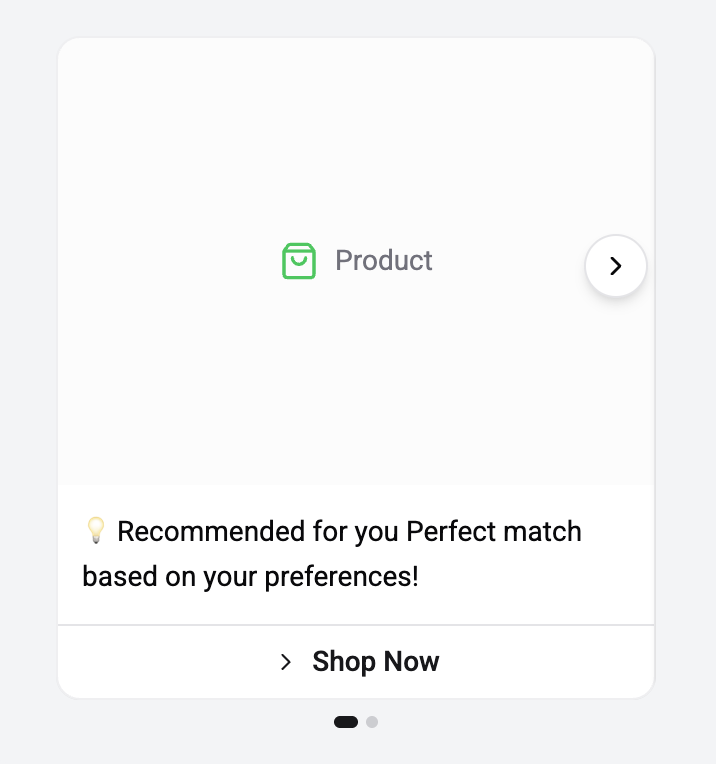
| Product | Product card from catalog |
Carousel Templates
Carousel templates contain multiple slides, each with its own media, text, and buttons:
- Horizontal scrollable carousel
- Each slide can have image/video, body text, and buttons
- Rendered using an Embla Carousel component in the inbox
- Users swipe through slides
Button Types on Templates
| Button | Action |
|---|---|
| Quick Reply | Sends a predefined response |
| URL | Opens a link (can include variables) |
| Phone | Displays a phone number to call |
| Copy Code | Copies a code to clipboard |
Template Badge
Template messages display a Template badge to distinguish them from regular messages. The header type is indicated with a color-coded icon.
Sending Templates
To send a template message from the inbox:
- Click the attachment menu (📎) in the editor
- Select WhatsApp Template
- Choose a template from the template selector modal
- Fill in any variable values
- Send
Templates must be pre-approved by WhatsApp/Meta before they can be used. Manage your templates in the WhatsApp Business Manager.