Catch All
Fallback flow that runs when no other flow matched
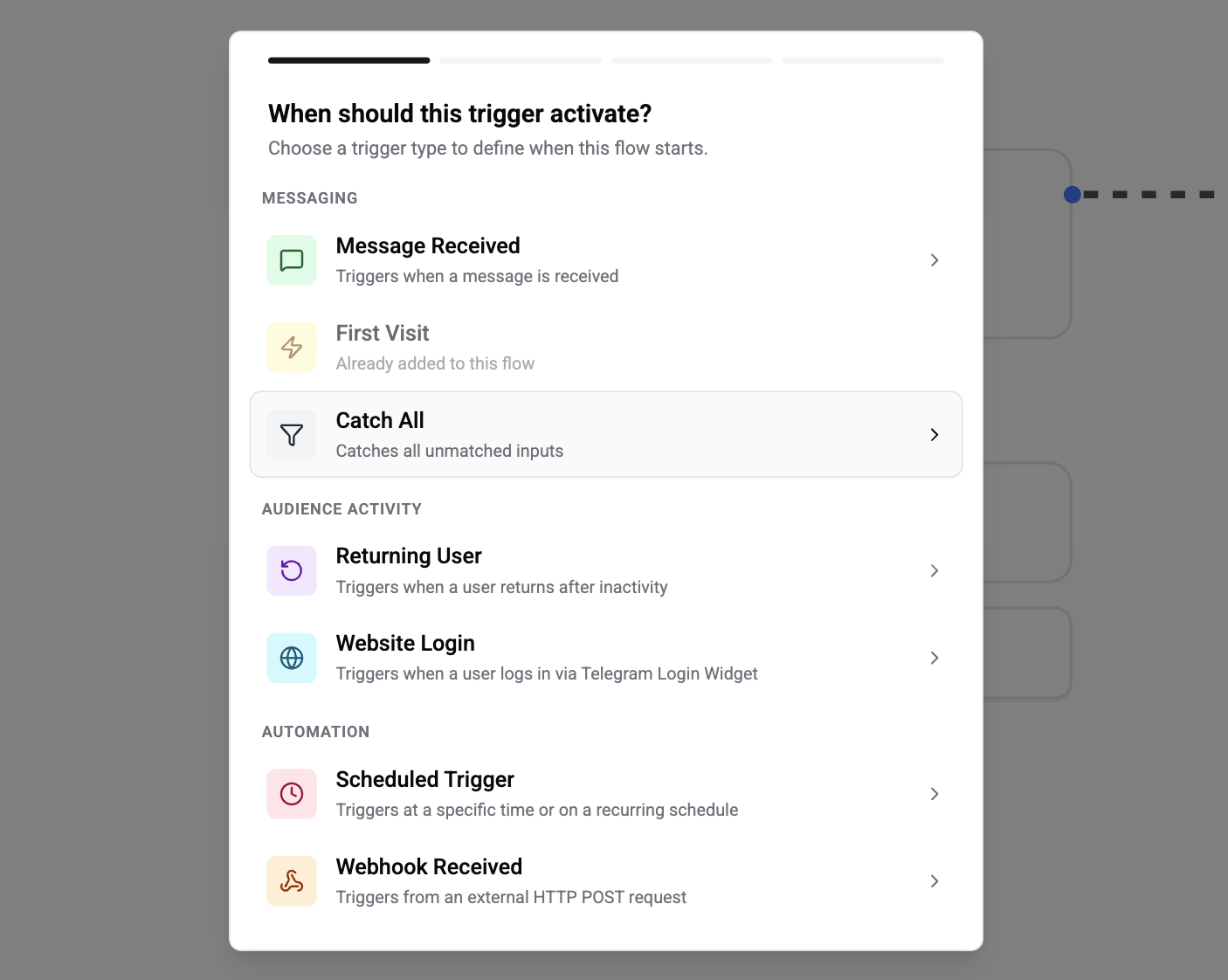
The Catch All trigger is your safety net. It fires for any incoming message that didn't match a rule on any other published flow - so instead of silently ignoring unexpected input, you can reply with a help menu, route to a human, or hand the message off to an AI agent.
Configuration
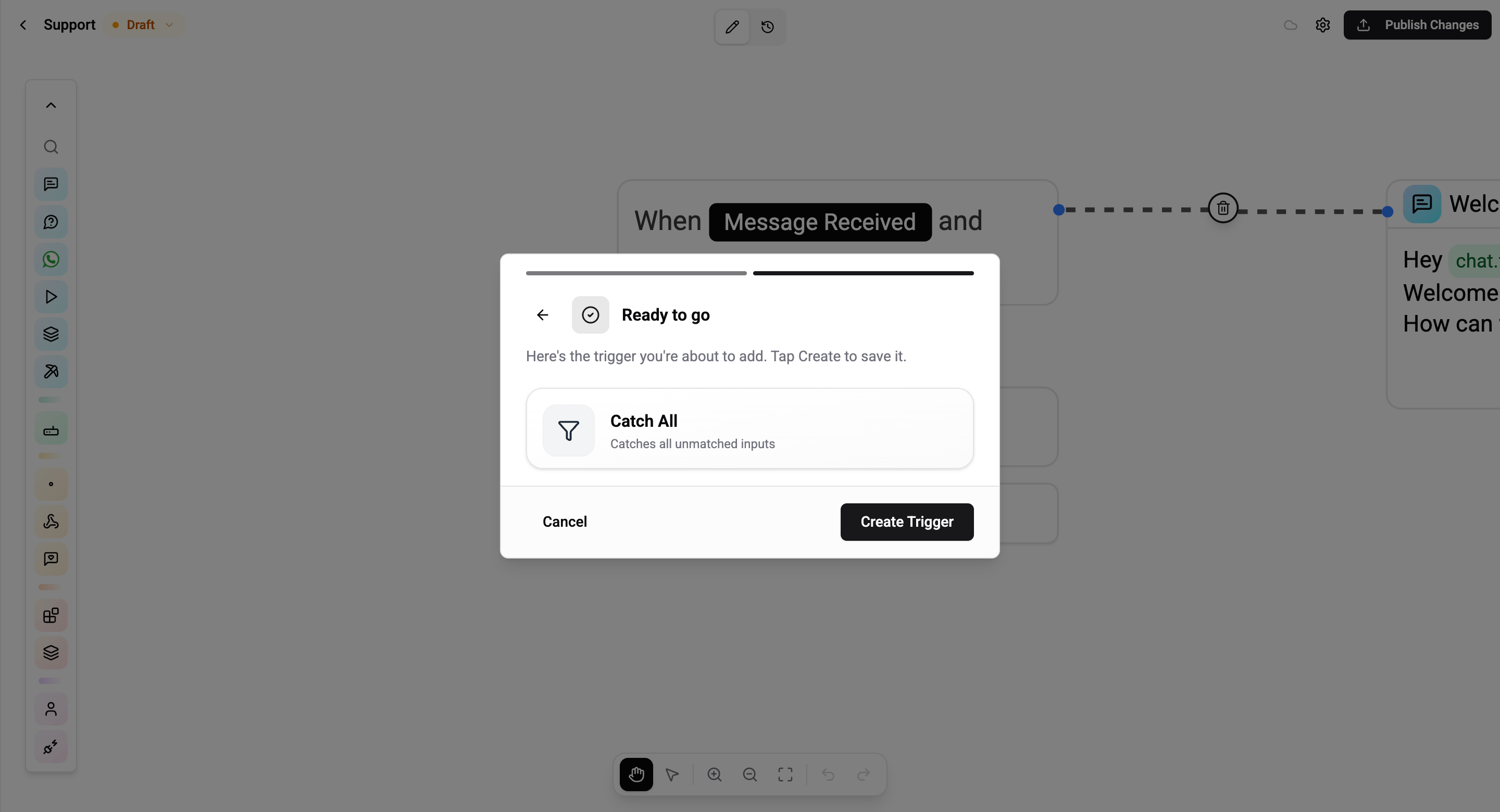
None. Pick Catch All in step 1, skip to the review step, and tap Create Trigger.
How It Works
Catch All has the lowest priority of any trigger. When a message arrives the engine first evaluates every other published flow (webhooks, schedules, first-visit, returning-user, message-received). A Catch All flow only runs if none of those matched.
Because it's defined as "fallback", Catch All always evaluates to true on its own - it's matched purely by the absence of other matches, not by any rule of its own.
Rules and Caveats
- Only one Catch All flow should be active per organisation or per integration. If several are published, the most recently updated one wins - the others are ignored.
- Reactive - the user just typed something, so the messaging window is open. Any card type works.
- Does not intercept commands bound to other flows. If
/supportis already handled by a Message Received flow, Catch All sees messages other than/support. - Still respects integration scope. A Catch All flow scoped to "WhatsApp only" in flow settings won't pick up Telegram messages.
Common Use Cases
- Default help menu - list the commands your bot understands when a user types something random
- AI fallback - hand every unrecognised message to an AI Agent that can answer free-form questions
- Route to human - use Assign Operator to hand the conversation to a live operator when the bot doesn't recognise the input
- Soft correction - gently remind the user of the accepted commands ("Sorry, I didn't get that - try
/help")
If your Catch All flow answers with an AI reply, add a short confidence-threshold branch - if the AI is unsure, fall back to escalating to a human instead of risking a wrong answer.