FlowsCards
Sub-flow Card
Execute another flow as a sub-flow with timeout and error handling
The Sub-flow Card triggers another flow within the current flow, enabling modular and reusable automation components. The parent flow pauses until the sub-flow completes, times out, or errors.
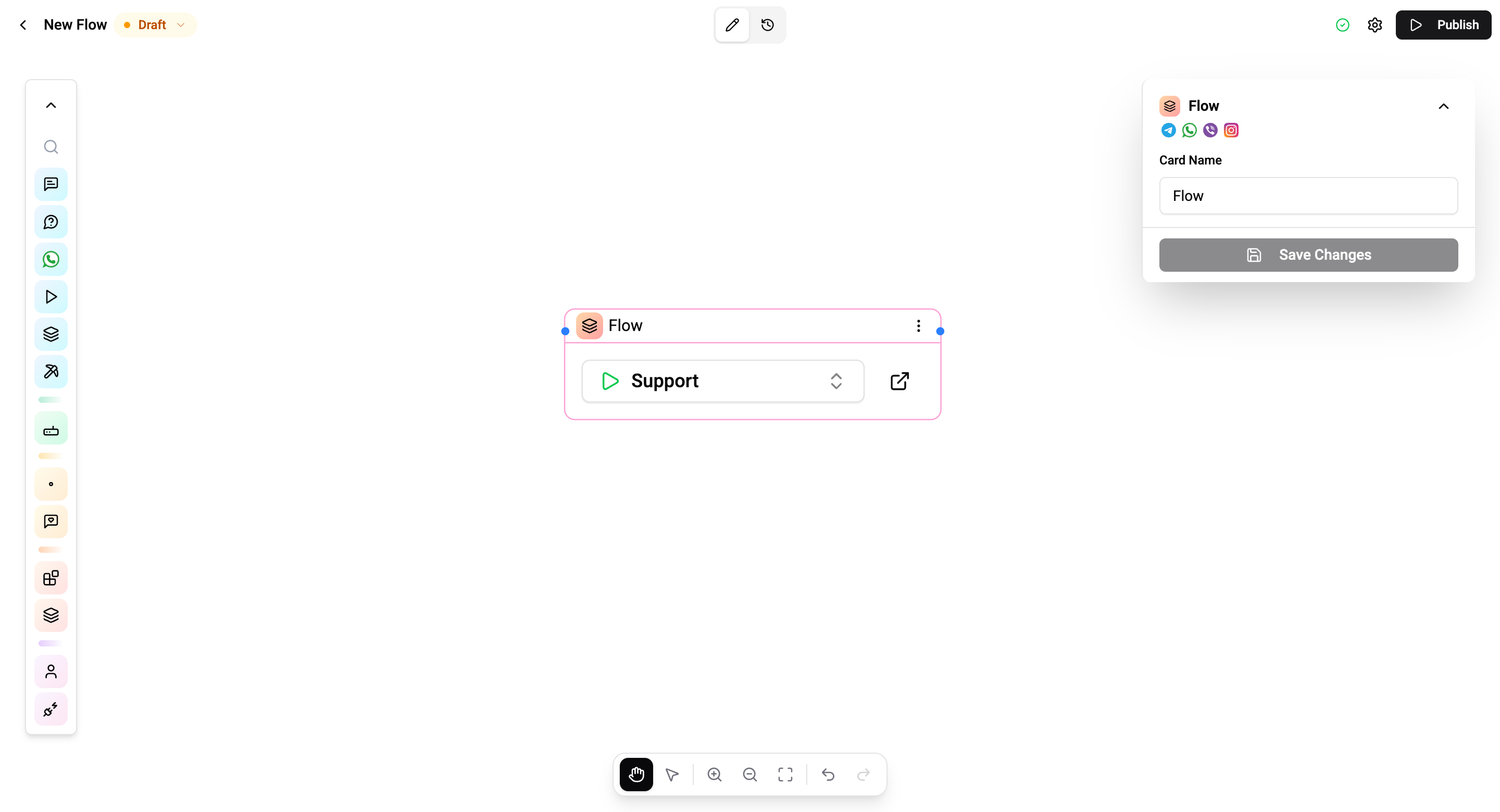
Configuration
| Setting | Description |
|---|---|
| Flow | Select the flow to execute as a sub-flow |
How It Works
- The parent flow reaches the Sub-flow card and pauses
- The selected sub-flow starts executing independently with its own timeout
- User messages are routed to the sub-flow while it's active
- When the sub-flow finishes, the parent flow resumes from the next connected card
- Sub-flow results can be stored in a parent flow variable
Connections
- 1 input port - Receives execution
- 1 output port - Continues after the sub-flow completes
Timeouts
Each sub-flow runs with its own independent timeout (default: 1 minute), separate from the parent flow's timeout. If the sub-flow doesn't complete within this time:
- The sub-flow is terminated
- The parent is automatically resumed via the timeout or error connection
- The parent's own timeout continues ticking independently
Use Cases
- Modular design - Build reusable flow components (e.g., "Collect address" flow)
- Complex workflows - Break large flows into manageable pieces
- Shared logic - Use the same sub-flow across multiple parent flows
- Error isolation - Sub-flow errors don't crash the parent
Operations Cost
2 operations per execution (plus the operations used by the sub-flow itself).
Be careful with deeply nested flows - each level adds latency and operations cost. Keep nesting depth reasonable (3–4 levels max recommended).