Account
Profile
Update your personal profile information
Manage your identity and how you appear across Wexio workspaces.
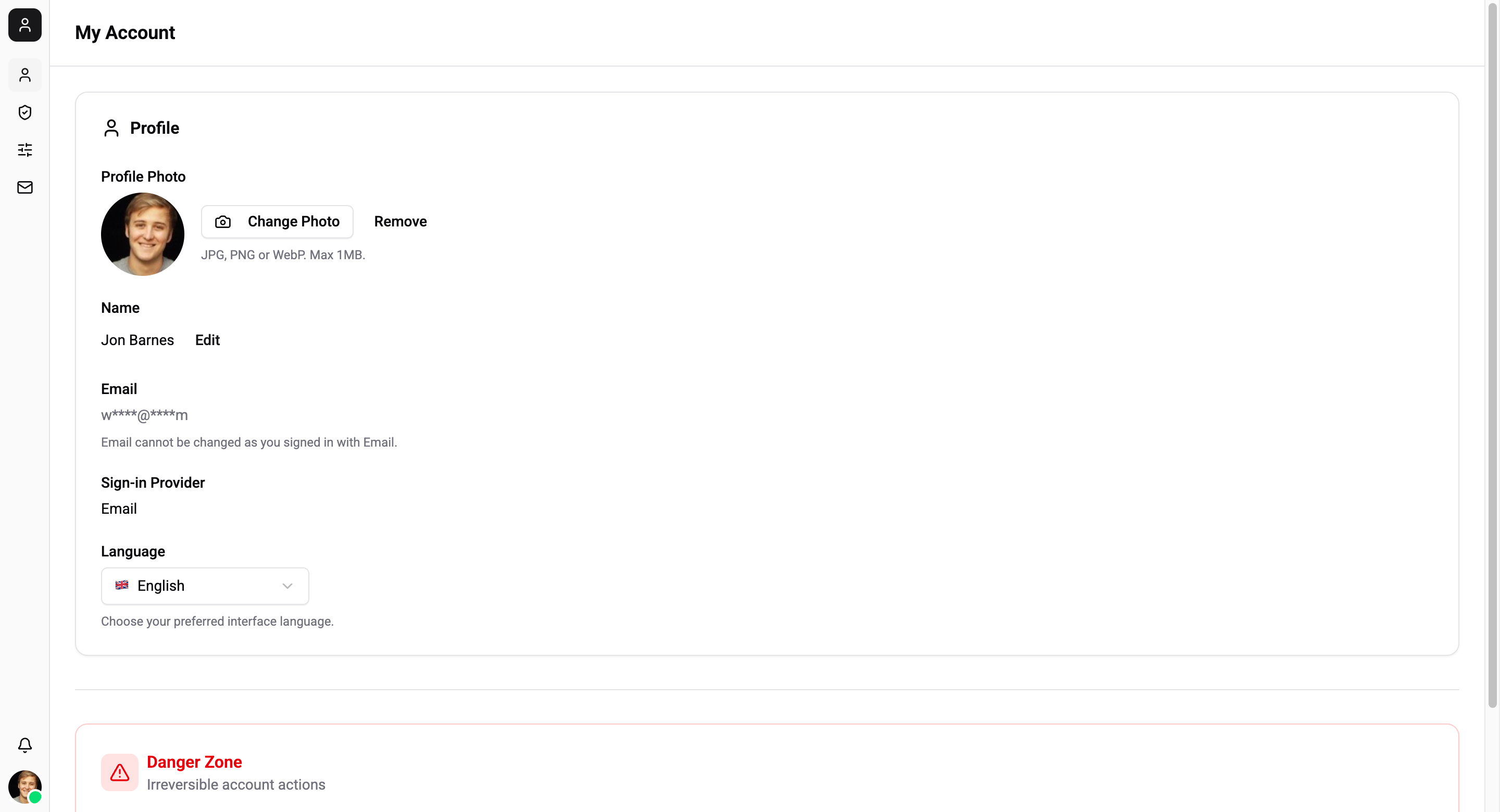
Profile Fields
| Field | Description |
|---|---|
| First name | Your given name |
| Last name | Your family name |
| Your login email address | |
| Avatar | Profile photo displayed in chats and the sidebar |
Updating Your Profile
- Navigate to Account → Profile
- Edit your name, email, or upload a new avatar
- Click Save
Deleting Your Account
Account deletion is permanent and cannot be undone.
Before deleting your account:
- You must transfer ownership of any workspaces you own
- All your data across all workspaces will be removed
To delete your account:
- Go to Account → Profile
- Scroll to the danger zone
- Click Delete Account
- Confirm the deletion