FlowsCards
Document Card
Send documents and files to the contact
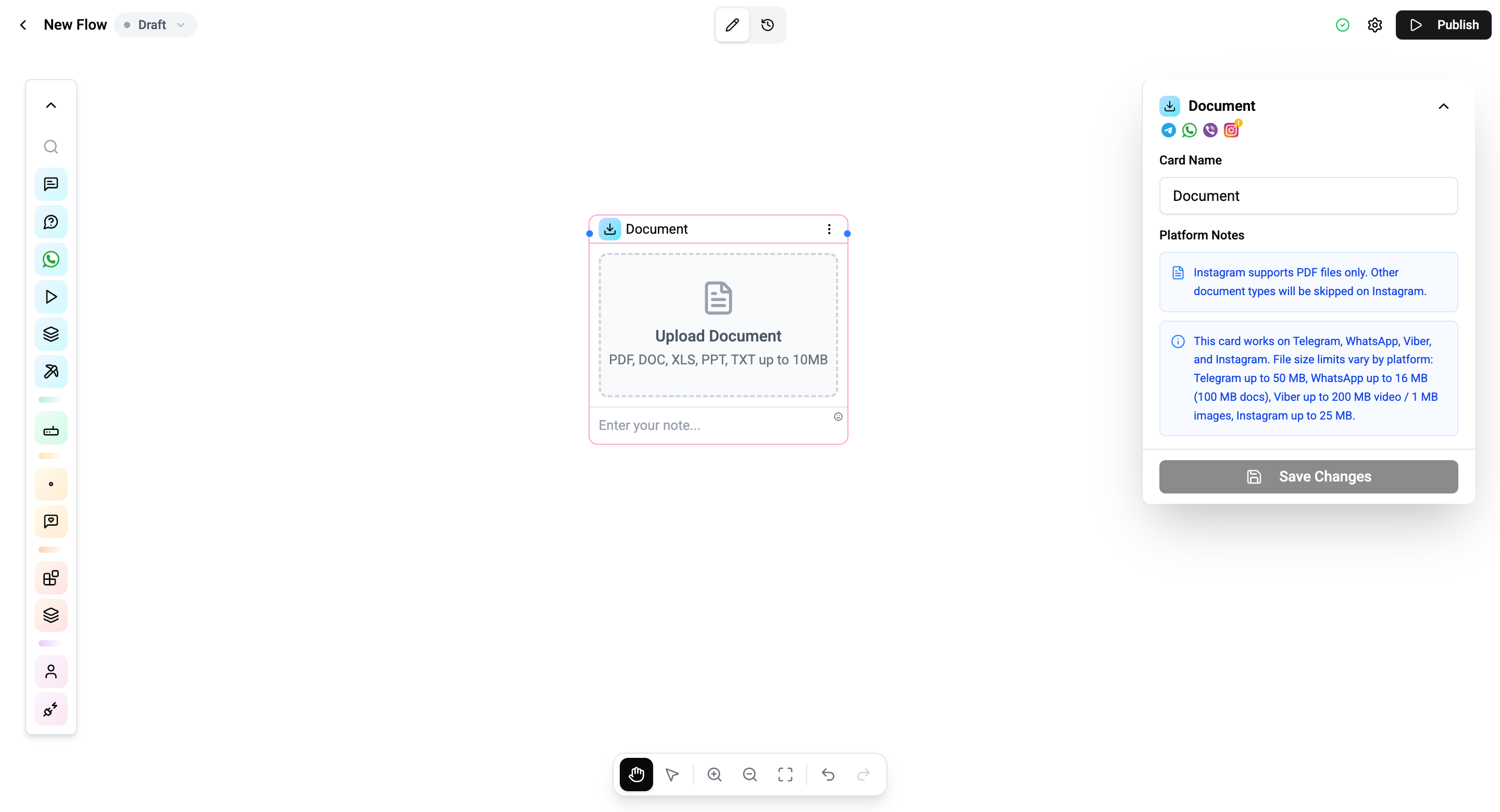
The Document Card sends a file attachment - PDFs, spreadsheets, archives, or other documents - to the contact.
Configuration
| Setting | Description |
|---|---|
| Document upload | Upload a file from your device |
| File name | Custom file name for the attachment |
| Caption | Optional text with the document |
Supported Formats
Any file type can be sent, including:
| Type | Examples |
|---|---|
| Documents | PDF, DOC, DOCX, TXT |
| Spreadsheets | XLS, XLSX, CSV |
| Presentations | PPT, PPTX |
| Archives | ZIP, RAR, 7Z |
| Other | Any file type |
File Size Limits
| Channel | Max Size |
|---|---|
| Telegram | 50 MB |
| 100 MB | |
| N/A (not supported) | |
| Viber | 200 MB |
Operations Cost
1 operation per execution.
To send a document with interactive buttons, use the Document Button Card.