Getting Started
Getting Started
Set up your Wexio workspace and get started in minutes
Welcome to Wexio! This guide will walk you through setting up your workspace, connecting your first messaging channel, and sending your first message.
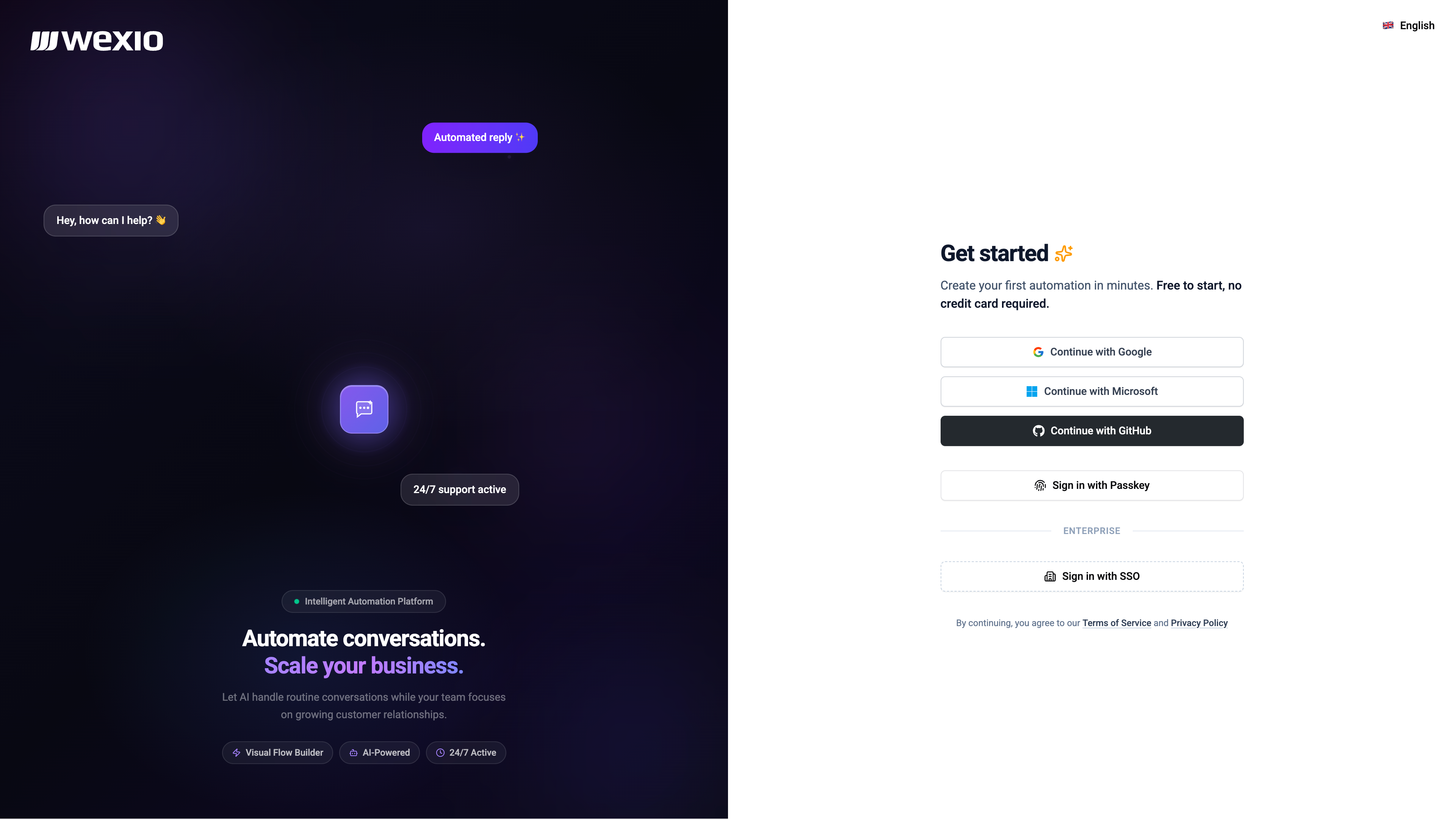
Step 1: Create an Account
Sign up at app.wexio.io using one of these methods:
- Google - Sign in with your Google account
- GitHub - Sign in with your GitHub account
- Microsoft - Sign in with your Microsoft account
- Passkey - Use biometric authentication (Touch ID, Face ID, security keys)
- SSO / SAML - Enterprise single sign-on via your Identity Provider (Enterprise plan only)
Step 2: Create Your Organisation
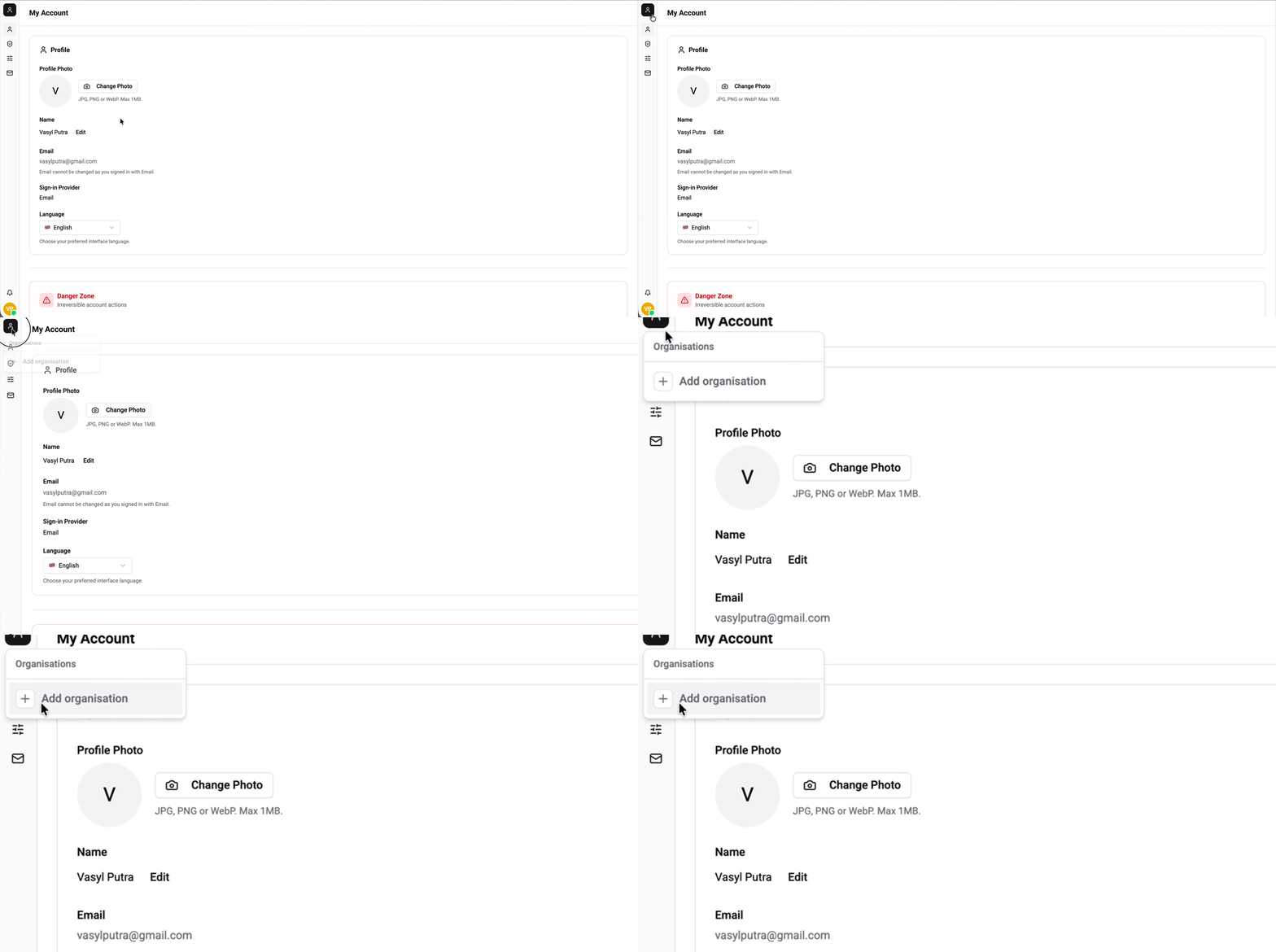
After signing up, you'll be prompted to create your first organisation through the onboarding wizard. This is your workspace where all team members, conversations, and automations live.
- Organisation name - Choose a descriptive name for your team or business
- Organisation slug - A URL-friendly identifier (auto-generated from name)
Step 3: Connect a Messaging Channel
During onboarding, you'll be guided to connect your first messaging integration:
- Telegram - Connect your Telegram bot to start receiving messages
- WhatsApp - Cloud API via Meta, with templates outside the 24-hour window
- Instagram - Direct messages, plus post comments
- Viber - REST Bot API
You can skip this step and connect integrations later from Settings → Integrations.
Step 4: Set Up Billing
Choose a plan that fits your needs. Wexio offers plans from Free to Enterprise - view full pricing details and compare plans at wexio.io/pricing.