Account
Preferences
Customize your interface layout and default states
Customize your interface layout and default states. Each preference is a toggle that controls whether a UI element starts open or collapsed.
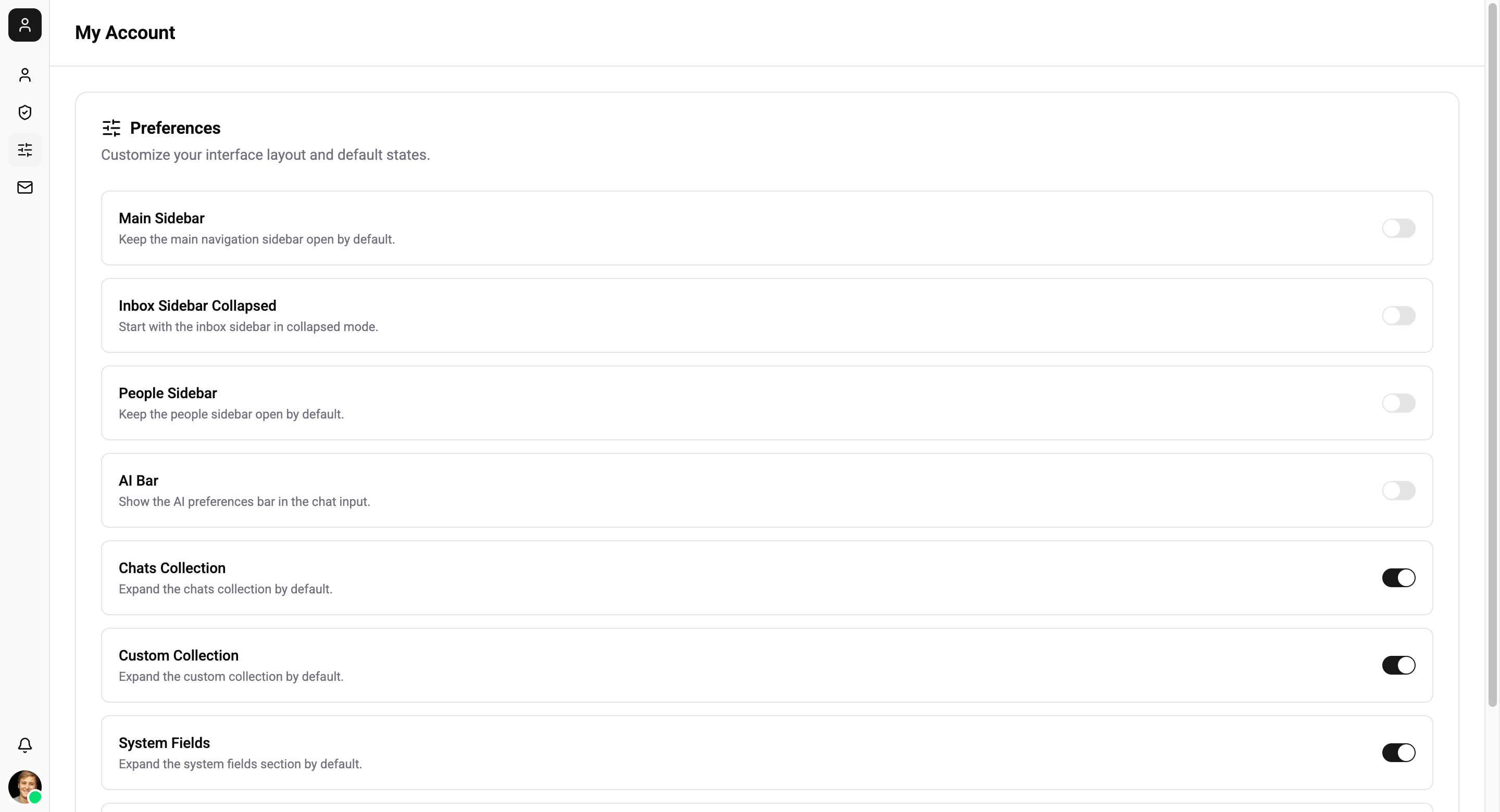
Available Preferences
| Preference | Description | Default |
|---|---|---|
| Main Sidebar | Keep the main navigation sidebar open by default | Off |
| Inbox Sidebar Collapsed | Start with the inbox sidebar in collapsed mode | Off |
| People Sidebar | Keep the people sidebar open by default | Off |
| AI Bar | Show the AI preferences bar in the chat input | Off |
| Chats Collection | Expand the chats collection by default | On |
| Custom Collection | Expand the custom collection by default | On |
| System Fields | Expand the system fields section by default | On |
| Custom Fields | Expand the custom fields section by default | On |
Preferences are saved per-user and persist across browser sessions. They apply only to your browser - other team members have their own preferences.
Changes apply instantly when toggled.