FlowsCards
WhatsApp Products Card
Send several products from your WhatsApp catalog in one message
WhatsApp catalogs are not available yet. They open for every organisation once Meta approves them. Until then this card is not in the card panel for new flows. A flow that already has it keeps it.
Add two or more products to the Product card and it goes out as a multi-product message. There is no separate card in the panel: you pick Product under WhatsApp.
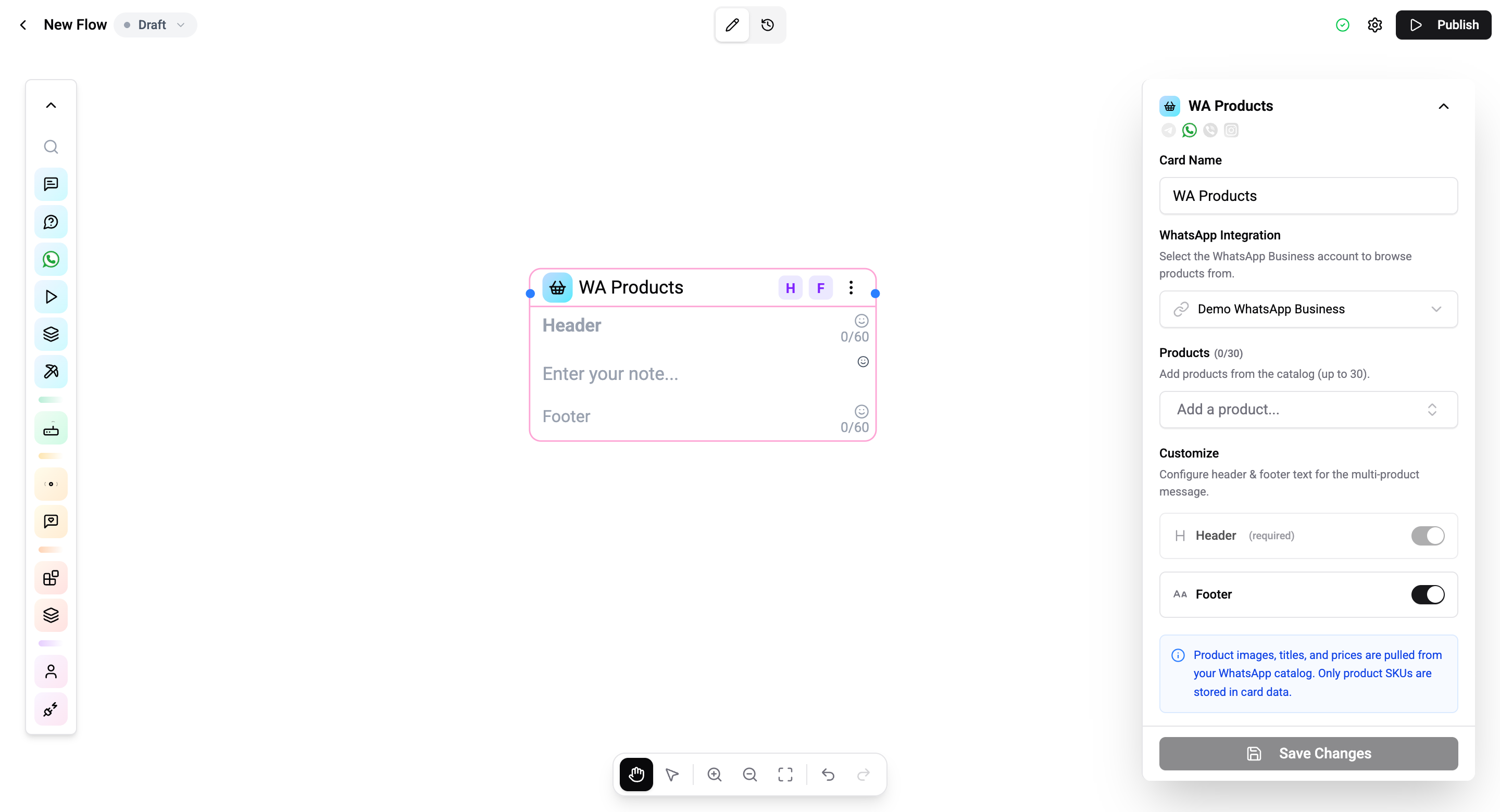
Configuration
| Setting | Description |
|---|---|
| WhatsApp Integration | The WhatsApp Business account to read products from. |
| Products | Up to 30 products from your catalog. Drag to reorder. |
| Header | Required with two or more products, up to 60 characters. Type it on the card. |
| Body text | Optional message text. |
| Footer | Optional, up to 60 characters. Turn on in the settings panel. |
WhatsApp shows the products in the order you set. Images, titles and prices come from your catalog.
Connections and Cost
The card has the same outputs as the Product Card: Next, Order and Send failed. It costs 1 operation per execution.
Related
- Product Card - one product
- Catalog Card - the whole catalog