Booking Created
Start a flow when a contact books a time
The Booking created trigger starts a flow when a contact books a time, in the widget, in a flow or with the AI assistant. The trigger is available on every plan that has flows. Use it to thank the contact, send directions or tell your team.
Configuration
- Add a trigger and open the Automation group.
- Choose Booking.
- Under What happens to the booking?, choose A booking is created.
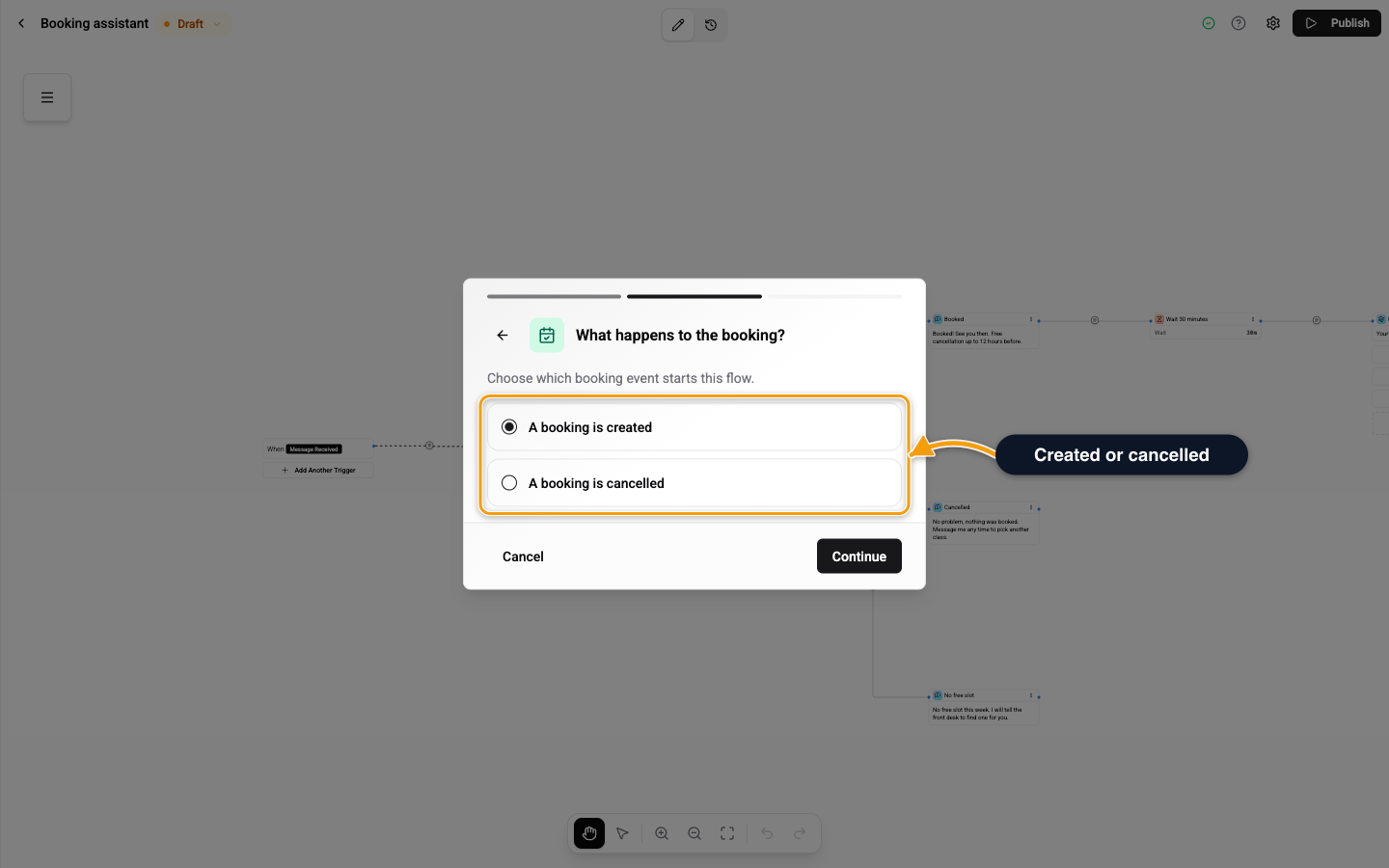
The flow runs in the contact's chat. If the contact has no chat yet, nothing starts. When several published flows match, one starts.
What the Flow Can Use
The booking is available as booking.* values, for example booking.id, booking.startsAtLabel, booking.title, booking.meetingUrl and booking.manageUrl. Contact values such as the number of bookings and the next booking time are also available. See Variables.
Related
- Booking Cancelled - the same trigger for a cancel.
- Book a Time Card - book from a flow.
- Triggers - all trigger types.