InboxChatMessages
Text Messages
Plain and formatted text messages with link preview support
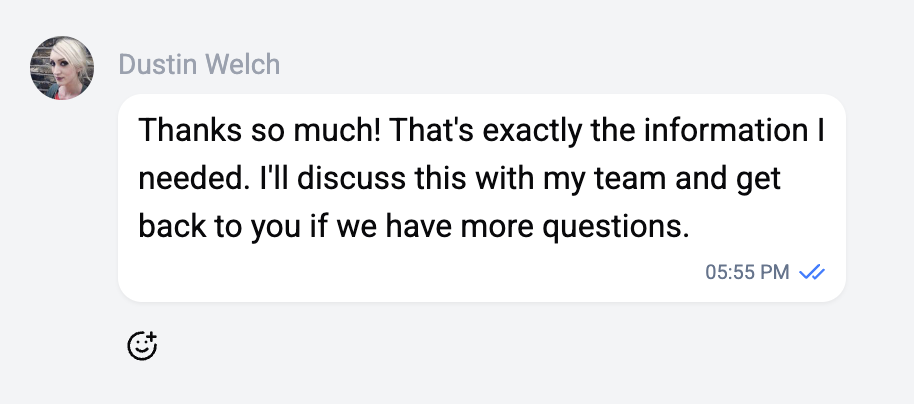
Text messages are the most common message type. They support rich text formatting and automatic link previews.
Features
- Rich text formatting - Bold, italic, strikethrough, underline, and monospace
- Link previews - URLs in messages automatically generate rich previews with title, description, and thumbnail
- Emoji support - Full emoji rendering with skin tone variants
Formatting
The editor supports the following formatting shortcuts:
| Format | Shortcut | Keyboard |
|---|---|---|
| Bold | **text** | Cmd/Ctrl + B |
| Italic | _text_ or *text* | Cmd/Ctrl + I |
| Strikethrough | ~text~ or ~~text~~ | Cmd/Ctrl + Shift + S |
| Underline | __text__ | Cmd/Ctrl + U |
| Monospace | `text` | - |
You can also select text and use the formatting toolbar to apply styles.
The backend automatically converts formatting to the appropriate format for each channel.
Link Preview
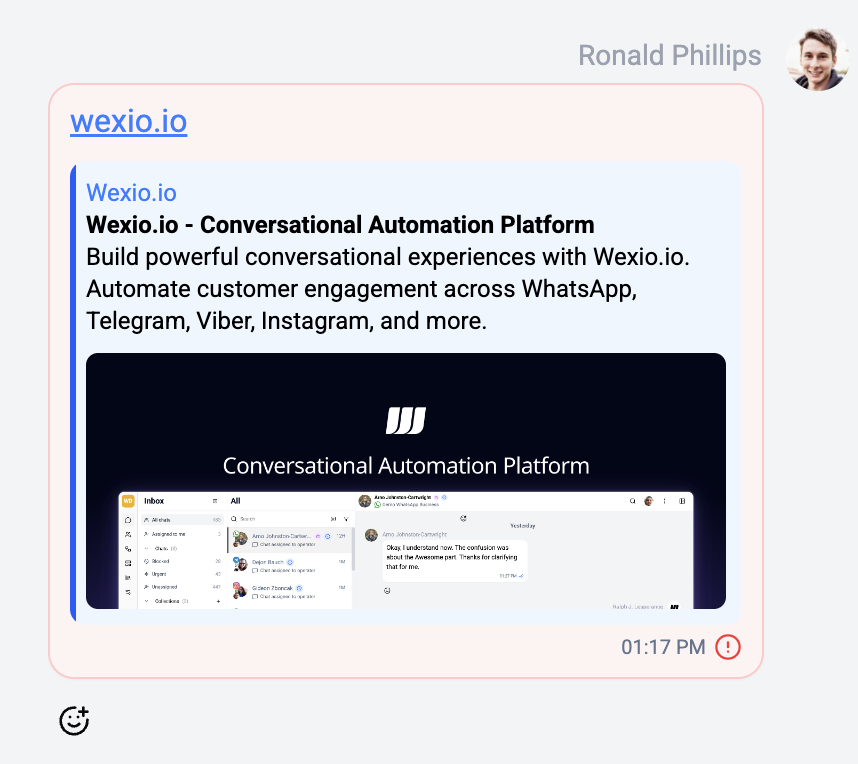
When a message contains a URL, Wexio fetches and displays a preview card below the message text showing:
- Page title
- Description snippet
- Thumbnail image (if available)
- Domain name
Channel Support
| Feature | Telegram | Viber | ||
|---|---|---|---|---|
| Basic text | ✅ | ✅ | ✅ | ✅ |
| Formatting | ✅ | ✅ | ❌ | ❌ |
| Link preview | ✅ | ✅ | ✅ | ✅ |