FlowsCards
WhatsApp Catalog Card
Send your WhatsApp product catalog
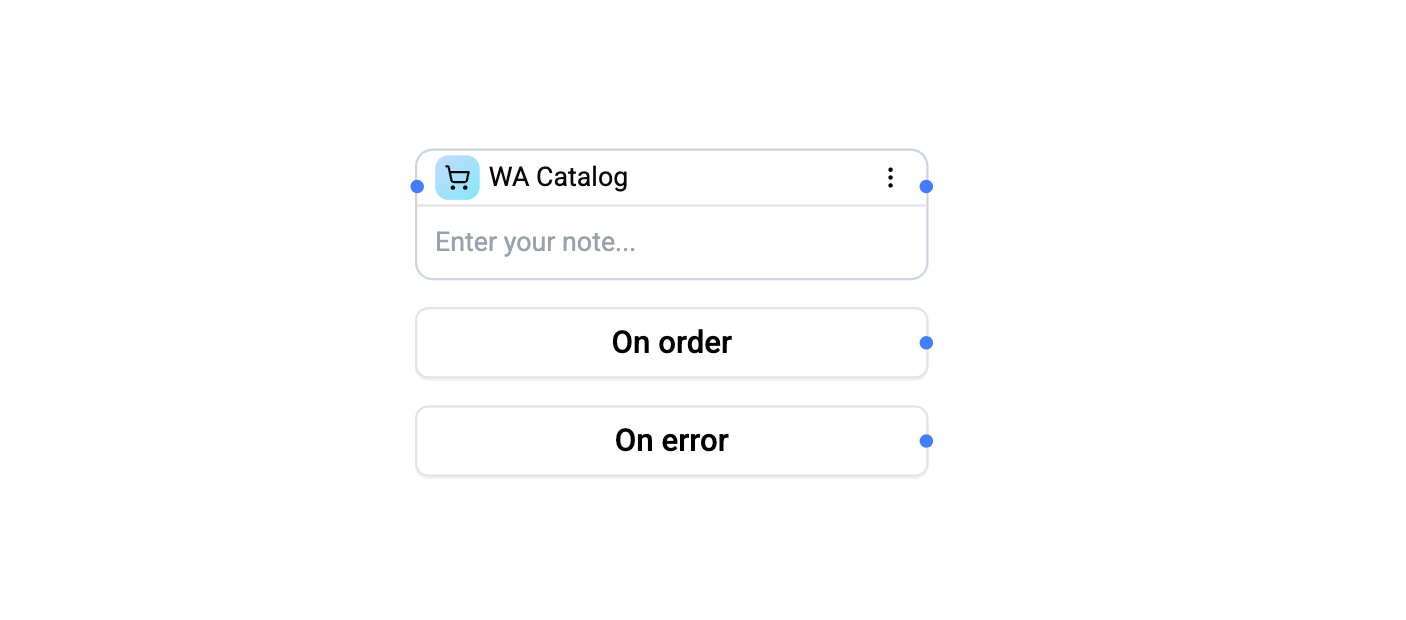
The WA Catalog Card sends your WhatsApp Business product catalog to the contact, allowing them to browse and order products directly in the chat.
Configuration
| Setting | Description |
|---|---|
| Body text | Message accompanying the catalog |
| Thumbnail product | Optional product SKU used as the catalog thumbnail (defaults to the first catalog item) |
The integration is resolved automatically from the flow's WhatsApp integration context - there is no integration selector on this card.
Connections
- 1 input port - Receives execution.
- 3 output ports:
- Next - Default continuation (fire-and-forget mode).
- On Order - Routes here when the contact places an order via the catalog.
- On Error - Routes here on validation or send failure.
When the On Order port is connected, the card operates in two-phase mode: it sends the catalog, then pauses the flow until an order webhook is received from WhatsApp.
Operations Cost
1 operation per execution.
To send specific products instead of the full catalog, use the WA Product Card or WA Products Card.