Integration Settings
The Integration group - widget name and on/off switch, allowed origins and the shared secret, with links to bot protection, analytics and AI agent
The Integration group holds settings that belong to this one widget. A settings file never changes them. All of them follow the draft-and-Save model, except rotating the secret.
| Section | Page |
|---|---|
| General | General |
| Security | Security |
| Bot protection | Bot Protection |
| Analytics | Analytics |
| AI agent | AI Agent |
General
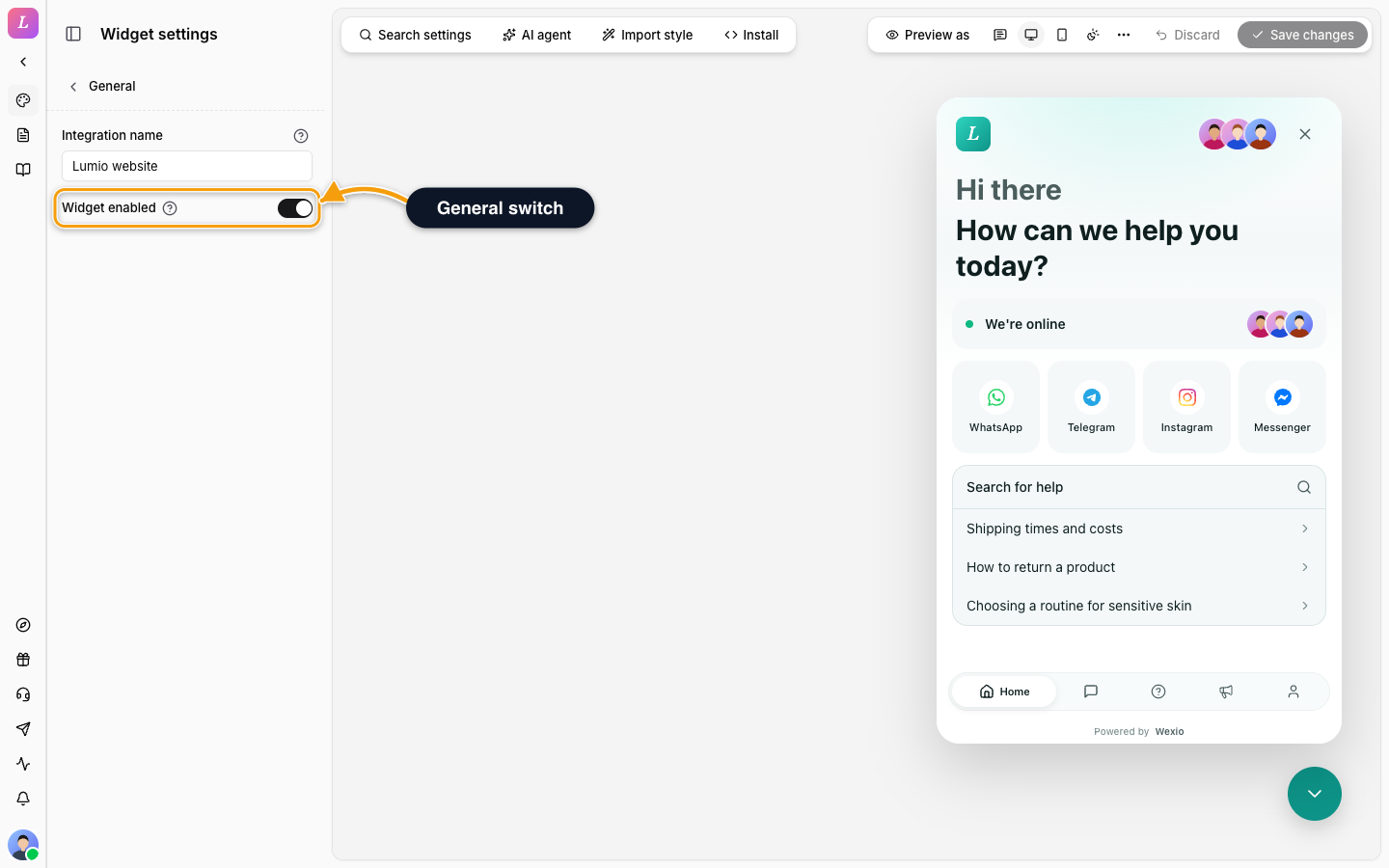
| Setting | Detail |
|---|---|
| Integration name | The name of this widget in your dashboard, up to 100 characters. Visitors never see it. It cannot be empty: the last name stays until you type a new one. |
| Widget enabled | Turn it off to hide the widget from your site without removing the code. The embed code stays valid. |
The default tab and the tab switches are under Layout.
Security
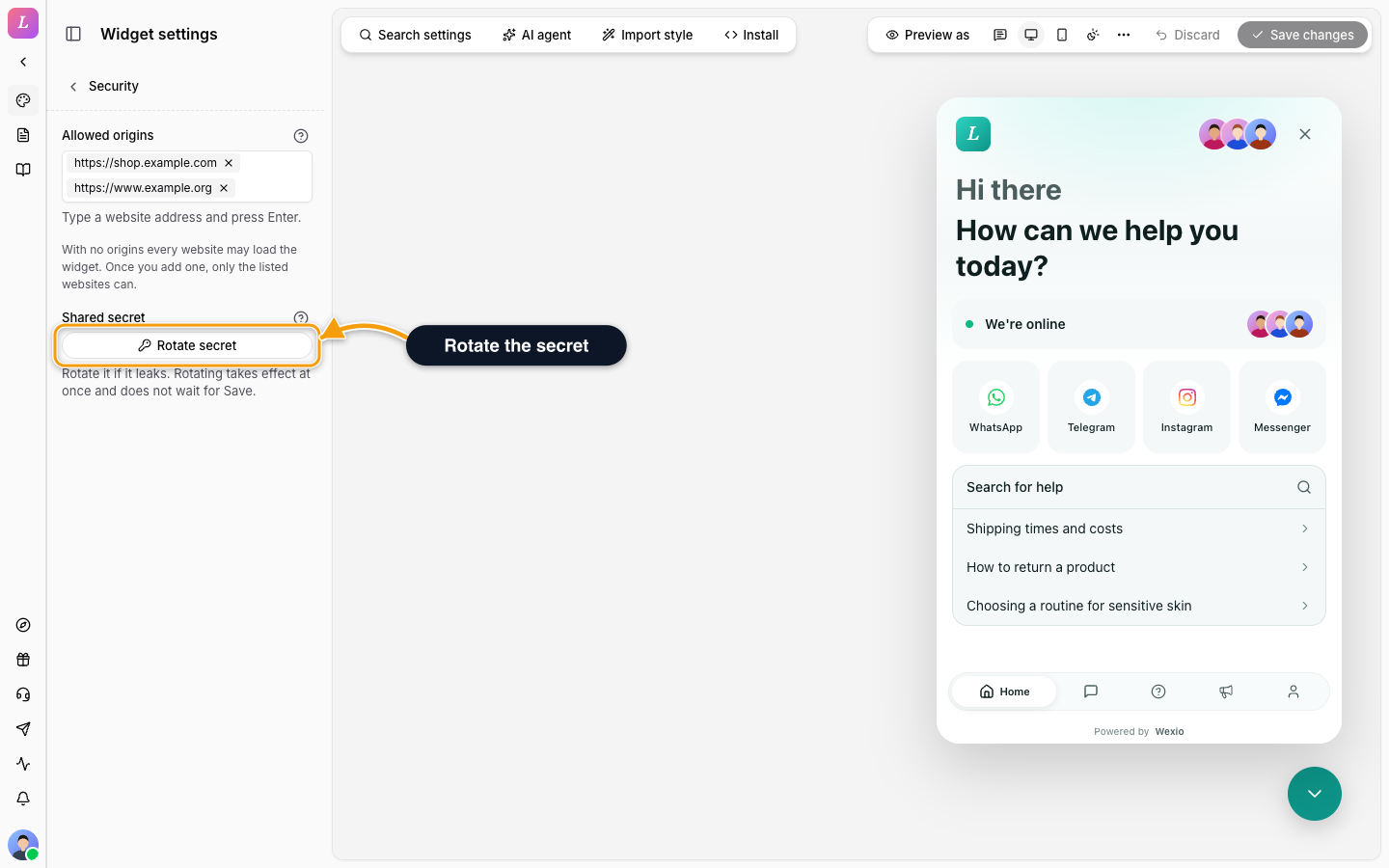
| Setting | Detail |
|---|---|
| Allowed origins | The websites allowed to load this widget. Type an address such as https://example.com and press Enter. With no origins every website may load the widget. Once you add one, only the listed websites can. Up to 50 origins. See Allowed origins. |
| Shared secret | The secret your server shares with the widget to confirm who a signed-in visitor is. Click Rotate secret if it leaks. |
Errors on an origin read That is not a website address. Use the form https://example.com., That origin is already in the list., You can add up to 50 origins. or That address is too long.
Rotating takes effect at once and does not wait for Save changes. The old secret stops working immediately, so update your server with the new one before visitors sign in again. The new secret is shown only once. Copy it, then click I have saved it.
The shared secret is for your server only. It signs visitor identity proofs (JWT and HMAC), and a leaked secret lets anyone impersonate your visitors. Visitor sign-in switches are in Visitor Sign-In.
Install
Click Install in the left toolbar of the Widget settings for the code. See Install Methods.
Related
- Authentication - identify visitors with the shared secret.
- Allowed Origins & Rotation - the full walkthrough.
- Visitor Sign-In - require sign-in, Google and passkeys.