First Visit
Welcome a contact the first time they message your bot
The First Visit trigger fires exactly once per contact - on the very first message they ever send to your bot. It's the standard place to hang a welcome flow, an onboarding tour, or a "set your language" step.
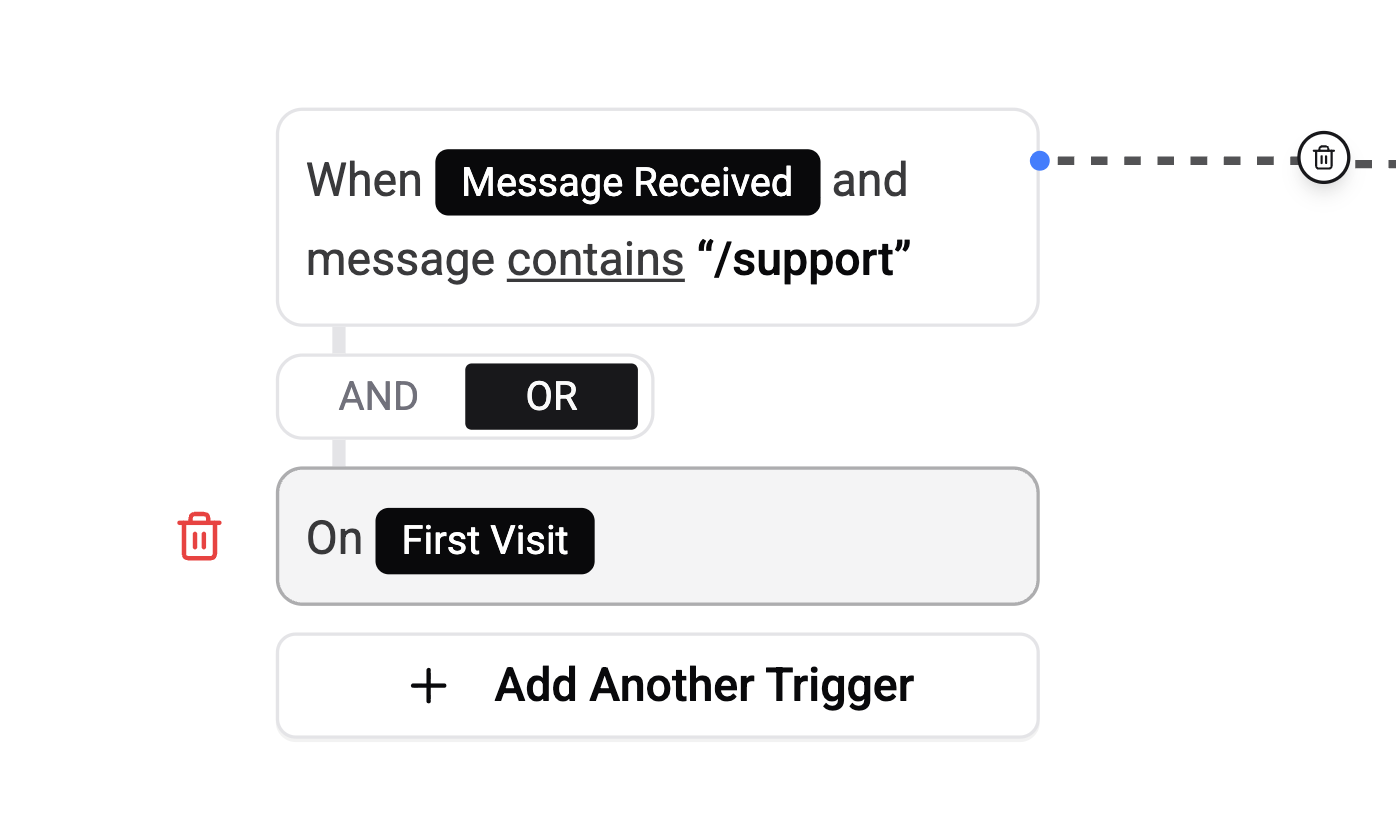
Configuration
None. First Visit has no rule editor - pick it in step 1, skip straight to the review step, and tap Create Trigger.
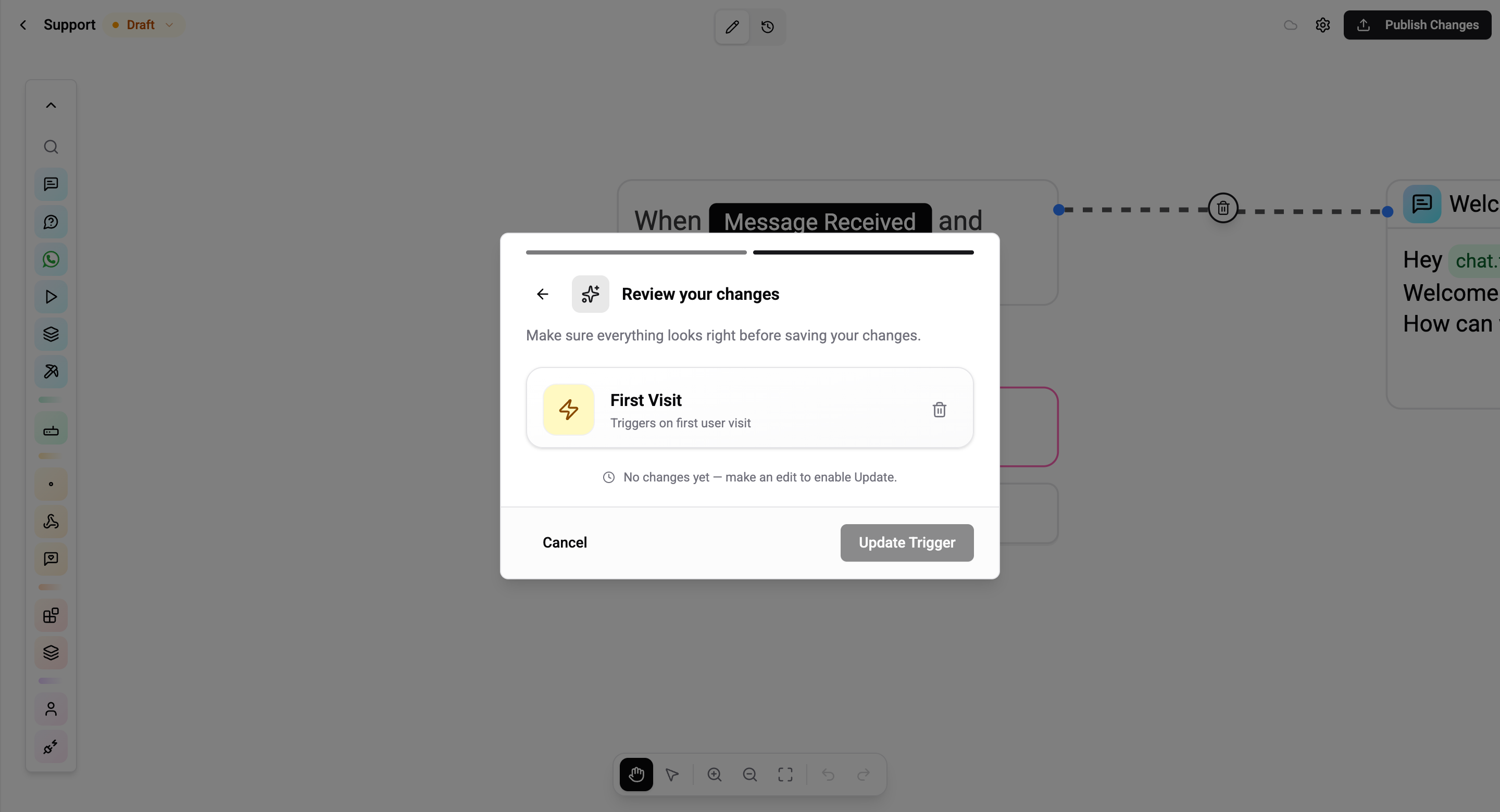
How It Works
When a brand-new contact sends their first message, Wexio creates a Chat record for them. At creation time the engine stamps isFirstVisit = true on the trigger context. Every flow with a First Visit trigger sees that flag and fires.
Because the flag is only set once - at chat creation - First Visit can never fire twice for the same contact on the same integration.
Rules and Caveats
- Only one active First Visit flow per integration. If multiple published flows have a First Visit trigger for the same Telegram bot / WhatsApp number / Instagram page, only the most recently published one fires. The others are ignored.
- Reactive - the user just sent a message, so the 24-hour messaging window is open on every channel. Start with any card type.
- Across-integration uniqueness is not enforced. A contact that first messages your Telegram bot and later your WhatsApp number will trigger First Visit twice - once per integration.
- Re-adding a deleted contact resets First Visit. If a contact is removed from your CRM and messages again, they create a new chat record and re-trigger First Visit.
Pair First Visit with a Sub-flow card to reuse the same onboarding across several flows - e.g. one First Visit flow per language, all calling the same "ask for name and email" sub-flow.
Common Use Cases
- Welcome message - introduce your brand, list what the bot can do
- Language picker - ask for a preferred language and save it to the profile
- Consent capture - show terms/privacy and record acceptance
- Free trial / discount - hand out a welcome coupon
- Initial CRM sync - push the new contact to HubSpot, Salesforce, BigQuery