InboxChatMessages
Message Types
All supported message types in the Wexio inbox
Wexio supports 21 distinct message types across all connected channels. Each type has its own rendering, interactions, and capabilities.
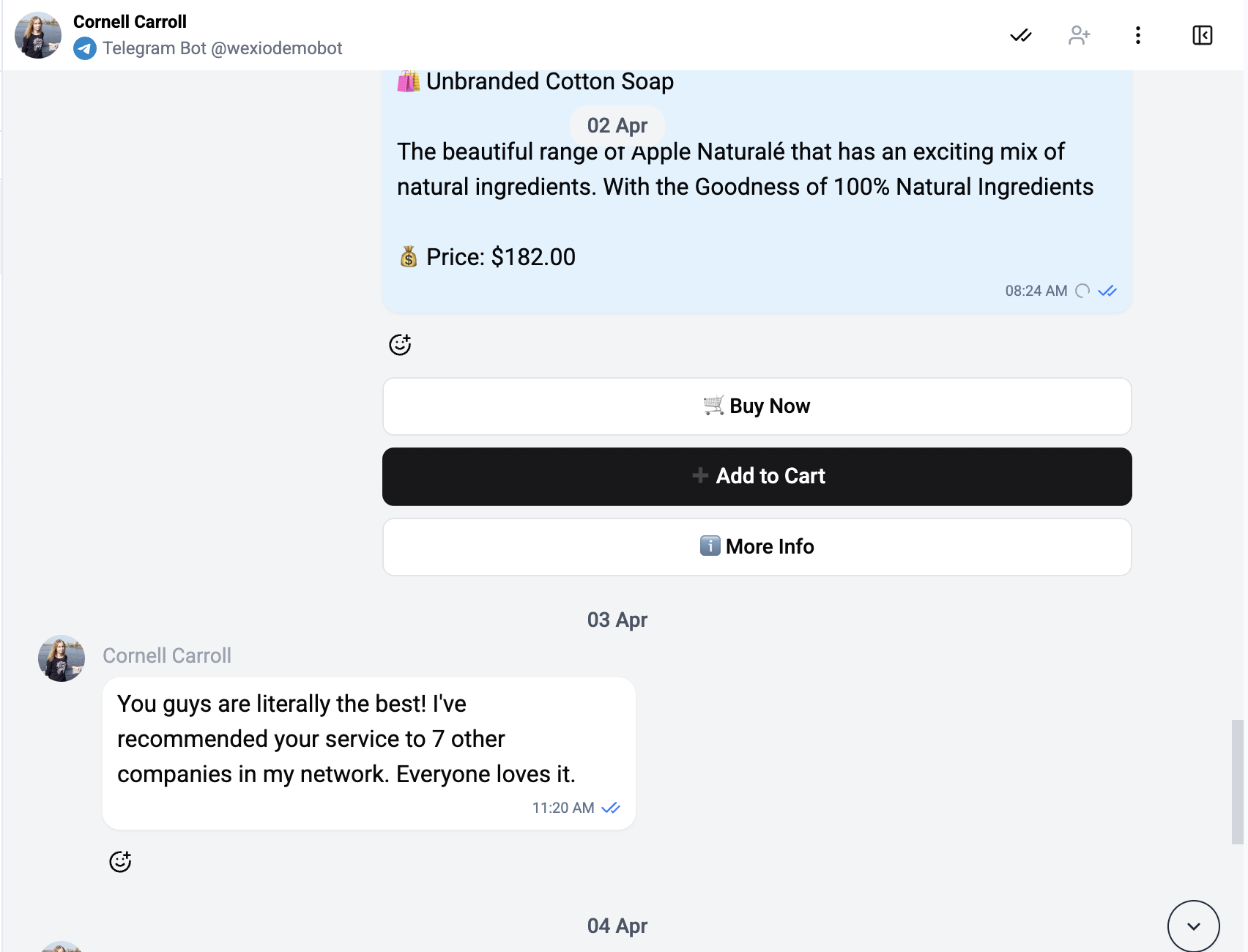
Message Types Overview
| Type | Channels | Description |
|---|---|---|
| Text | All | Plain or formatted text with link previews |
| Media | All | Images, videos, audio, animations, stickers, albums |
| Buttons | All | Messages with interactive button keyboards |
| Media Buttons | All | Media content combined with interactive buttons |
| List | Scrollable list menus with sections | |
| Location | All | Map pins with live location tracking |
| Location Request | Request for user's current location | |
| Contact | All | Shared contact cards (vCard) |
| Poll | Telegram | Polls and quizzes with voting |
| Template | Pre-approved message templates | |
| CTA URL | Call-to-action URL button messages | |
| Game | Telegram | Game messages with title and preview |
| Dice | Telegram | Dice rolls and emoji-based game mechanics |
| Story | Instagram, WhatsApp | Story mentions and replies |
| Callback | All | Button callback query responses |
| Pin | Telegram | Message pin/unpin notifications |
| System | All | Platform events (login, assignment, flow, status) |
| Internal Note | All | Operator-authored note with @-mentions; never sent to the customer |
| Unknown | All | Fallback for unrecognized message types |
Message Bubble
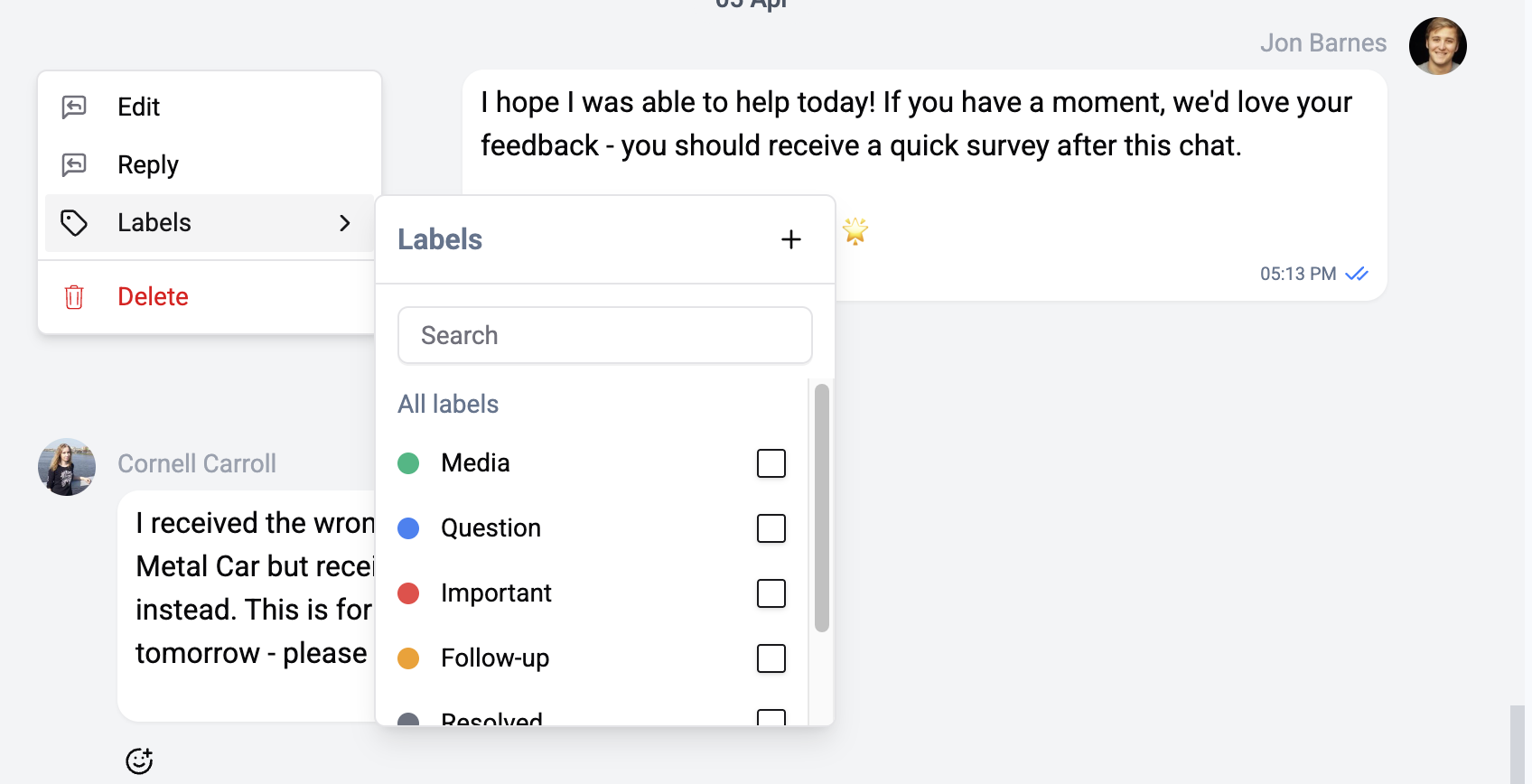
Every message is wrapped in a MessageCard that provides common features:
- Avatar - Sender's profile picture
- Timestamp - Absolute time and relative time (e.g., "2 min ago")
- Delivery status - Sent, delivered, read indicators
- Reactions - Emoji reactions from both sides
- Reply context - Shows the original message when replying
- Actions menu - Edit, delete, react, reply, labels
Channel Differences
Not all message types are available on every channel. The table above notes primary channel support. See the individual message type pages for detailed channel compatibility.
Messages from channels that support rich formatting (like Telegram) preserve their formatting when displayed in the inbox.