Message Editor
Rich text composition with formatting, attachments, and AI assistance
The message editor is the input area at the bottom of the chat view where you compose and send messages.

Text Editor
The editor is powered by Tiptap (a ProseMirror-based rich text editor) and supports:
Formatting
| Format | Shortcut | Input Rule | Description |
|---|---|---|---|
| Bold | Cmd+B | **text** | Bold text |
| Italic | Cmd+I | _text_ or *text* | Italic text |
| Underline | Cmd+U | __text__ | Underlined text |
| Strikethrough | Cmd+Shift+S | ~text~ or ~~text~~ | Strikethrough text |
| Monospace | - | `text` | Inline code / monospace text |
Input Behavior
- Enter - Send the message
- Shift+Enter - Insert a line break
- Multi-line detection automatically adjusts the editor height
You can also select text and use the floating formatting toolbar to apply styles.
Variables
Insert dynamic values using the {{variableName}} syntax. The editor provides a variable extension that offers autocomplete for available variables.
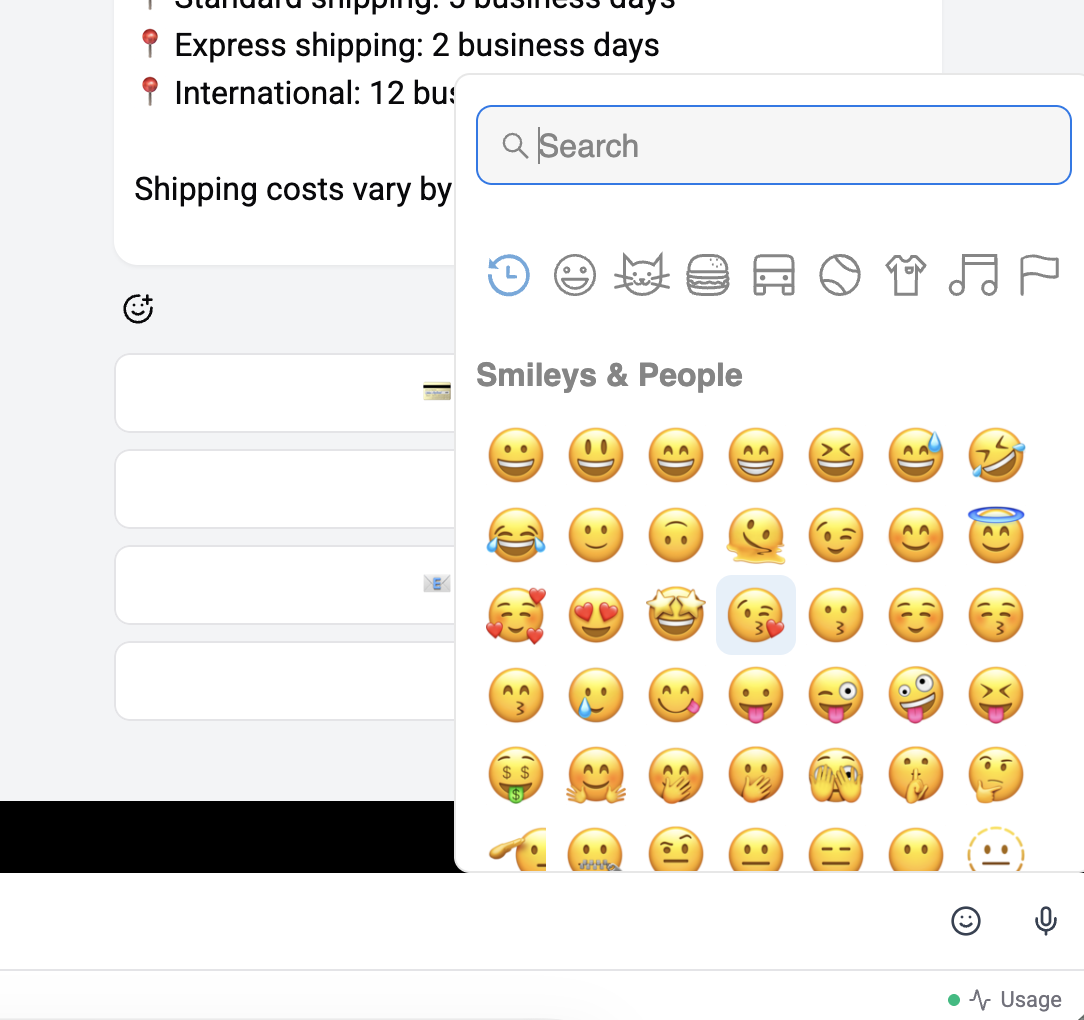
Emoji Picker
Click the emoji icon to open a searchable emoji picker. Emojis are lazy-loaded for performance.
Editor Actions Menu
The + button (or paperclip icon) opens the editor actions dropdown with options:
| Action | Description |
|---|---|
| Attach files | Upload images, videos, audio, or documents |
| WhatsApp Templates | Send a pre-approved template message |
| Start/Stop Flow | Trigger or stop an automation flow on this chat |
Mentioning a Teammate
Type @ to open a teammate picker and tag a colleague in an internal note - the customer never sees it. The composer instantly shifts to internal-note mode (amber tint, banner reading "Internal note - won't be sent to the customer", and the send button relabels). Removing the last chip flips the composer back to a normal customer-bound reply.
Available on every plan.
Live Co-editing
When a teammate has the same chat open, the editor becomes a shared multiplayer surface - both of you see each other's avatars in the chat header, coloured cursors in the composer, and any text, attachments, voice notes, or AI generations the other adds. Either of you can hit Send.
See Live Collaboration for the full walkthrough. The live co-editor is Pro+ only - on Free / Standard the composer stays single-user (mentions still work everywhere).
Message Actions
| Action | Description |
|---|---|
| Send | Send the composed message |
| Edit | Edit a previously sent message (click the message → Edit) |
| Reply | Reply to a specific message (shows reply context above editor) |
AI Preferences Bar
When AI features are enabled, a preferences bar appears below the editor letting you configure:
- Assistant - Which AI assistant handles responses
- Tone - Response tone (Professional, Friendly, Casual, etc.)
- Image Model - Model for image generation
- TTS - Voice, speed, and model for text-to-speech
- Usage - Real-time AI usage monitoring
See AI Actions → AI Preferences Bar for full details.
Smart Features
- Outbound pause detection - Warns when WhatsApp/Instagram 24-hour messaging window has expired
- Spam protection status - Checks if the contact is flagged
- Channel constraints - Adapts available features based on the current channel
- Live presence - Shows other operators viewing the same chat (Pro+); see Live Collaboration
- AI typing bubble - When an AI is generating a reply on this chat, every operator viewing sees an "AI is typing…" bubble (all plans)
Attachments
File uploads and media
Audio Recording
Voice message recording
AI Actions
AI-powered message enhancement
Template Sending
WhatsApp template messages
Mentions & Internal Notes
Tag a teammate inside the composer; the customer never sees the note
Live Collaboration
Shared cursors, presence avatars, multiplayer composer (Pro+)