Settings
Messages
Configure message data retention and cleanup policies
Configure how long messages are stored and when they are automatically cleaned up.
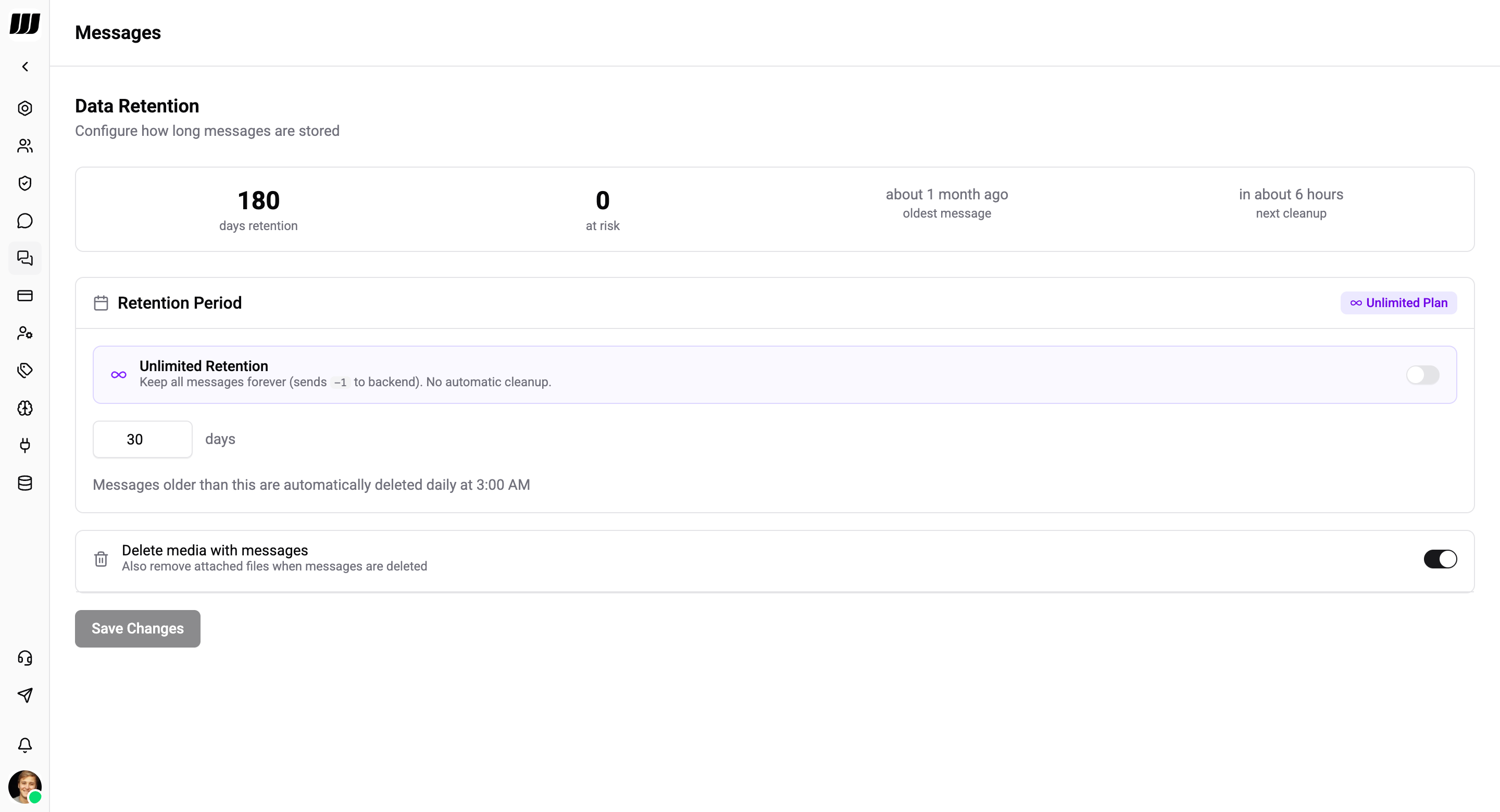
Data Retention
Automatic data retention policies delete messages older than the configured retention period. Cleanup runs daily via a scheduled cron job at 3:00 AM.
Dashboard
At the top of the page you'll see a summary of your retention status:
| Metric | Description |
|---|---|
| Days retention | Your current retention period |
| At risk | Number of messages that will be deleted at the next cleanup |
| Oldest message | How old your oldest stored message is |
| Next cleanup | When the next automatic cleanup will run |
Retention Period
| Setting | Description |
|---|---|
| Unlimited Retention | Keep all messages forever - no automatic cleanup. Available on Enterprise plan only |
| Retention days | Number of days to keep messages (e.g. 30 days). Messages older than this are deleted at the next cleanup |
| Delete media with messages | Also remove attached files (images, documents, audio, video) when messages are deleted |
| Preserve starred chats | Keep messages in starred chats regardless of retention period |
Retention Limits by Plan
| Plan | Default | Maximum | Configurable |
|---|---|---|---|
| Free | 7 days | 7 days | No |
| Standard | 30 days | 30 days | Yes |
| Pro | 90 days | 90 days | Yes |
| Enterprise | 180 days | Unlimited | Yes |
On the Free plan the retention period is fixed and cannot be changed. Upgrade to Standard or higher to configure your own retention period.
Cleanup Process
When the daily cleanup runs, the system:
- Calculates the effective retention period based on your settings and plan limits
- Finds all messages older than the cutoff date
- Deletes associated media files (if Delete media with messages is enabled)
- Deletes message reactions
- Removes the messages
Deleted messages and media cannot be recovered.