FlowsCards
Update Contact Card
Update contact fields and custom attributes
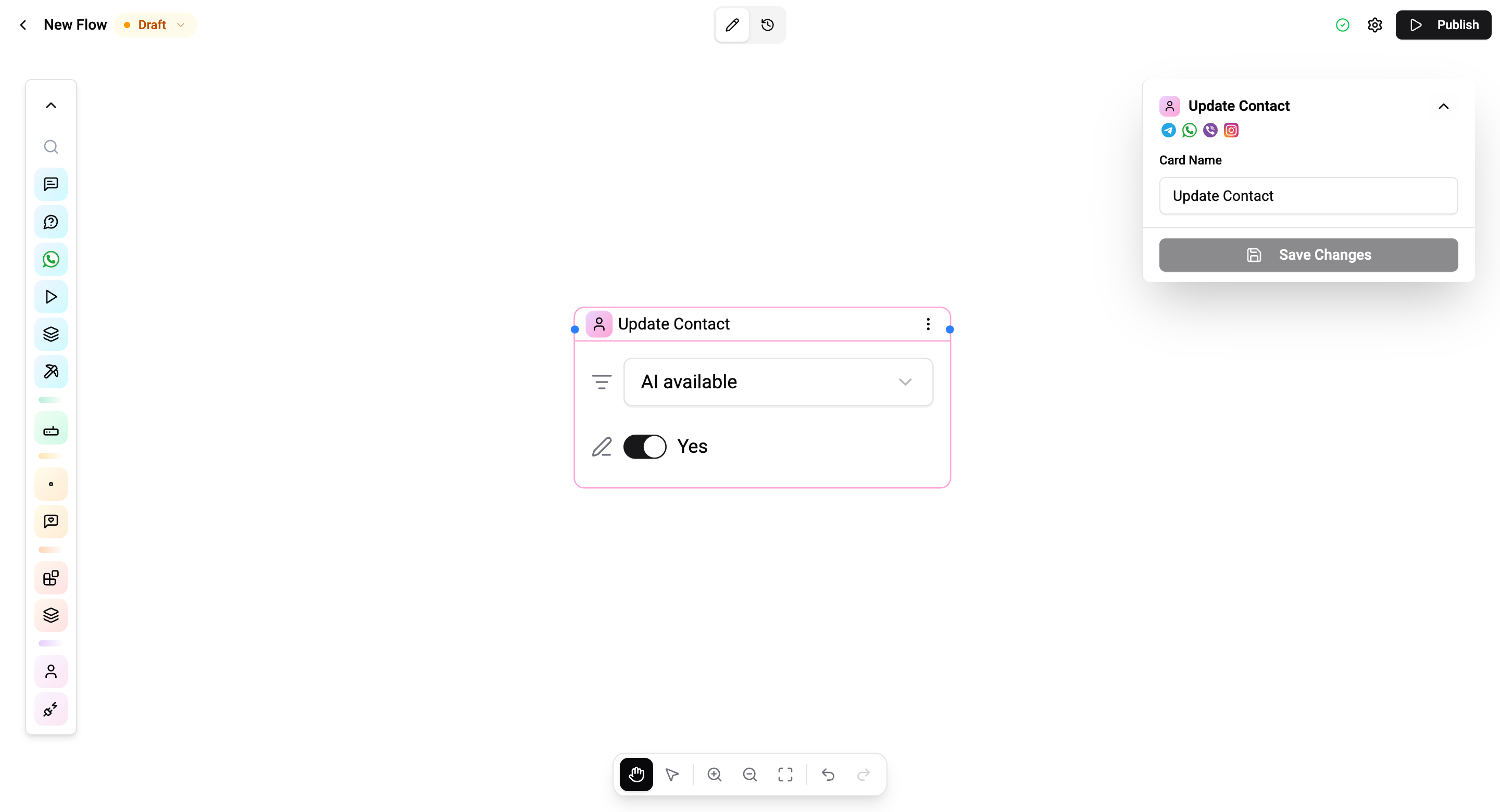
The Update Contact Card modifies the current contact's profile. You select a field and set its new value - inline on the card, no sidebar settings needed.
Configuration
| Setting | Description |
|---|---|
| Field | The profile field to update (system or custom) |
| Value | The new value - input type adapts to the field (text, boolean, enum, date, etc.) |
Values support flow variables for text and number fields - e.g. {{flow.cardId}}.
Connections
- 1 input port - Receives execution.
- 1 output port - Continues to the next card.
Operations Cost
2 operations per execution.