Returning User
Fire a flow when a contact comes back after a period of inactivity
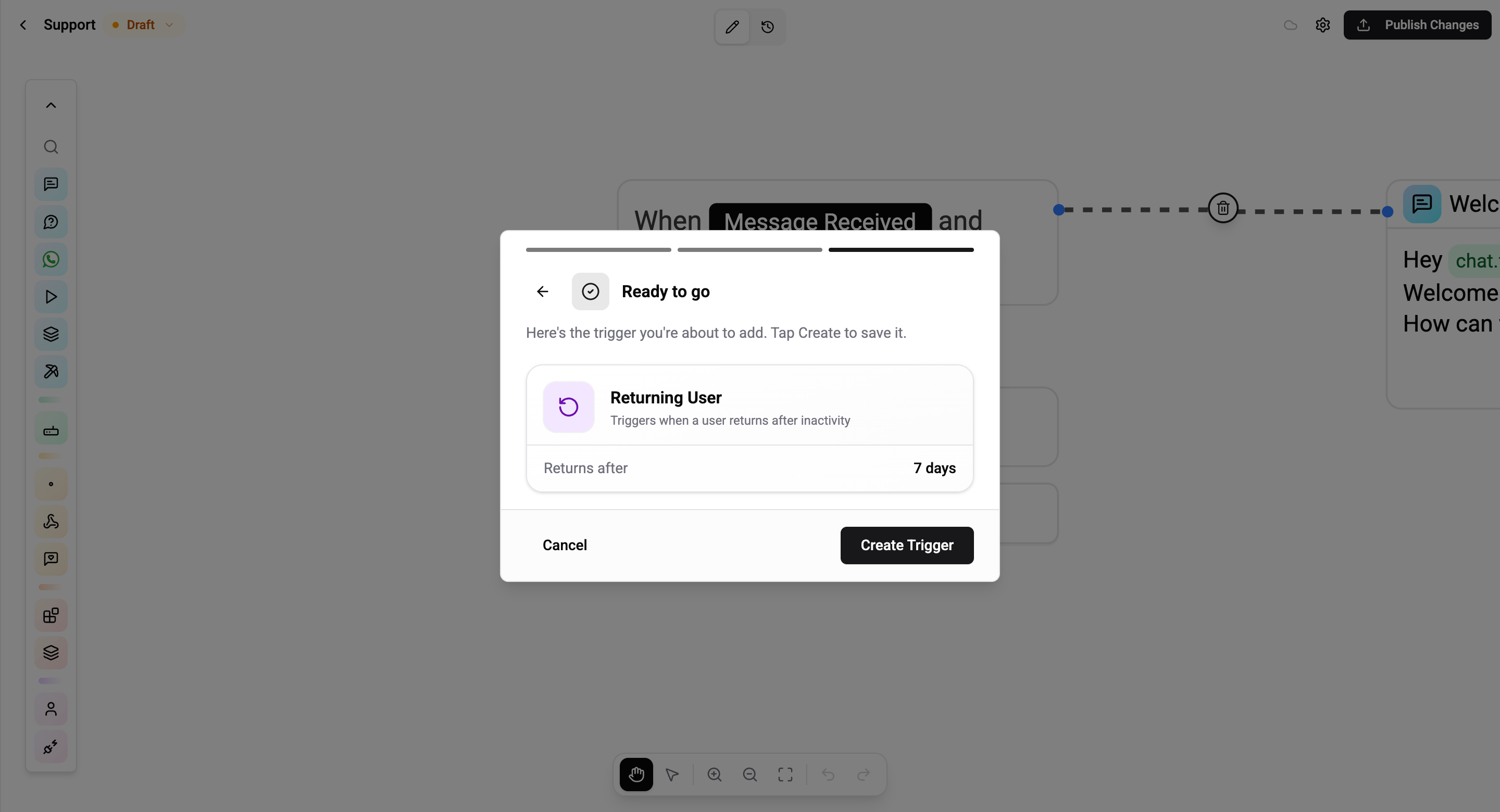
The Returning User trigger fires when a contact sends a message after an inactivity gap larger than a threshold you set. It's how you build win-back messages, "welcome back" flows, or re-ask pending questions without re-triggering the whole onboarding.
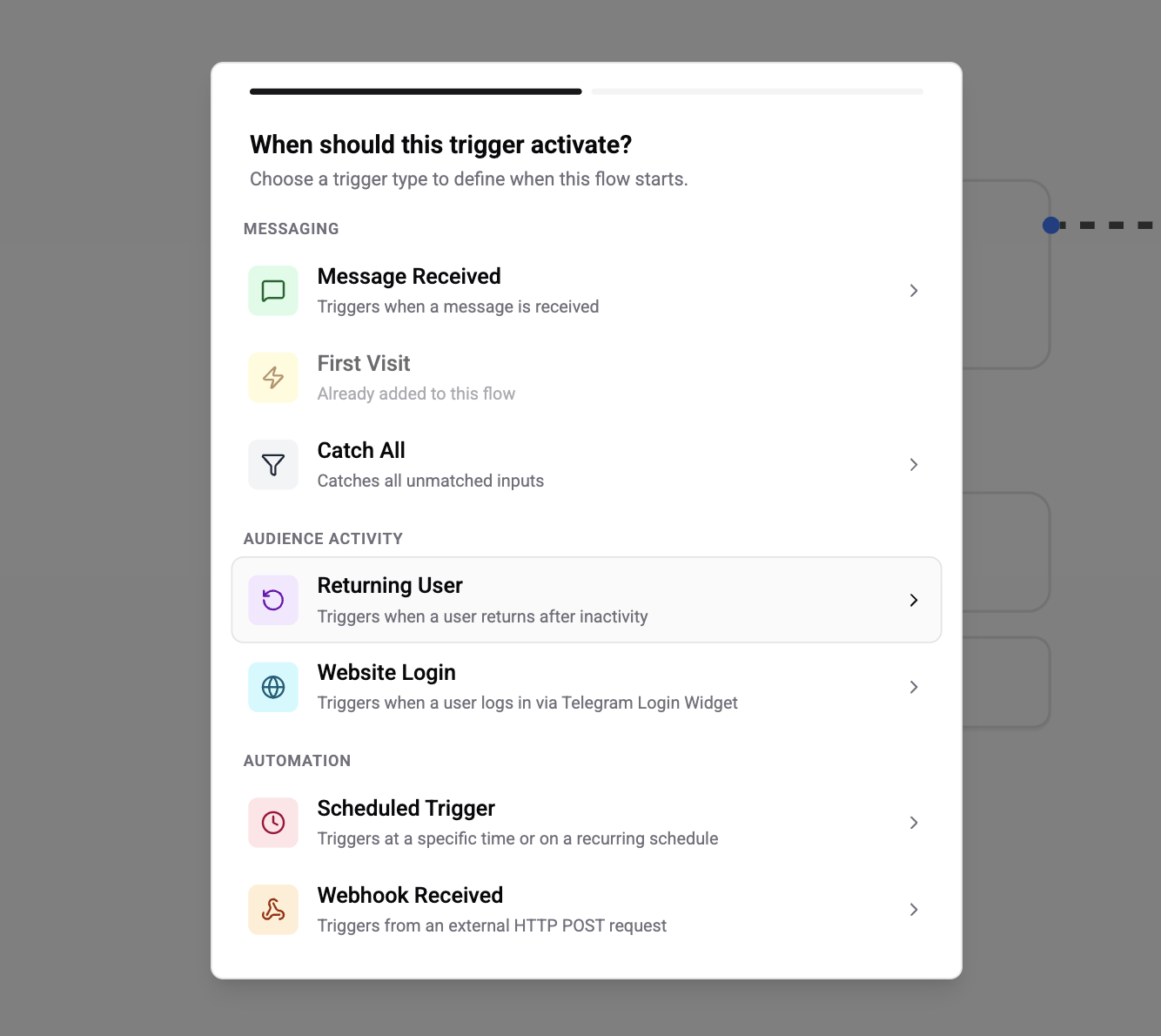
Configuration
A single field - inactivity threshold in days.
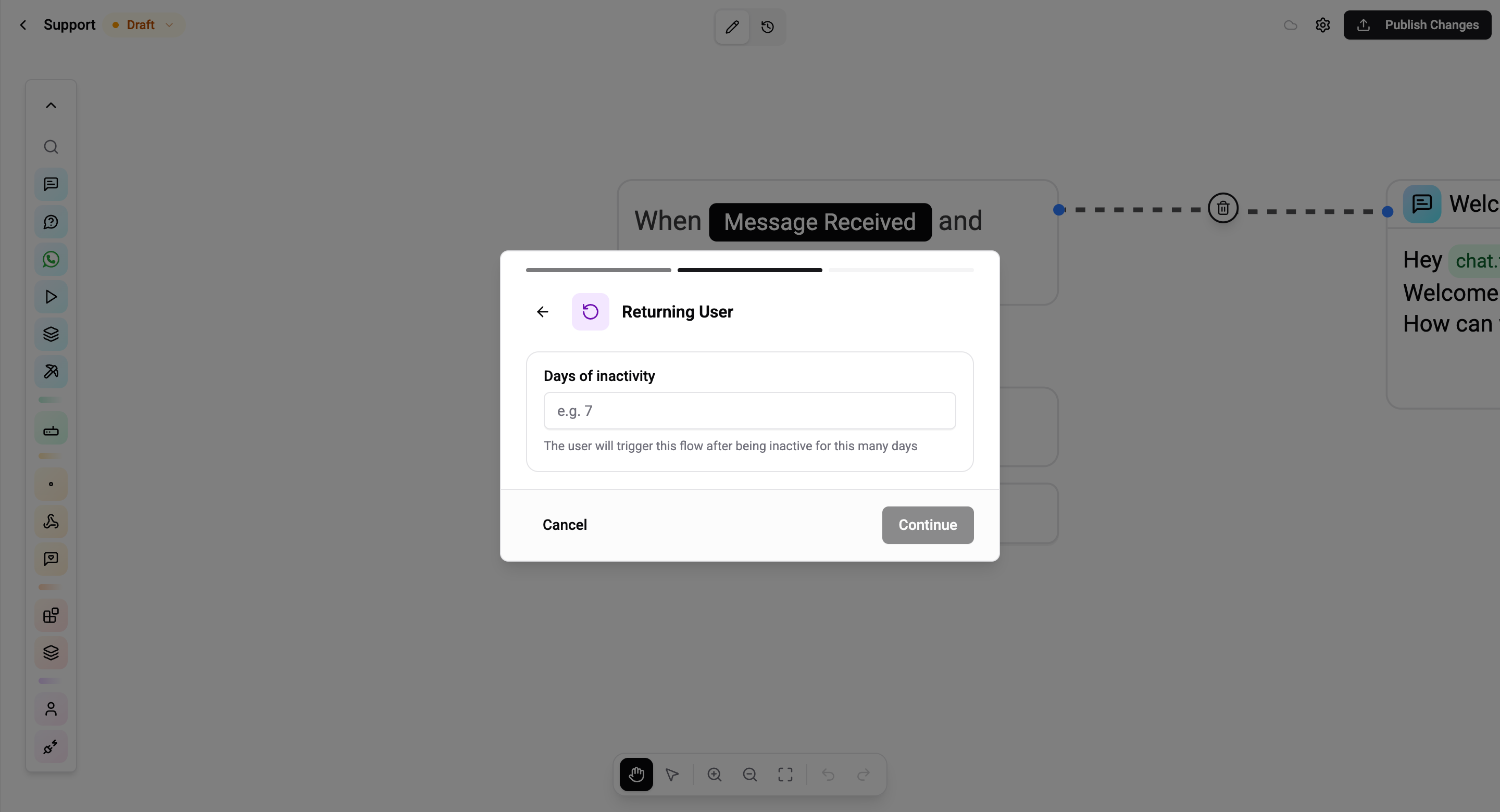
| Field | Value | Default |
|---|---|---|
| Inactivity (days) | Integer - how long the contact must have been silent before they count as "returning" | 7 |
How It Works
Every incoming message carries a lastMessageReceivedAt timestamp from the contact's previous message. When Returning User evaluates, the engine computes:
gap = now - lastMessageReceivedAtIf gap > threshold, the trigger matches and fires. If it's a brand-new contact, Returning User does not fire - use First Visit for that path.
First Visit vs Returning User
They look similar but solve opposite problems.
| Question | First Visit | Returning User |
|---|---|---|
| When does it fire? | Only on the very first message a contact ever sends | Every time a contact comes back after being quiet for X days |
| How many times can it fire per contact? | Once | As many times as the contact goes quiet and comes back |
| Configuration | None | Inactivity threshold (days) |
Rules and Caveats
- Reactive - the user just sent a message, so the 24-hour messaging window is open on every channel.
- Integer days only. Minute-level or hour-level inactivity is not supported in this trigger - use a Scheduled Trigger with a RELATIVE offset if you need sub-day granularity.
- Compounds with other triggers. Combine Returning User with a Message Received rule (via AND) to run a flow only when a returning user says something specific - for example "came back after 30 days AND said hi".
Common Use Cases
- Win-back campaign - greet users who've been away ≥30 days with a discount or new-feature summary
- Re-engagement nudge - at 7 days, ask "still need help with…" for unresolved conversations
- Recap message - summarise what was discussed last time before asking the next question
- Operator handoff - if a premium customer has been inactive 14 days, route their next message to a live account manager
Returning User always fires with the user's new message - so the flow you attach here can reference the content of that new message via variables just like any reactive flow.