Configure
Visitor Sign-In
Require sign-in before visitors can write, and turn on Google and passkey sign-in
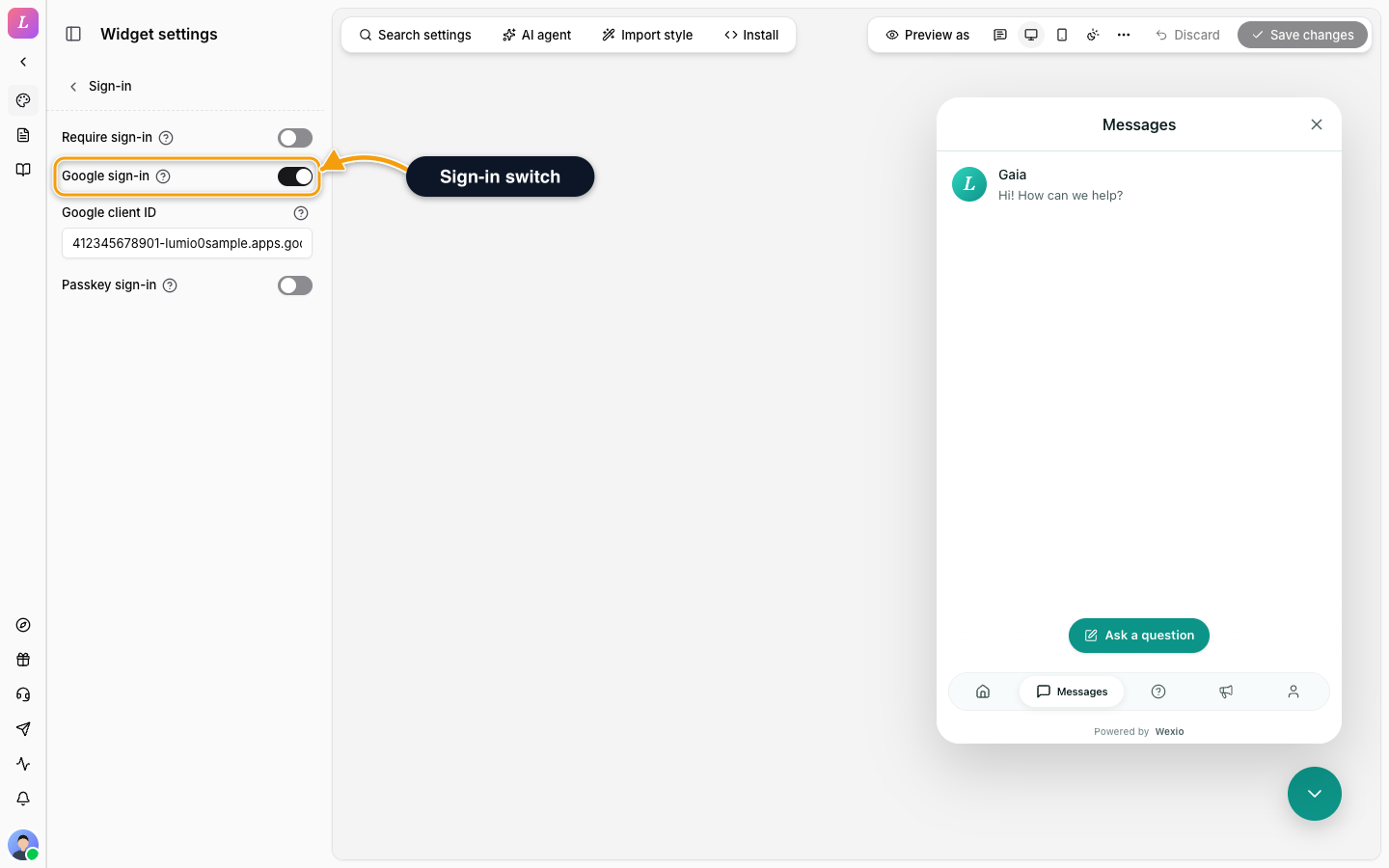
The Sign-in section in the Visitor group controls how visitors prove who they are. It follows the draft-and-Save model.
| Setting | What it does |
|---|---|
| Require sign-in | Visitors must sign in before they can write. The message box is replaced by a sign-in panel until they are verified. |
| Google sign-in | Lets visitors sign in with their Google account. |
| Google client ID | The OAuth client ID Google sign-in needs on your site. It is disabled until Google sign-in is on, with the hint Turn on Google sign-in to edit this. |
| Passkey sign-in | Lets visitors sign in with a passkey: Touch ID, Face ID, Windows Hello or a security key. |
Sign-in through your own server (a JWT or HMAC proof) needs the shared secret from Security, not a setting here.
Related
- Authentication - how each method works.
- Google & Passkey - create the Google client ID.
- Pre-Chat Form - ask for details without verifying them.