October 2026
Platform and web widget changes in October 2026
Releases 1.8.0 to 1.9.3, newest first. Use the filter to show one category.
Import in People Is for Owners and Admins
Import in People is now available to Owners and Admins only, like Delete and Export. Editors no longer see it. See Bulk Operations.
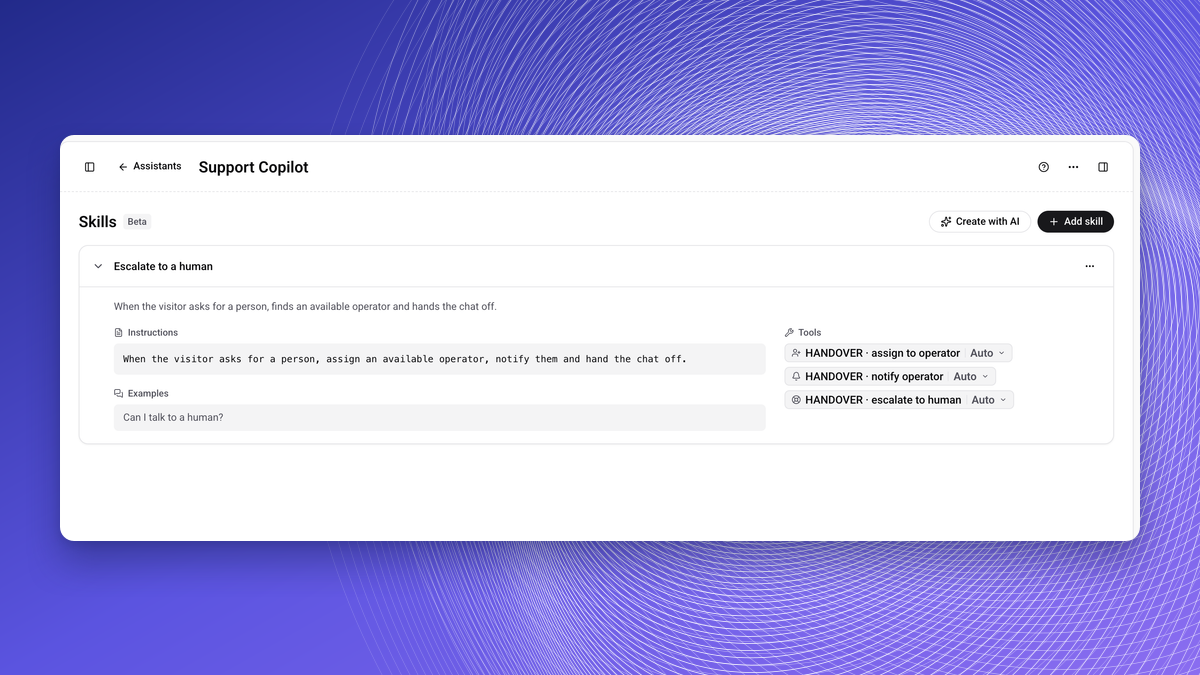
Skill Permission Defaults Match the Backend
In Library, Skills (Beta), assigning to an operator, notifying an operator and escalating to a human now run automatically by default. See Skills.
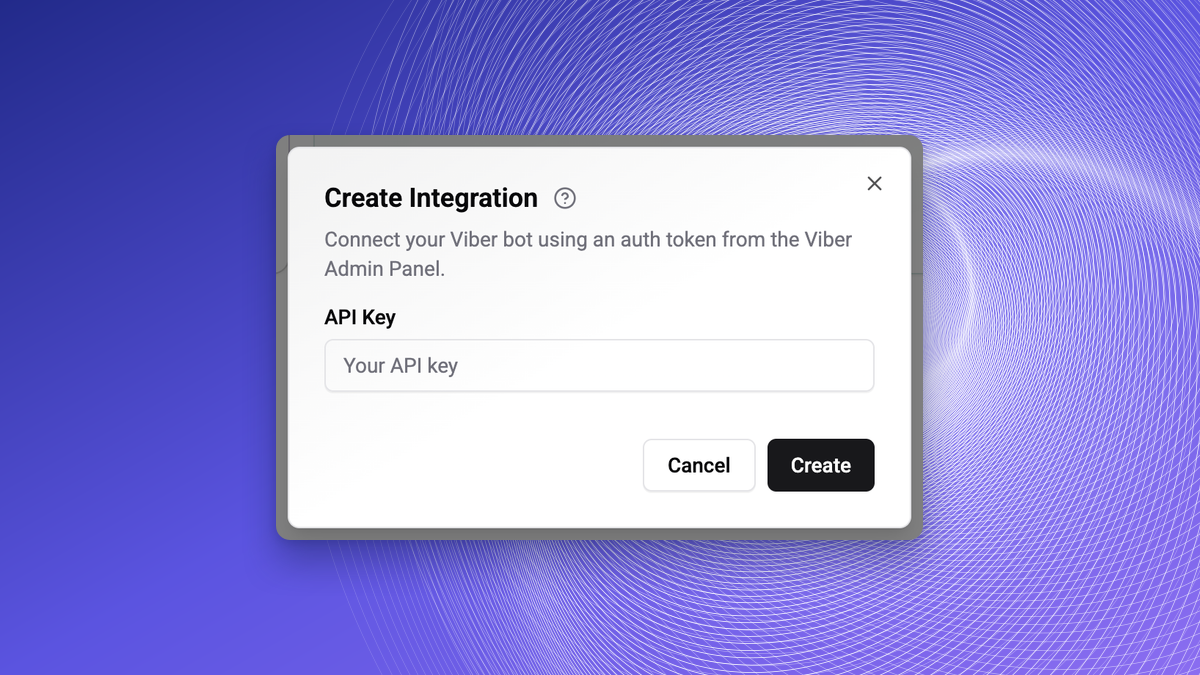
Viber Connects Without a Name
Connecting Viber no longer asks for a name. The card is named after your Viber account. See Viber.
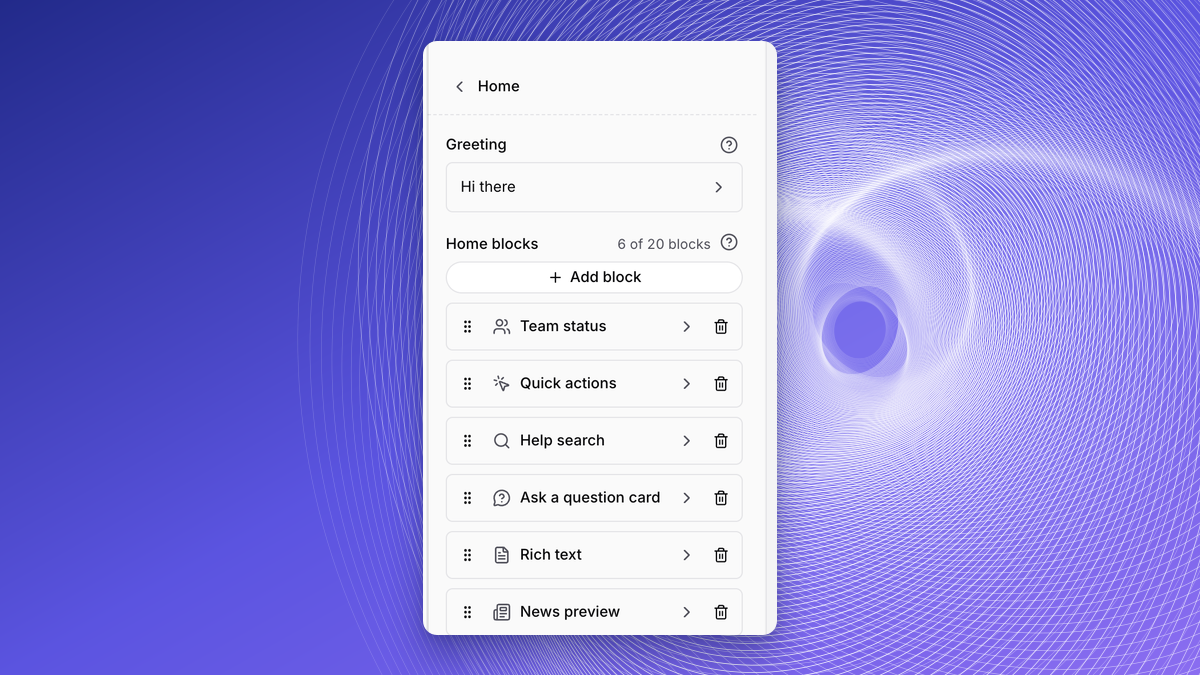
Up to 20 Blocks on the Widget Home
The Home tab of the widget editor in Web, Playground now allows up to 20 blocks. See Home.
Manual Cleanup Is for the Owner
Manual Cleanup of expired messages in Settings, Messages is shown to the Owner only. See Messages.
Clearer Wording in Broadcasts, Labels, Flows and Widgets
Broadcasts warn when template variables are not mapped to contact data. Archived labels explain that messages keep them. Visitor lands on site says it fires once per visitor. Delete widget explains what stays in Wexio. See Create a Broadcast, Labels, Web Widget Triggers and Create a Widget.
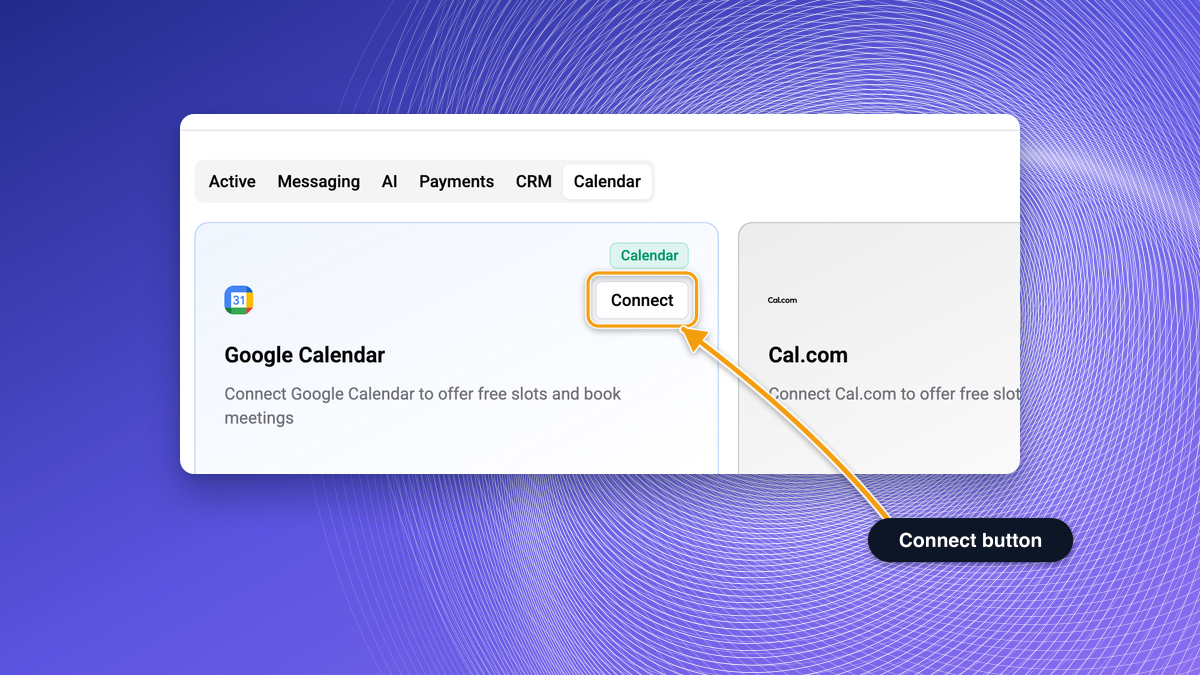
Connecting Starts From the Dashboard
Connecting a calendar, Stripe or a CRM now starts only from the dashboard, for Owners and Admins. Editors and Agents see a short hint instead of Connect, old direct connect links no longer work, and a failed connection shows a clear message. See Calendars, Stripe and CRM.
Owners and Admins Connect WhatsApp and Instagram
Operator Reactions Are Saved in Web Widget and Viber Chats
A reaction an operator adds in a web widget or Viber chat is saved on the message instead of failing.
Safer DOCX and XLSX Uploads
Wexio checks uploaded DOCX and XLSX files before it reads them and rejects zip bombs, files built to expand far beyond their size.
Delete and Export Are for Owners and Admins
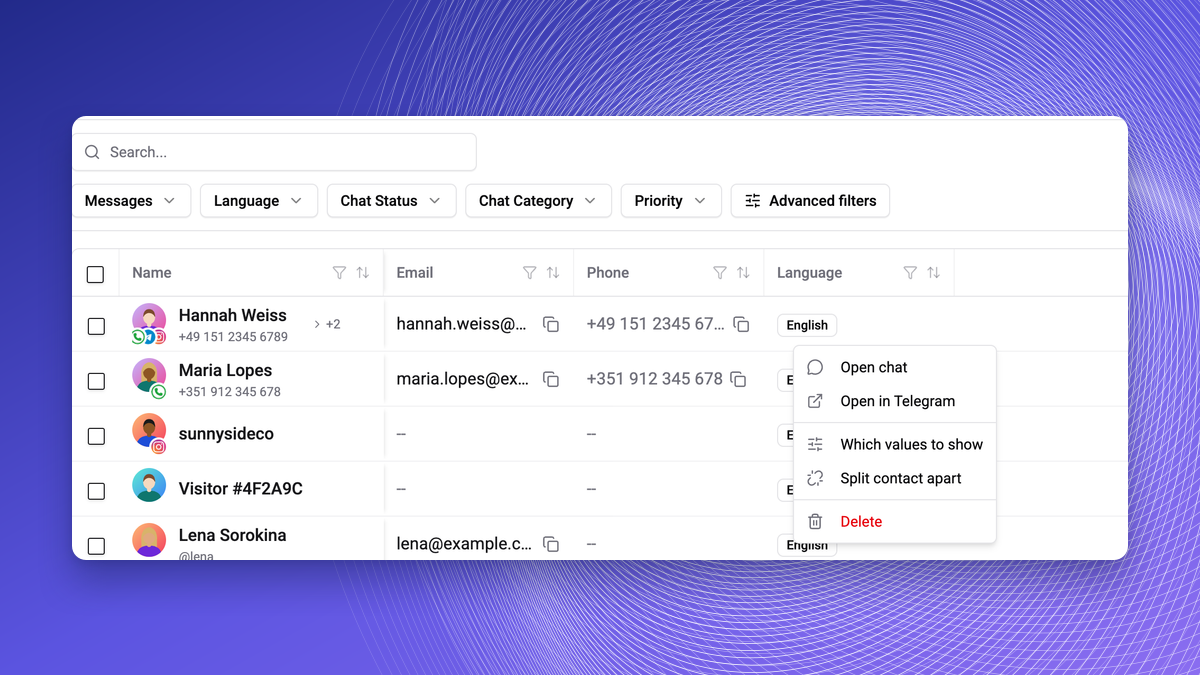
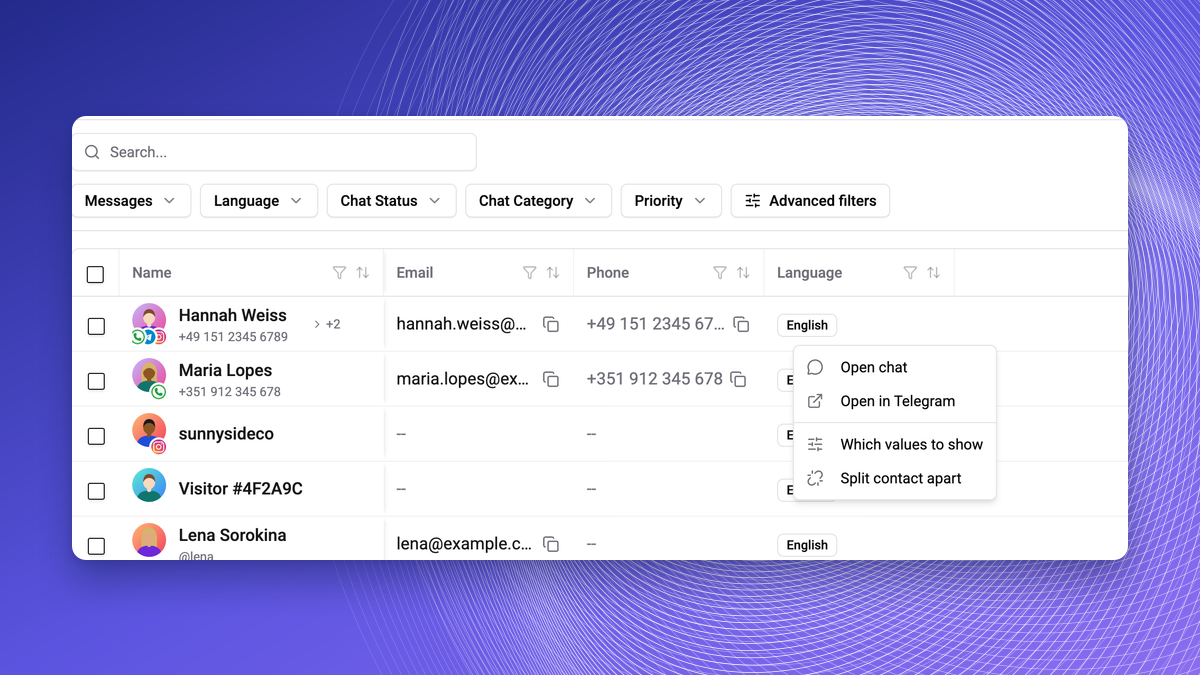
Delete and Export in People are shown only to Owners and Admins. Editors can still edit contacts. See Bulk Operations.
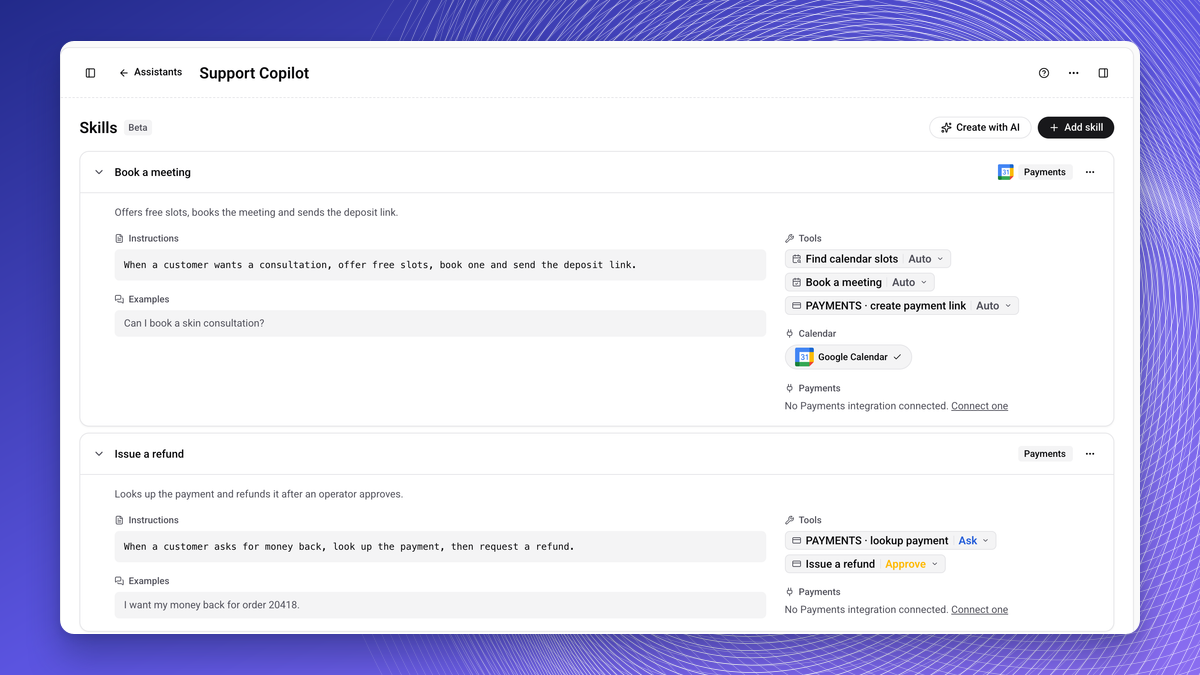
Skill Tool Defaults Match the Assistant
In a skill's tools step, booking a meeting now runs automatically and refunds pause for operator approval. The Start a checkout tool no longer appears. See Skills.
Webhook Providers You Can Verify
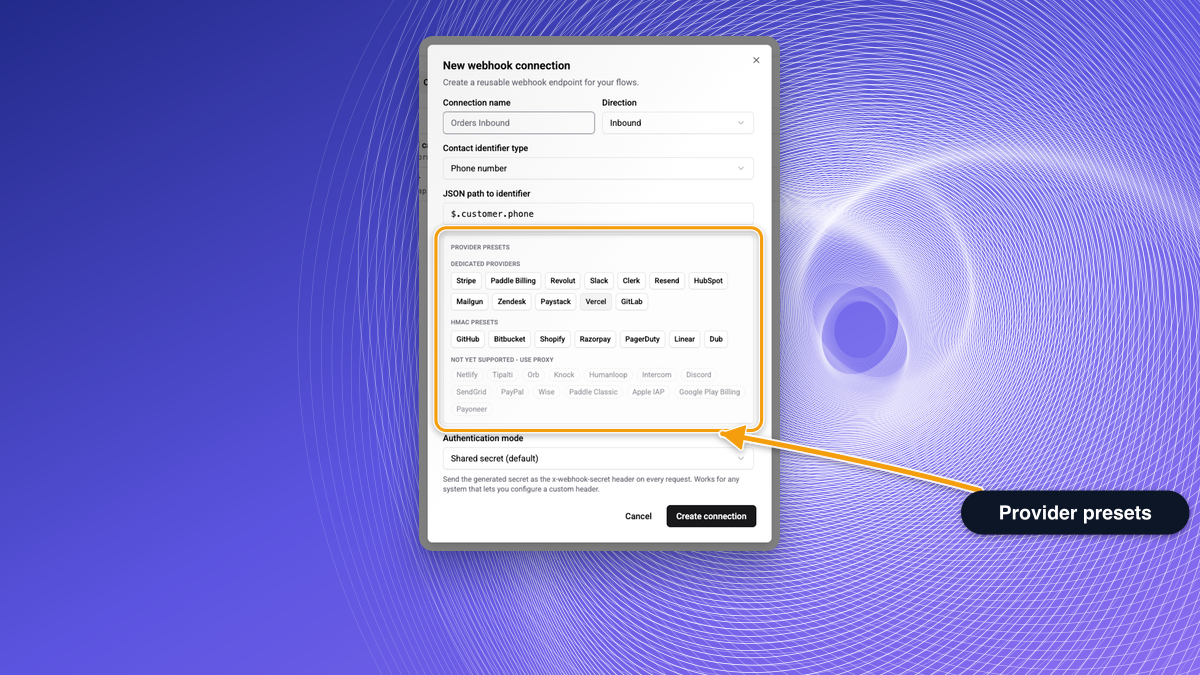
In a webhook's authentication, the provider chips list only the providers whose signatures Wexio can verify: GitHub, Bitbucket, Shopify, Razorpay, PagerDuty, Linear, Dub, Stripe, Paddle Billing, Revolut, Slack, Clerk and Resend. Others are listed under Not yet supported - use proxy, and a paused connection now answers 400. See Integrations.
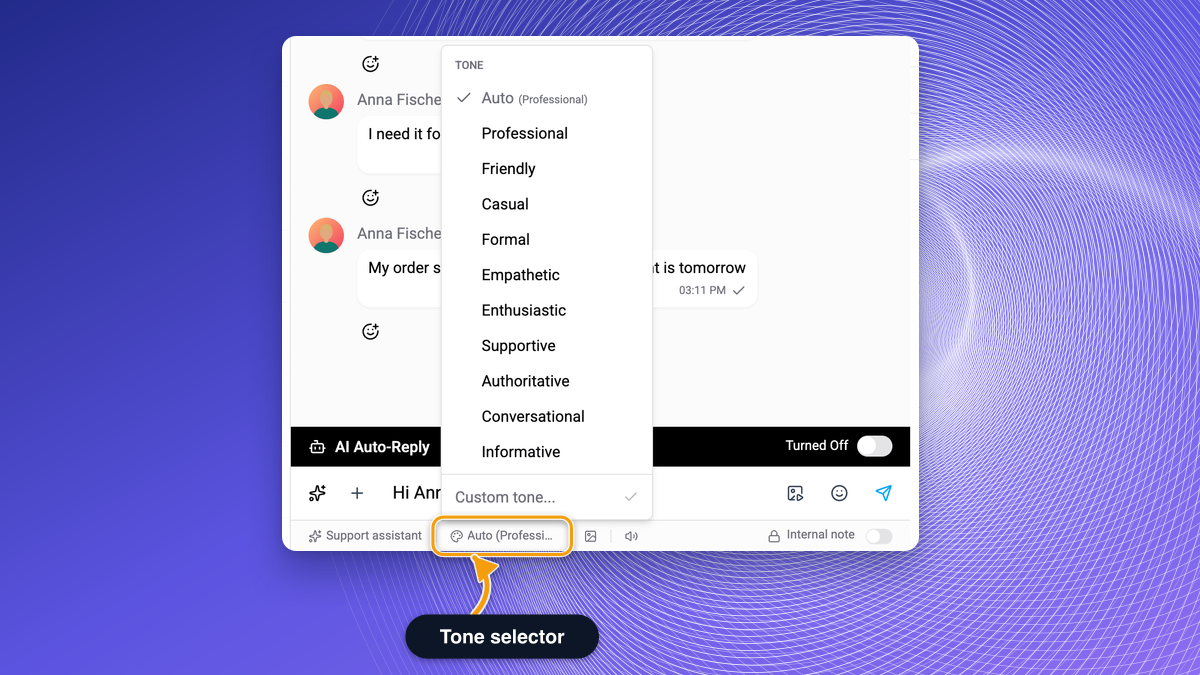
Change Tone Follows the Assistant
In the Inbox AI bar, Change Tone with Auto now follows the selected assistant's tone instead of always using Professional. See AI Actions.
Clearer Limits and Labels
A WhatsApp List card button label is limited to 20 characters and the list text to 1024. Deleting a news source keeps its posts, Featured article uses a news post, and web integration names can be up to 100 characters. In the widget editor, Reset resets the theme only, and the Test badge marks only old preview chats. See WhatsApp List Card, News and Settings File.
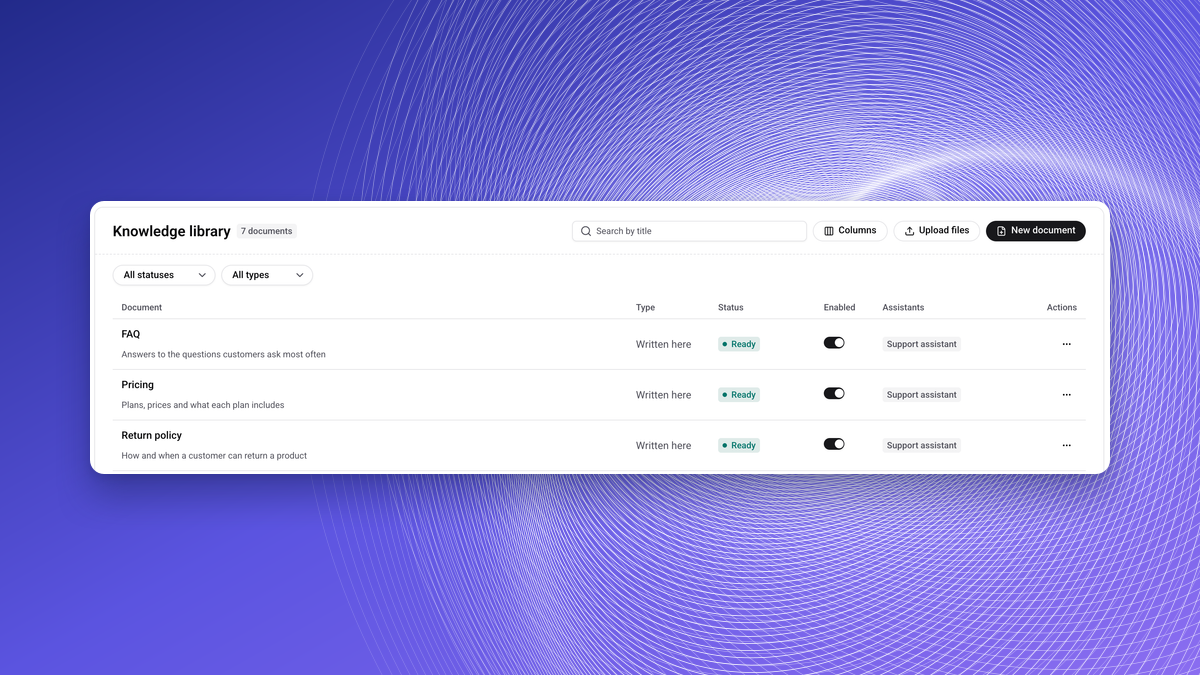
Knowledge Library
Write documents, upload several files at once (now also .mdx, .markdown and .tsv) and attach them to assistants. Editors can manage them. See Knowledge Base and Writing Documents.
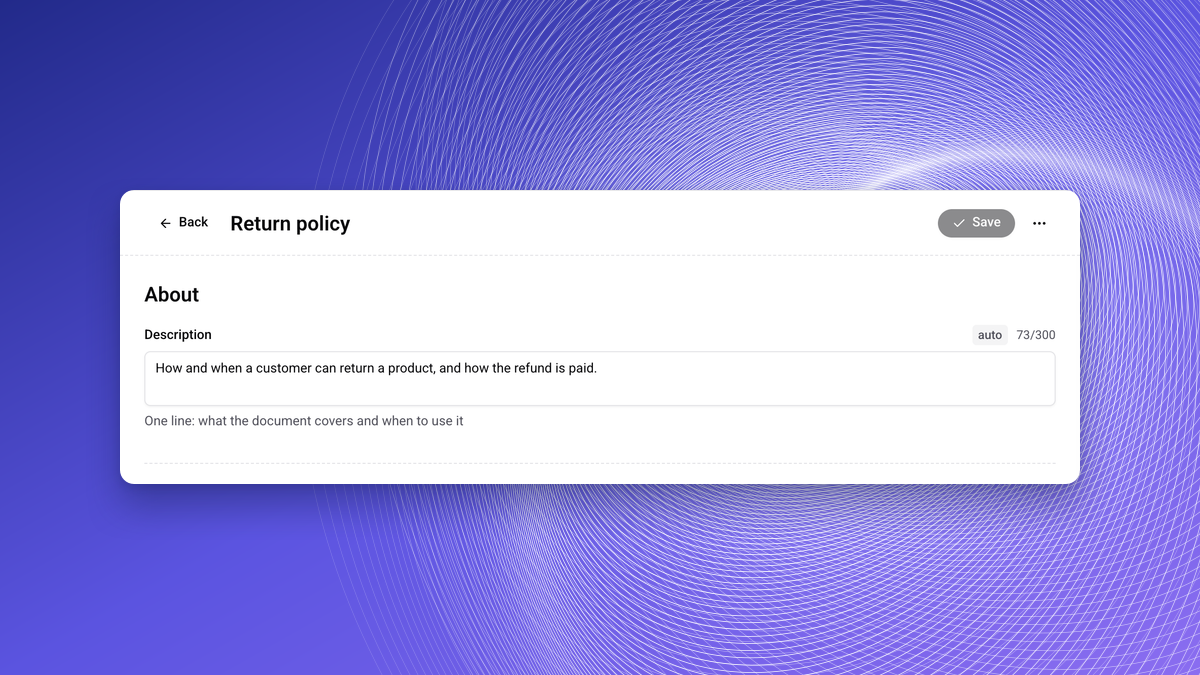
Generated Titles and Descriptions
Wexio writes the title and description of a knowledge document for you. See Writing Documents.
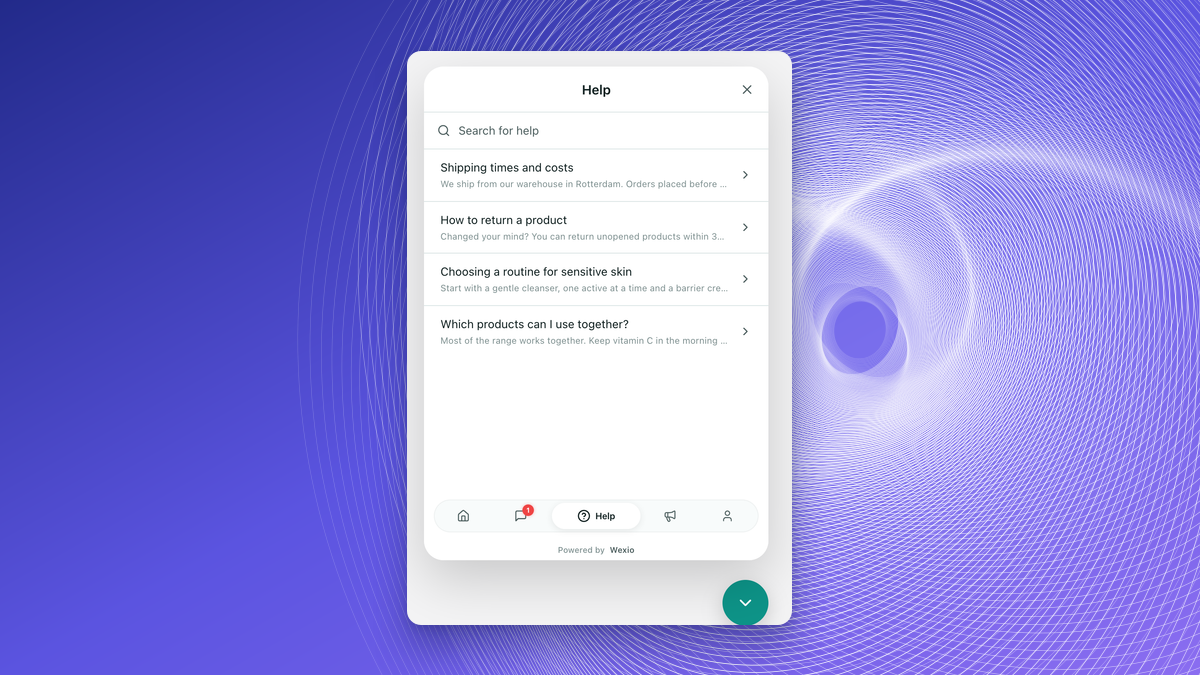
Full Excerpts for RSS and Help Articles
Excerpts from RSS sources are cut at 500 characters only when the source has no custom excerpt mapping. The widget still shortens long excerpts for display. See Content Ingestion.
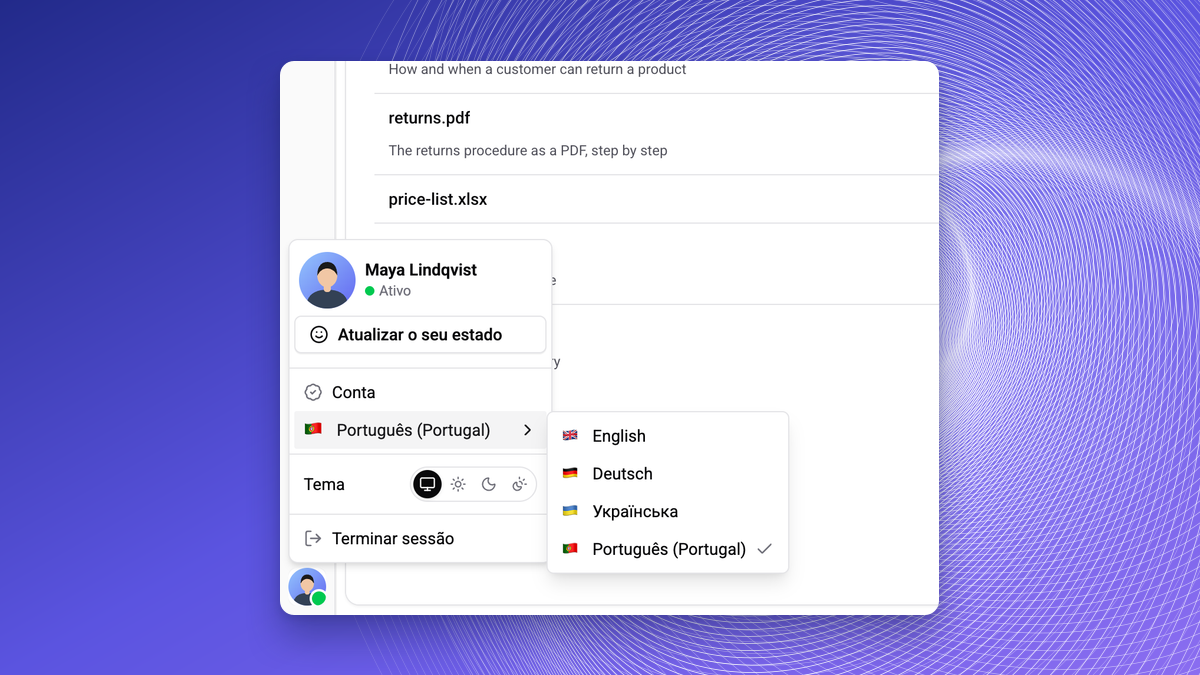
European Portuguese
The app is available in European Portuguese, and the interface language follows your browser until you choose one.
Read-Only Billing for Admins
Admins see plan, usage, invoices and card. Managing billing stays with the Owner. See Plan & Billing.
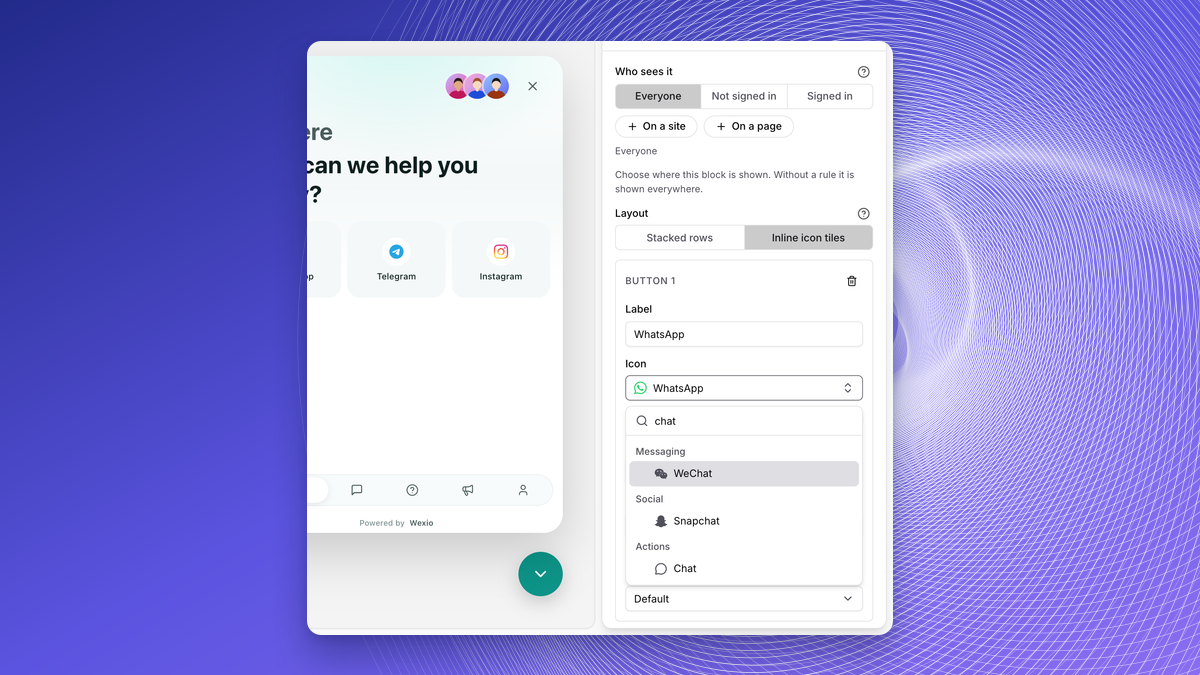
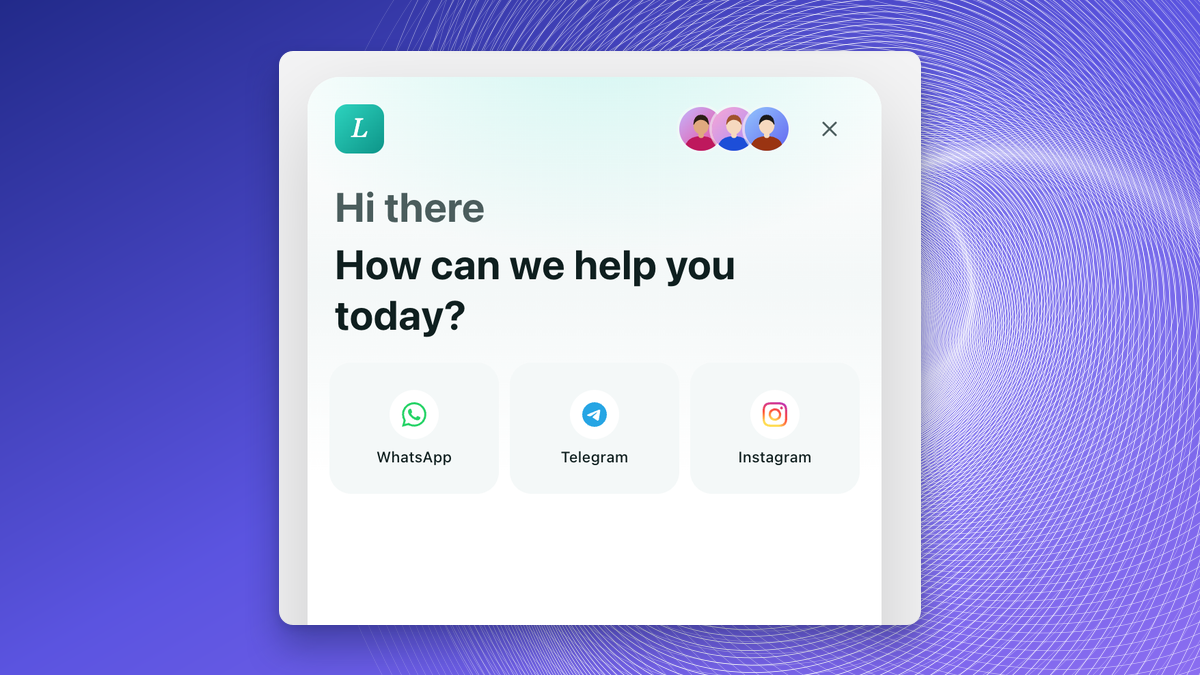
More Quick-Action Icons
The icon picker is searchable and has about 17 more icons, including social and messaging brands. See Content.
Remembered Widget Position
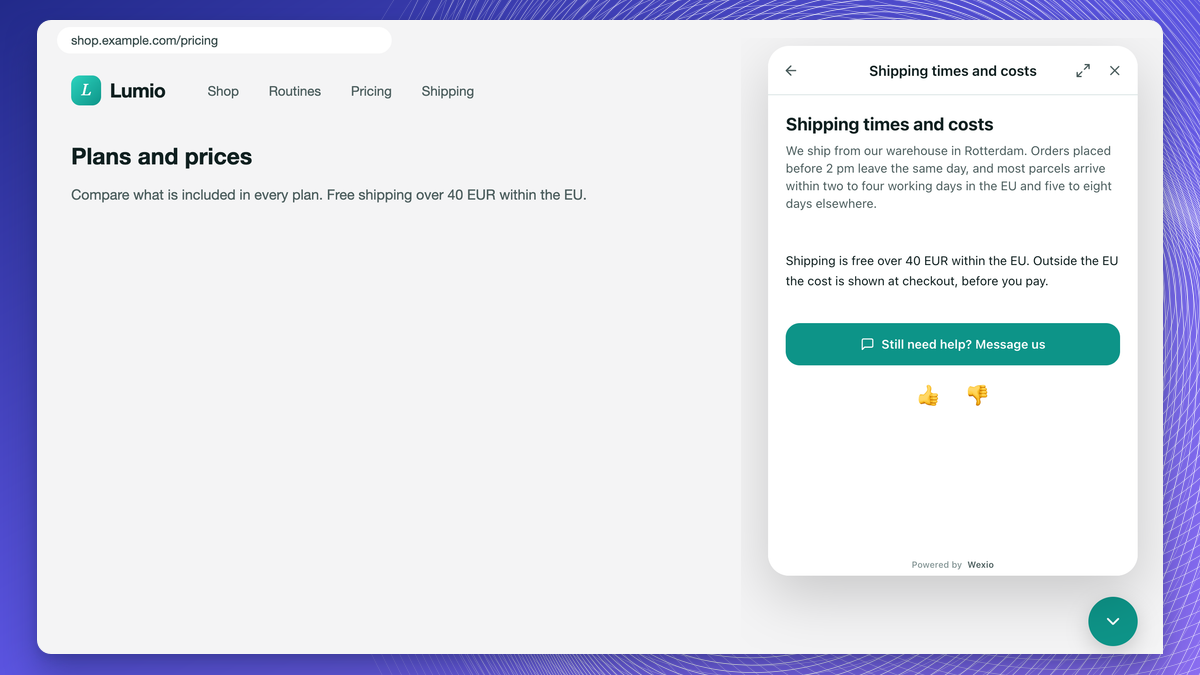
The widget restores its open panel and route when the host page reloads or navigates. Widget 1.7.9 extends this to sites where each link loads a new page: the chat stays open where the visitor left it, and on phones it reopens there on the next tap.
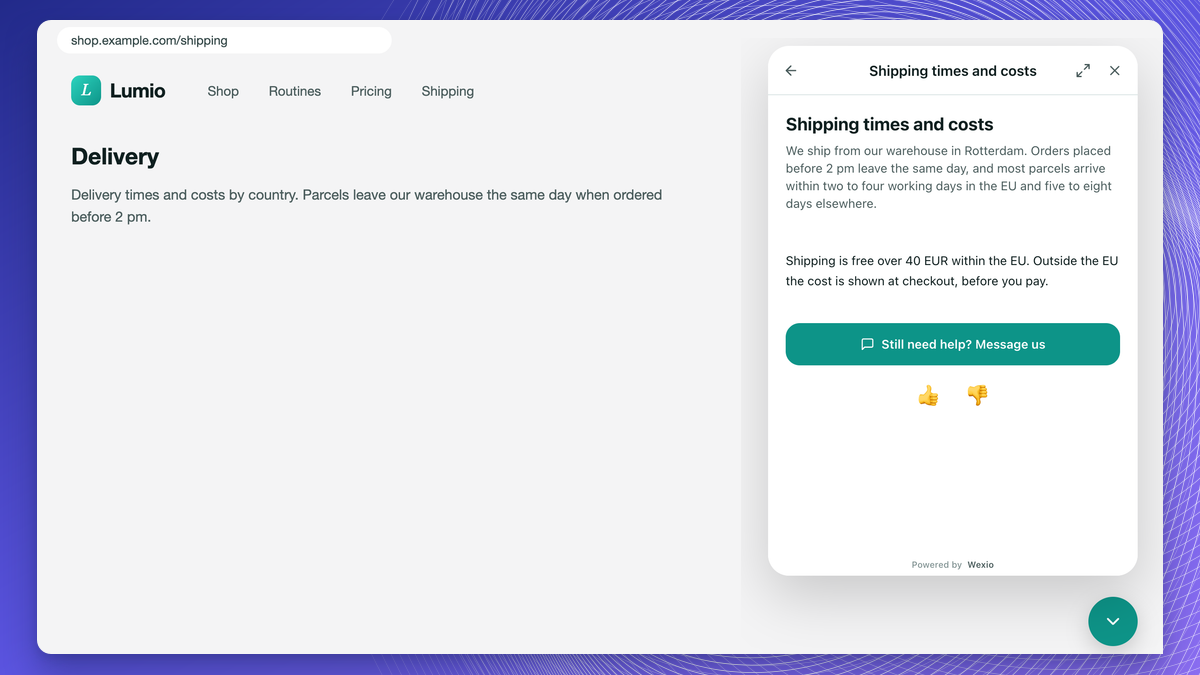
Full-Screen Images on Script-Tag Sites
Widget 1.7.8: on sites that use the script tag, images now open full screen instead of inside the chat frame.
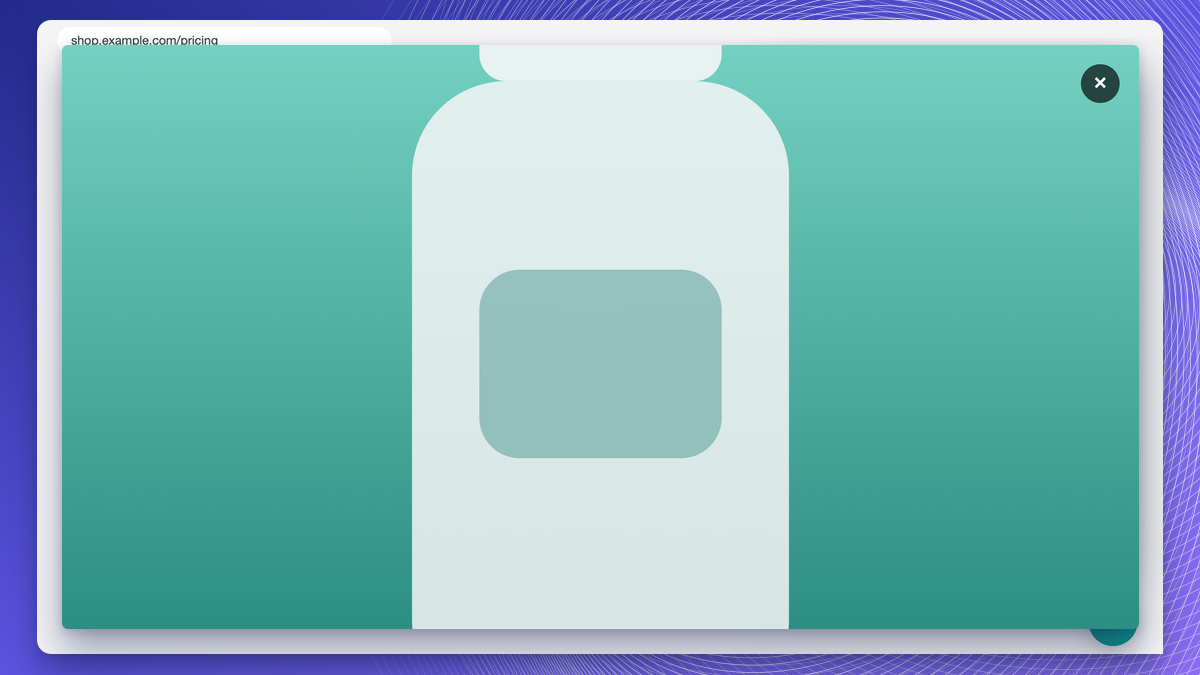
Clicks Pass Through Around the Launcher
Widget 1.7.8: on sites that use the script tag, the empty space around the launcher no longer blocks clicks and text selection on the page.
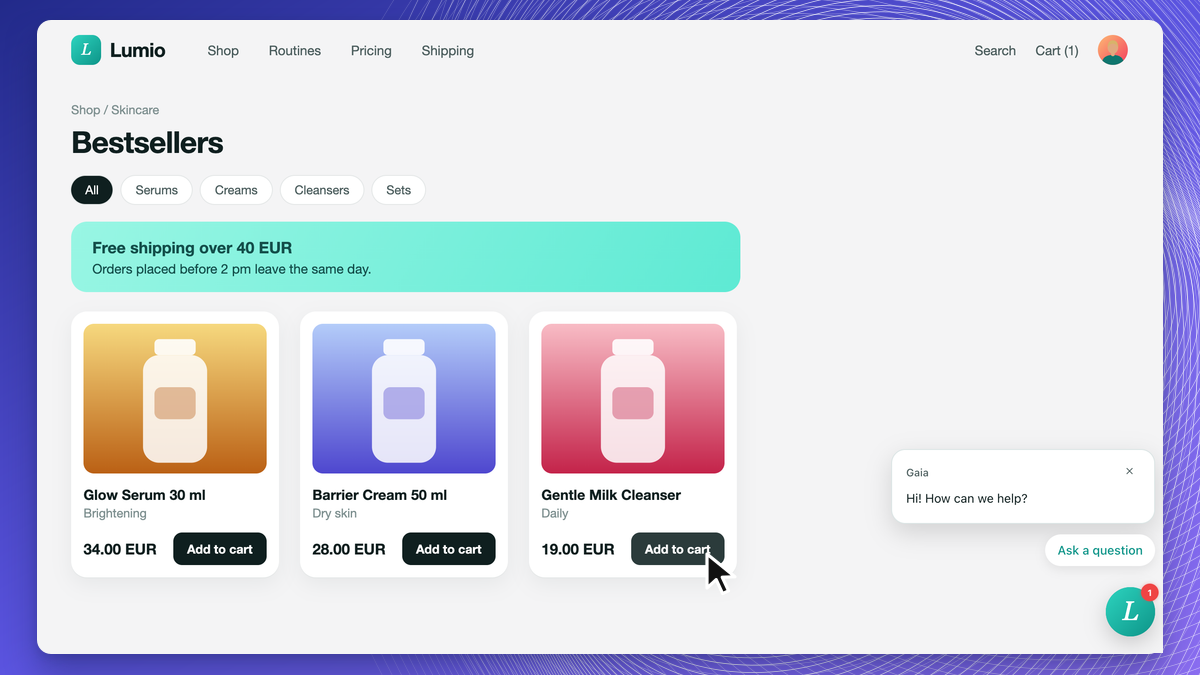
Smoother Closing and Expanding
Widget 1.7.8: the chat no longer flickers when closed, and the panel expands smoothly in both directions.
Live Edits and Deletions
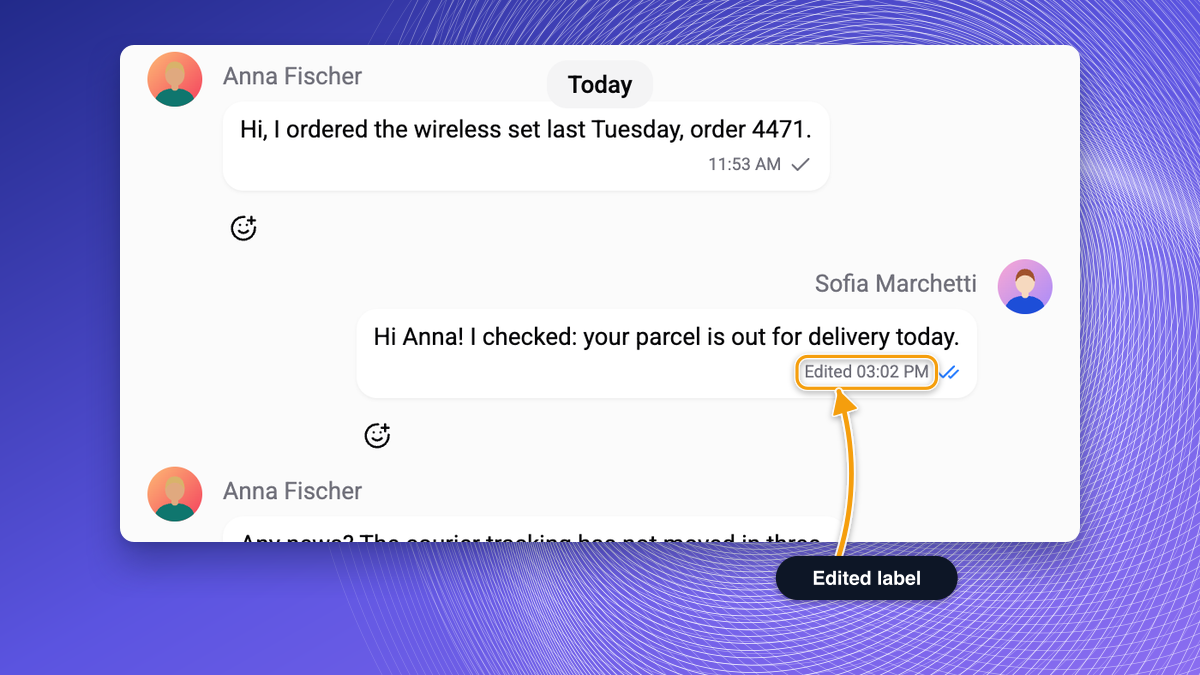
Edits and deletions an operator makes to a message show up live in the visitor's chat. See Conversations.
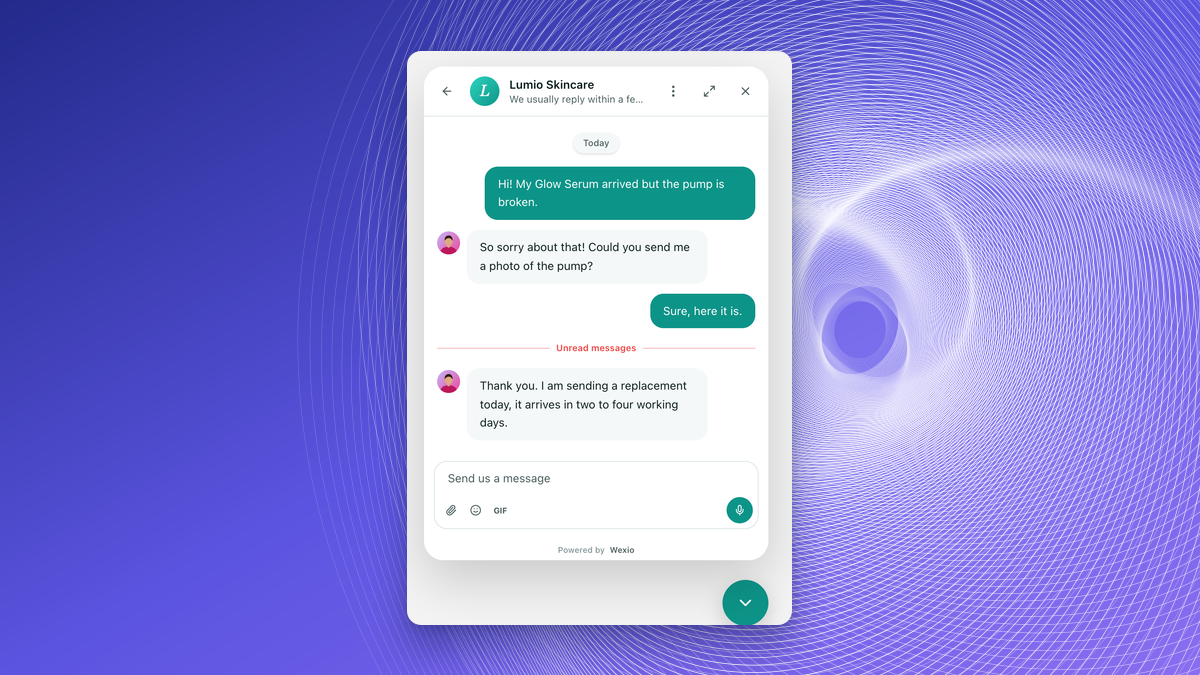
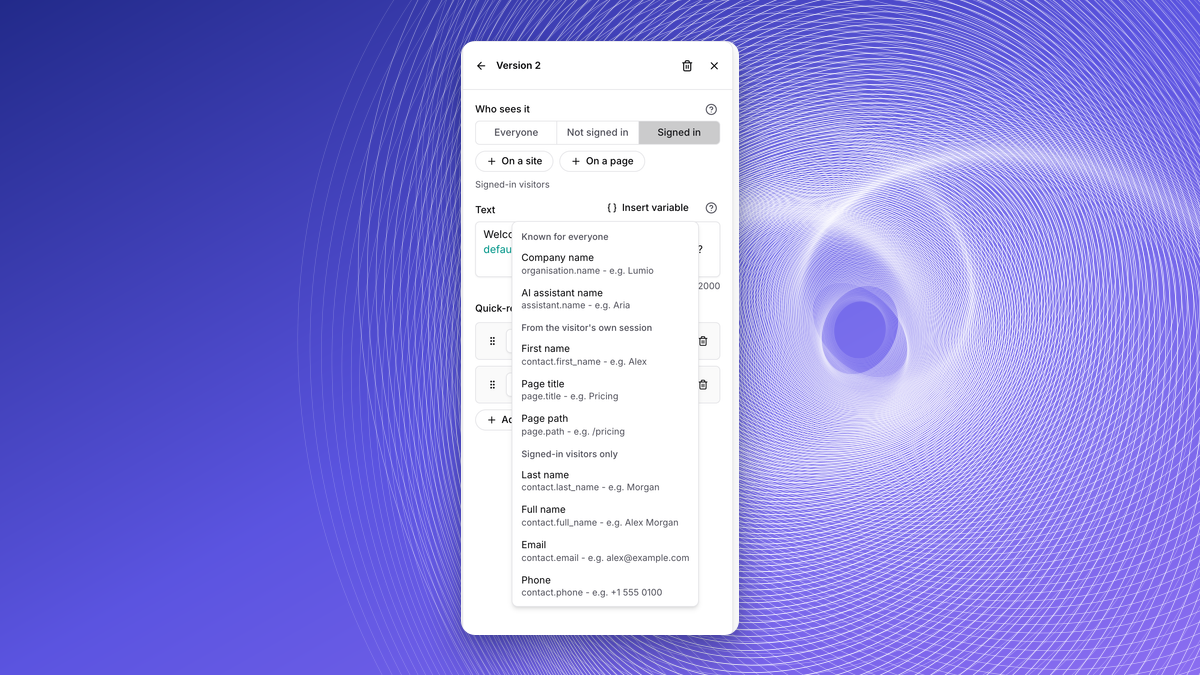
Page Title and Path in Greetings
Greetings can use the visitor's page title and path as variables. See Messenger.
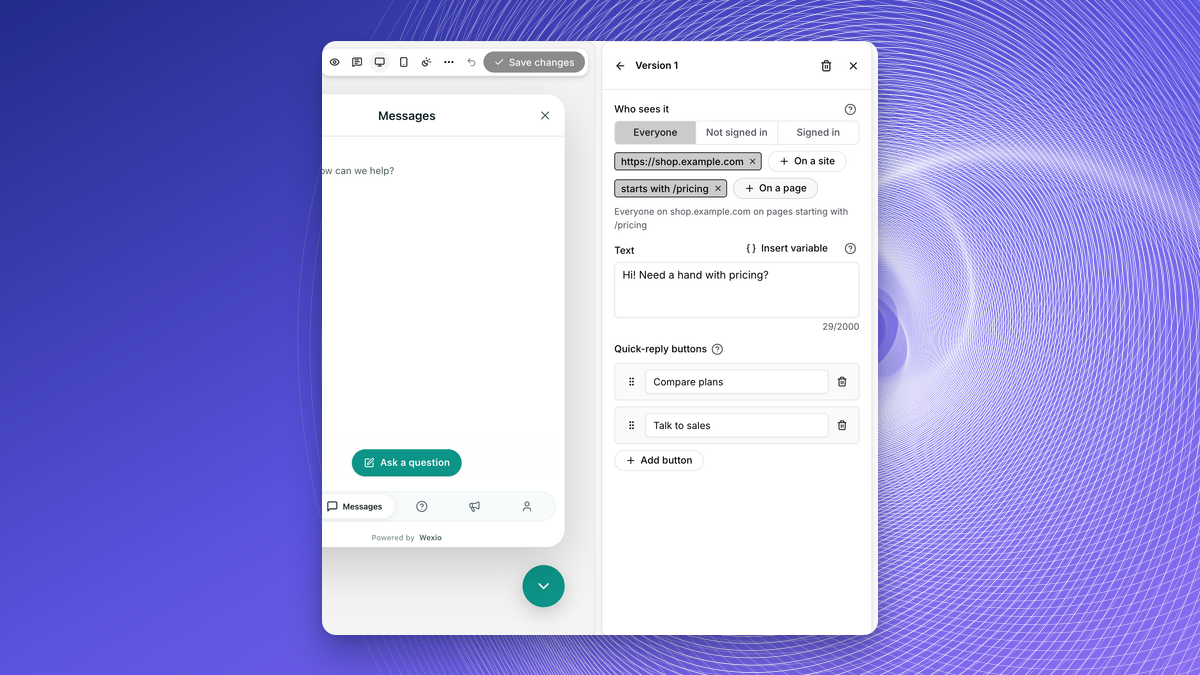
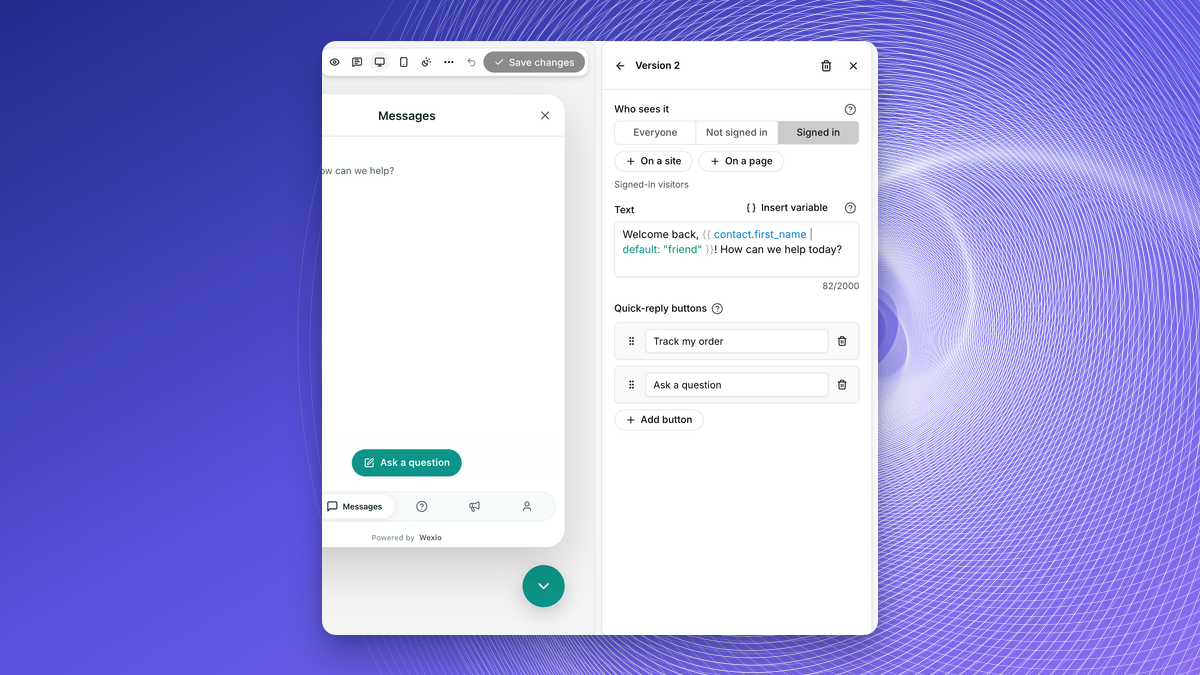
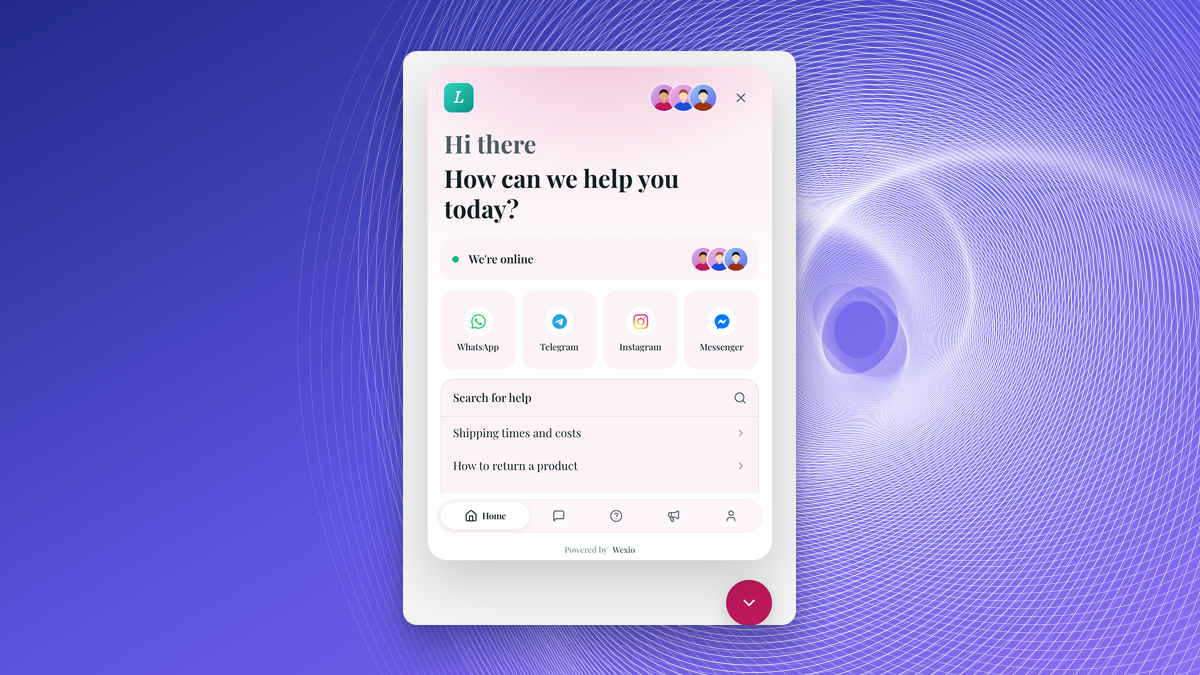
Targeted Welcome Messages and Home Blocks
Target an audience (everyone, visitors, signed-in), sites and pages, with up to five variants, variables, quick-reply buttons and per-language text. See Messenger.
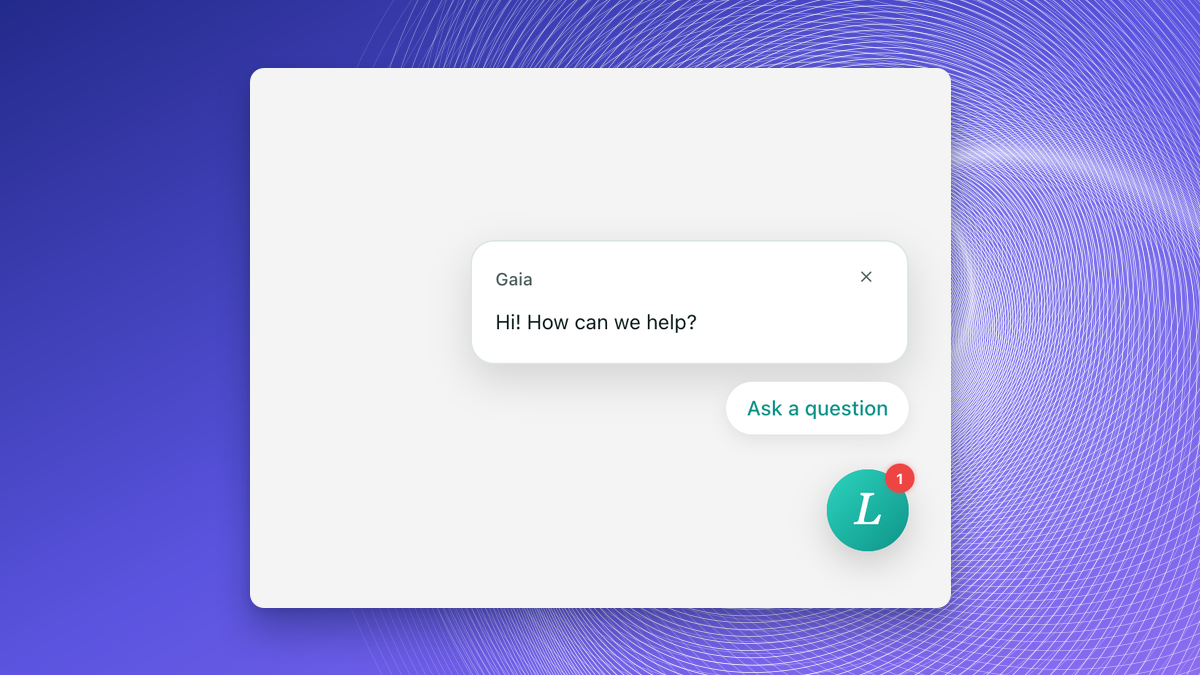
Welcome Bubble
Welcome messages also show as a bubble above the closed chat button. A closed bubble can return after a number of days you set. See Messenger.
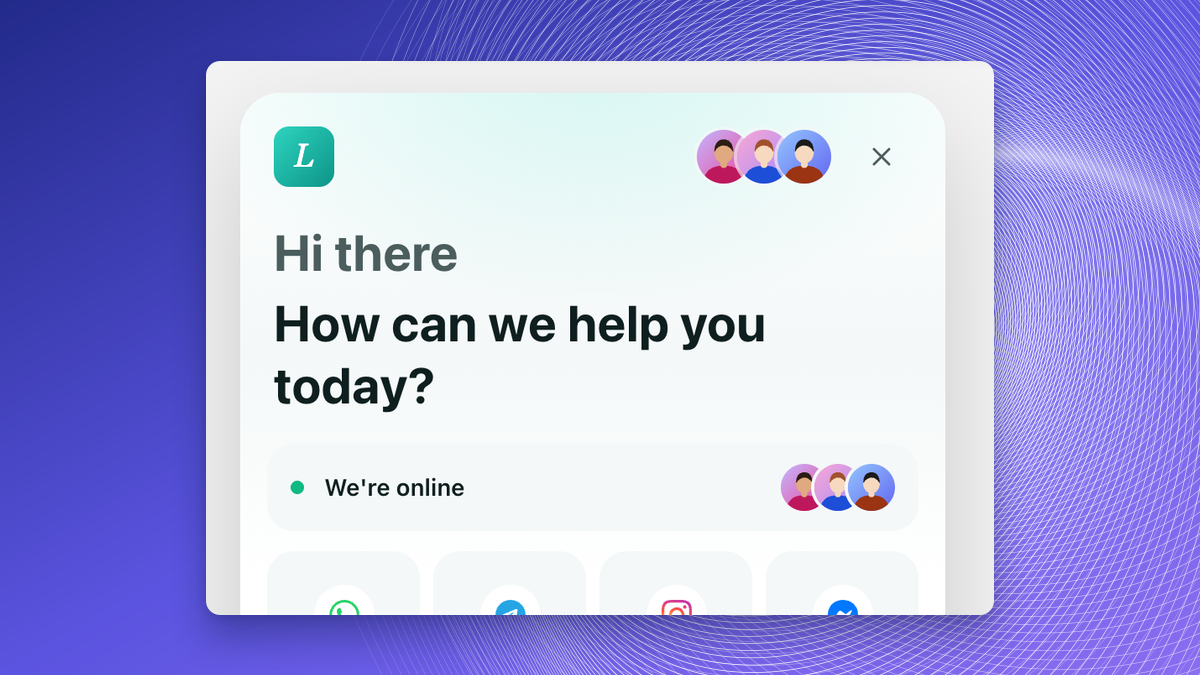
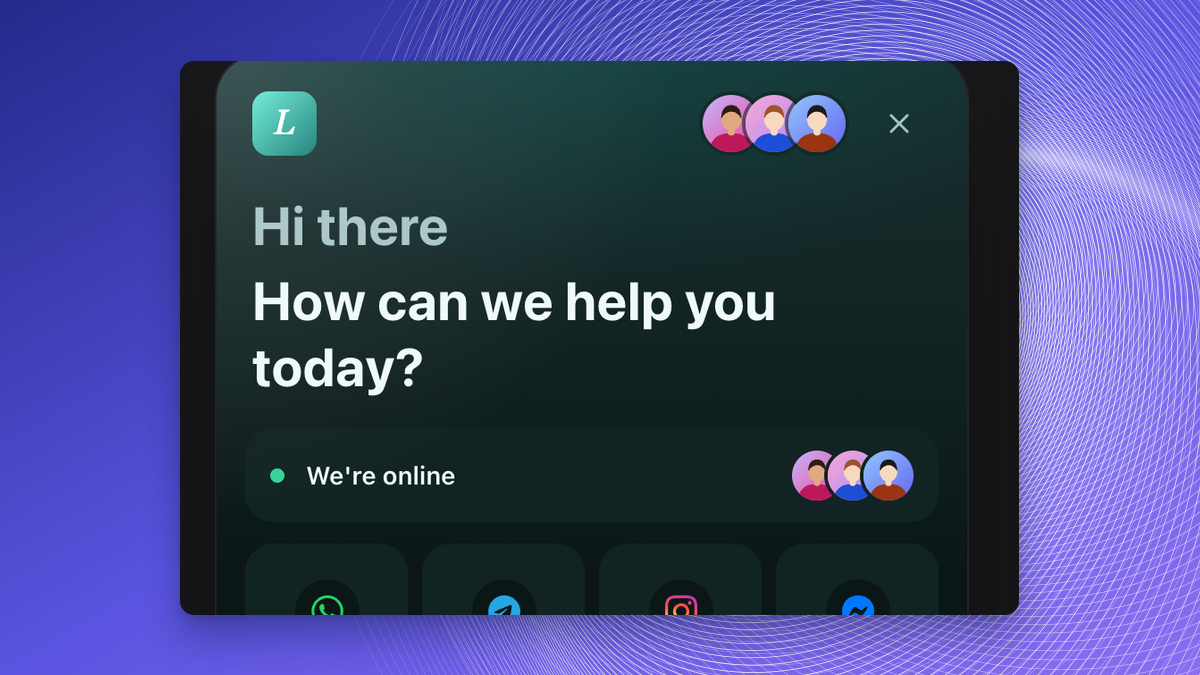
Home Header Glow
The Home header can have a glow colour for light and dark. See Appearance.
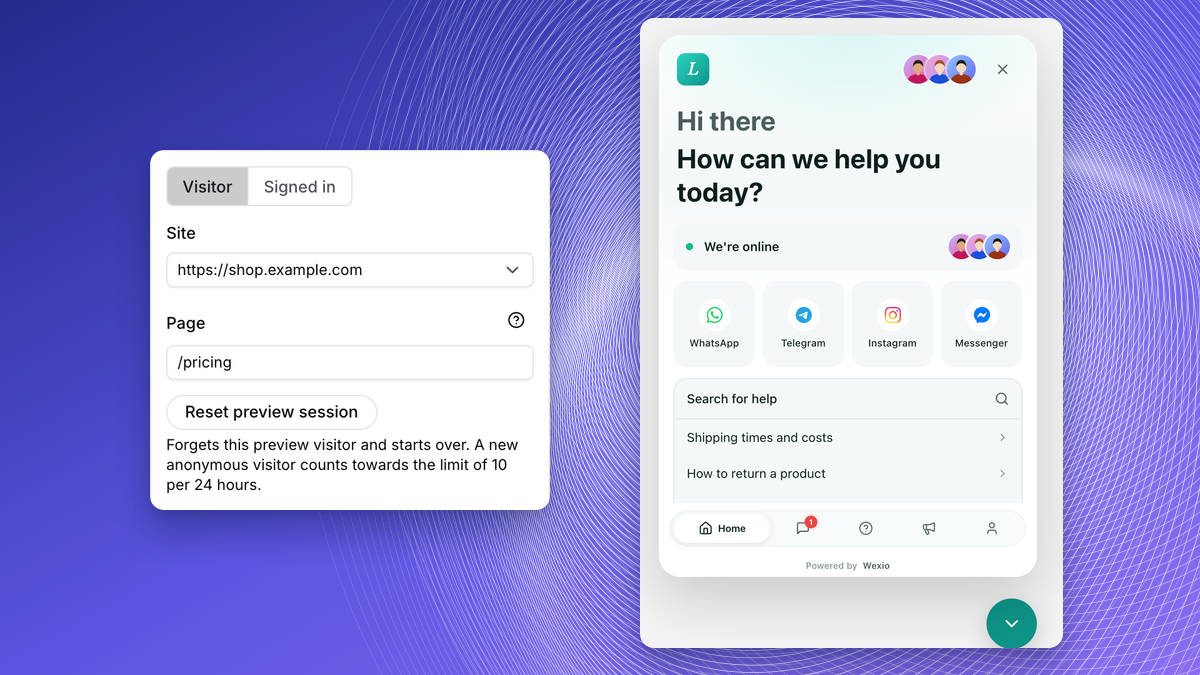
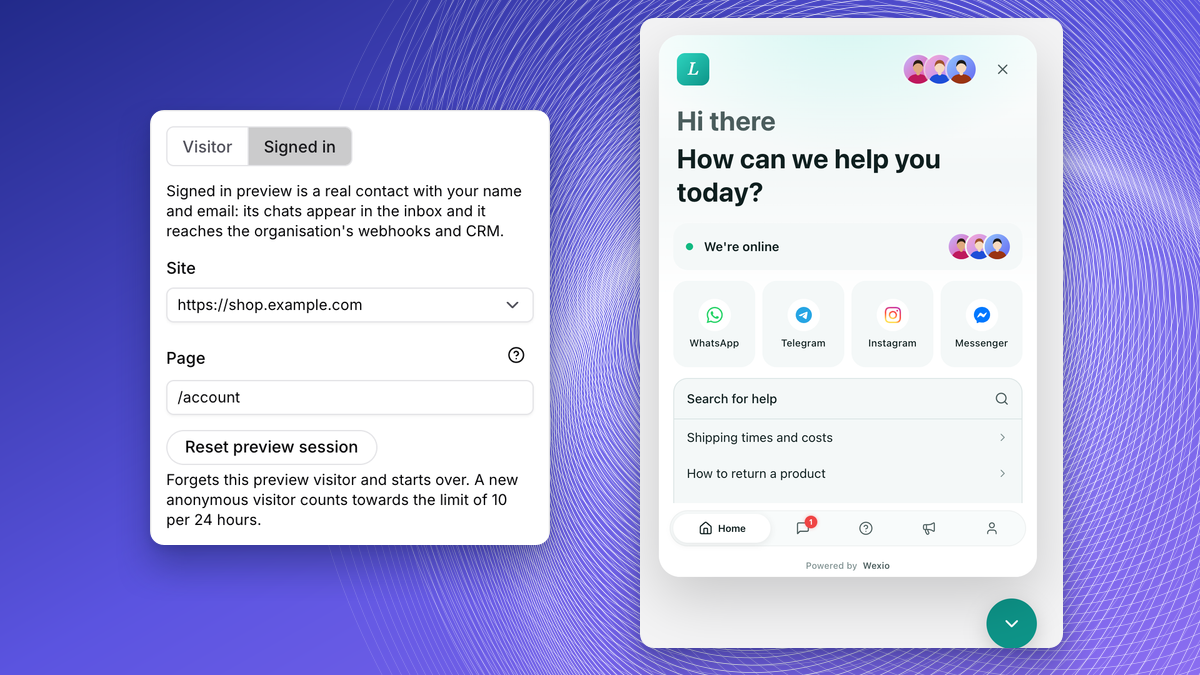
Real Widget Preview
The preview runs the real widget as a visitor or signed in, on a site and page you pick. Tests are real conversations. See Testing.
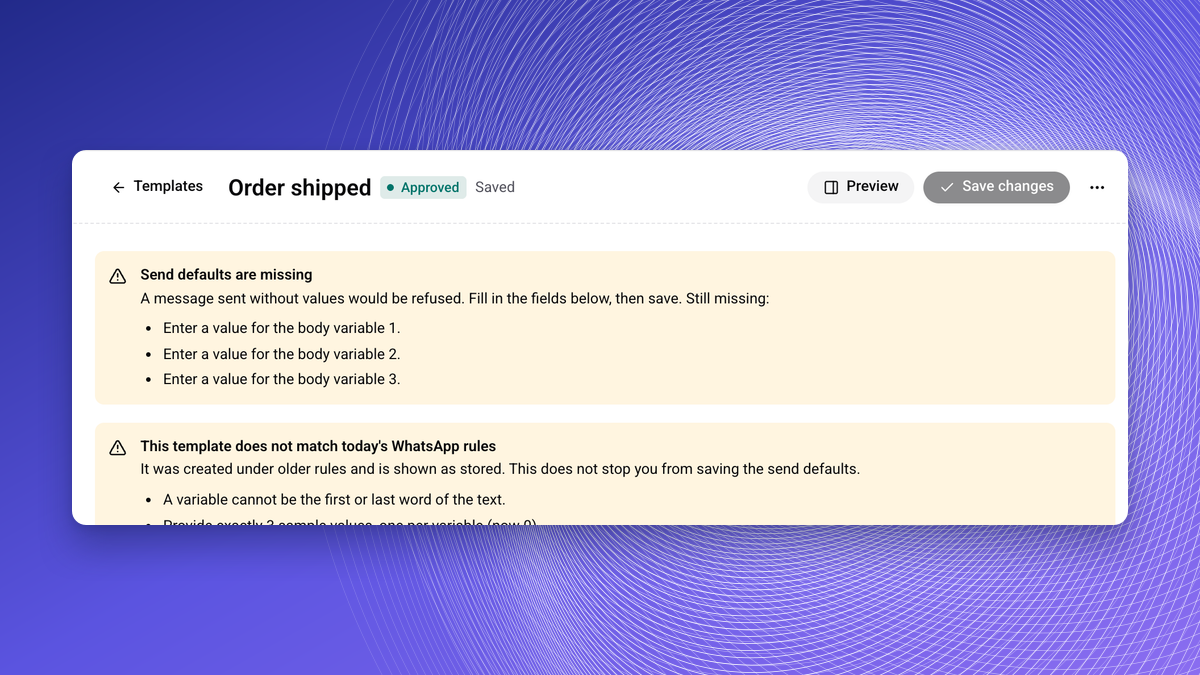
WhatsApp Templates of Every Type
Create and send every template type from Wexio, with a WhatsApp-style preview and a check for missing values before sending. See WhatsApp Templates.
Template Card Overrides in Flows
Flow WhatsApp template cards can override one-time-password, named values, location, buttons and products. See WhatsApp Template Card.
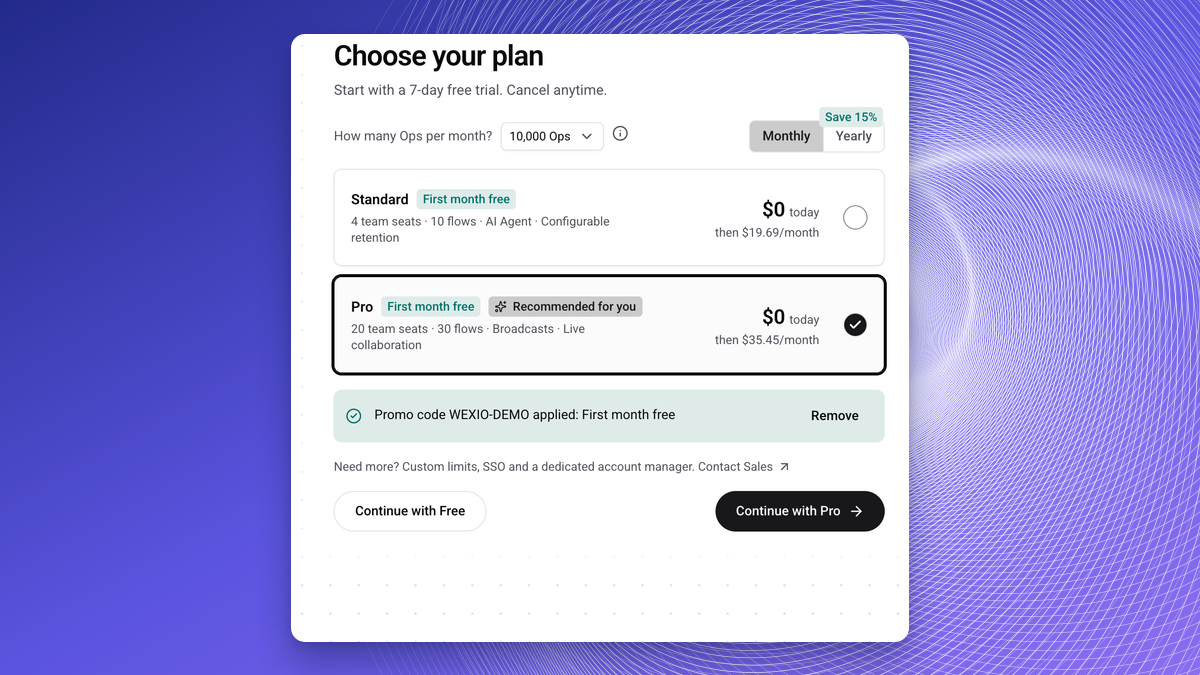
Plan Step in Onboarding
Onboarding shows the price per interval, handles promo codes and confirms the Free plan. See Onboarding.
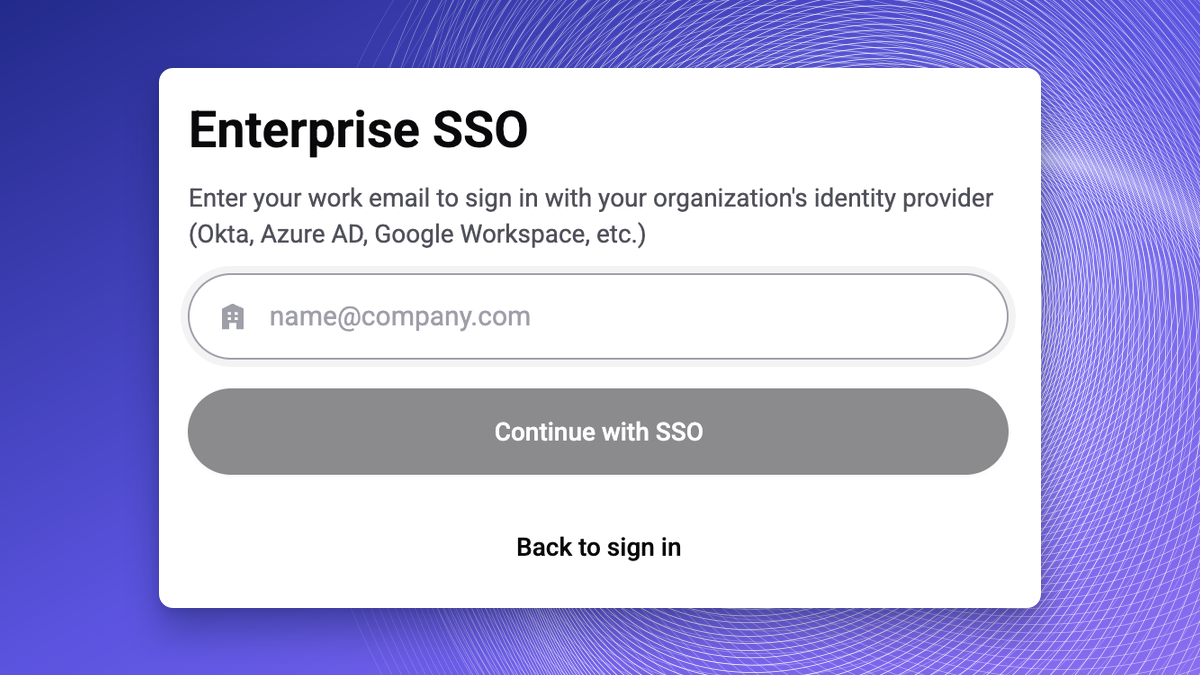
More Robust SSO
SSO redirect and one-tap login are more robust. See Security.
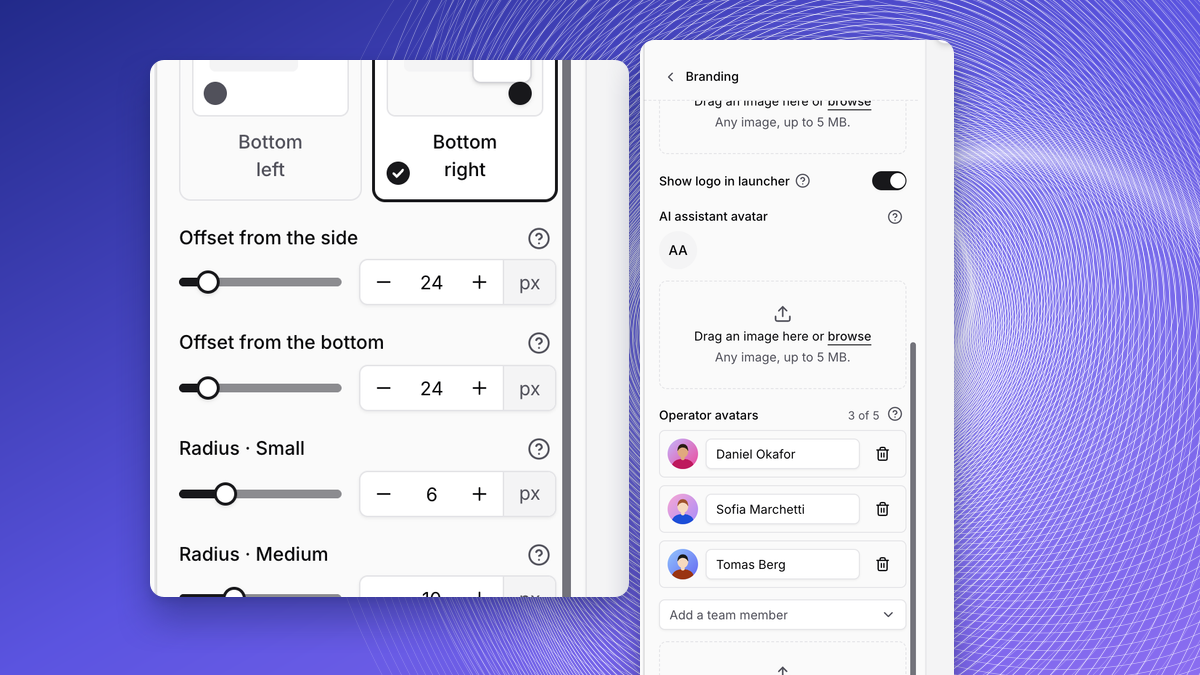
Launcher Offset and Team Avatars
Offset the launcher and panel from the page edge. Operator avatars can be team members. See Appearance.
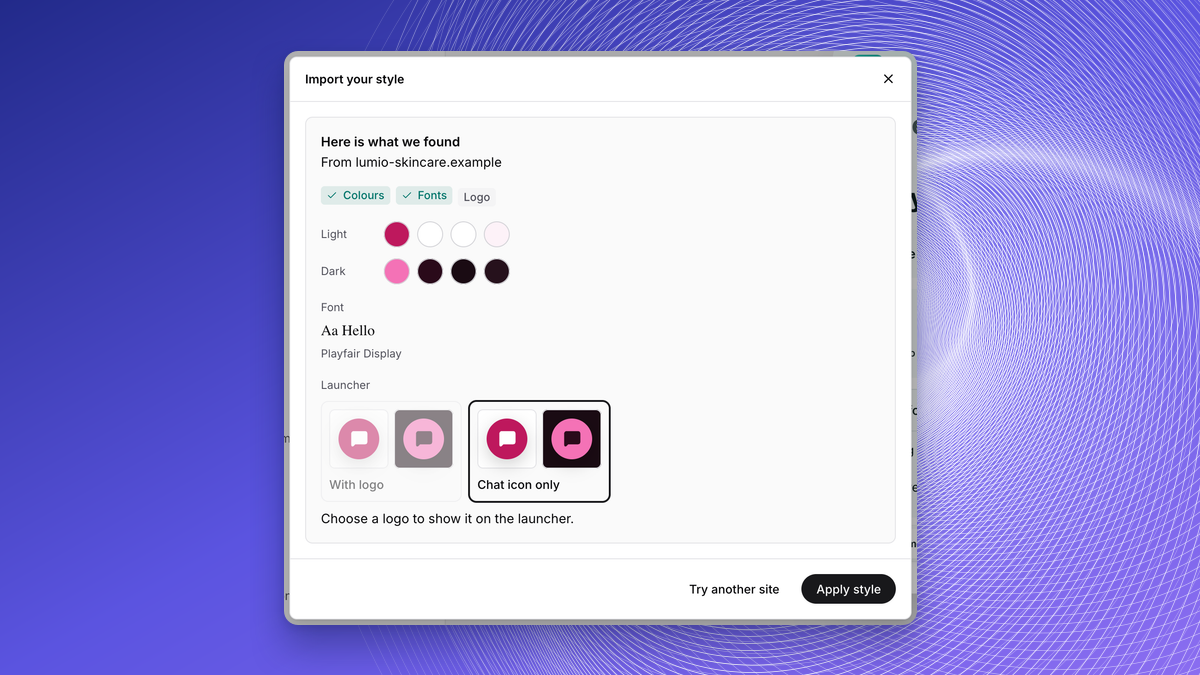
Brand Import
Brand import reads a website, screenshot or PDF and proposes widget colours and logos. Brand settings can be exported and imported. See Appearance.
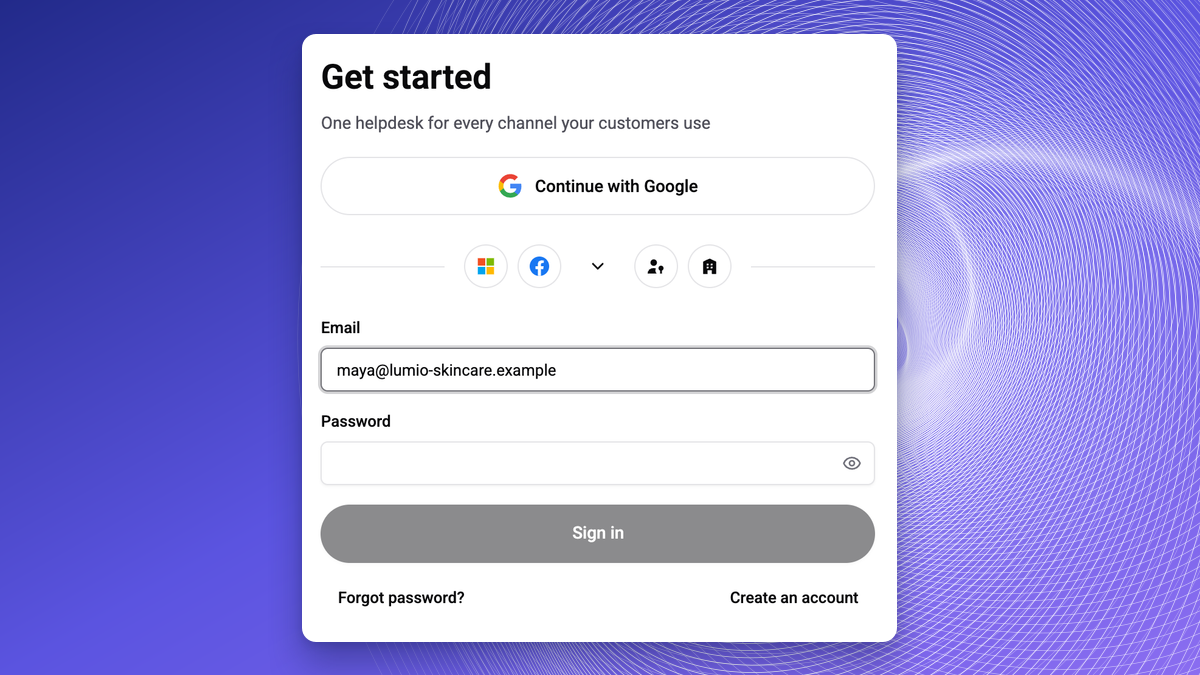
Email and Password Sign-In
Sign up, sign in and reset with email and password. Change or set your password and email with a second factor. See Account Security.
Visitor Handles
Anonymous widget visitors are labelled "Visitor #HANDLE" instead of a generated name. You can search chats and people by the handle.
Chat with Wexio Support in the App
When you are signed in, you can chat with support from inside the app. See Support Tickets.
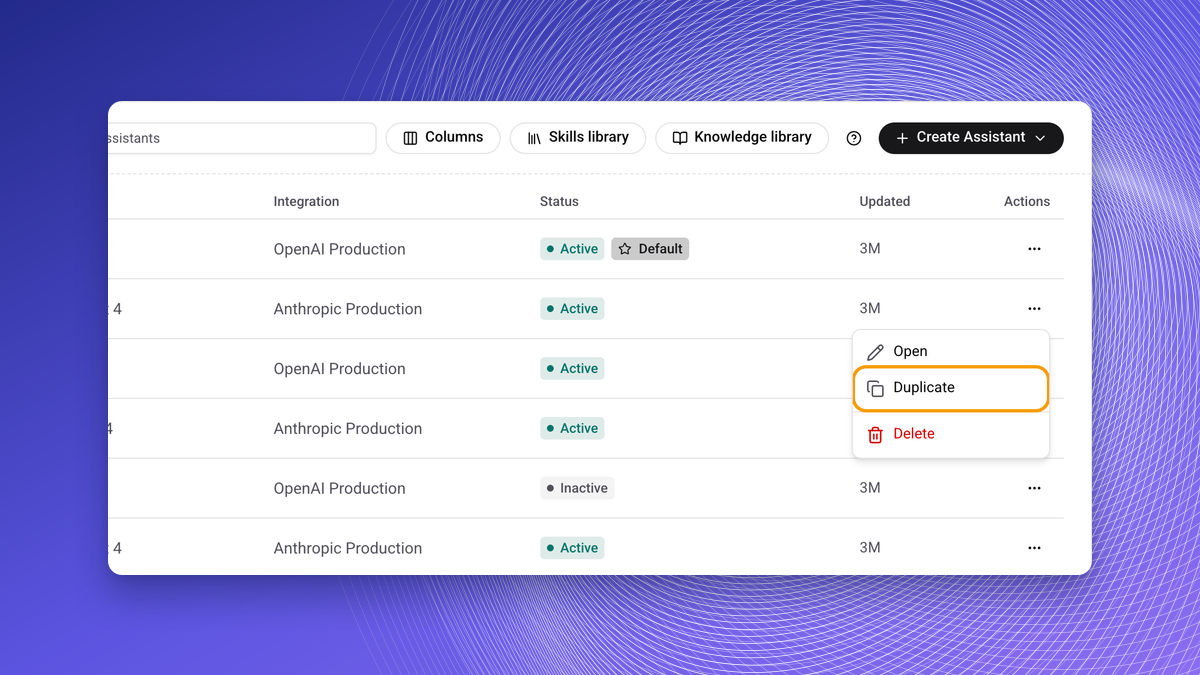
Duplicate an Assistant
Settings are copied, knowledge is not. See Assistants.
Sourced AI Answers
AI replies cite numbered passages and check their answer against sources before sending. Each assistant has an off-topic setting. See Knowledge Base.
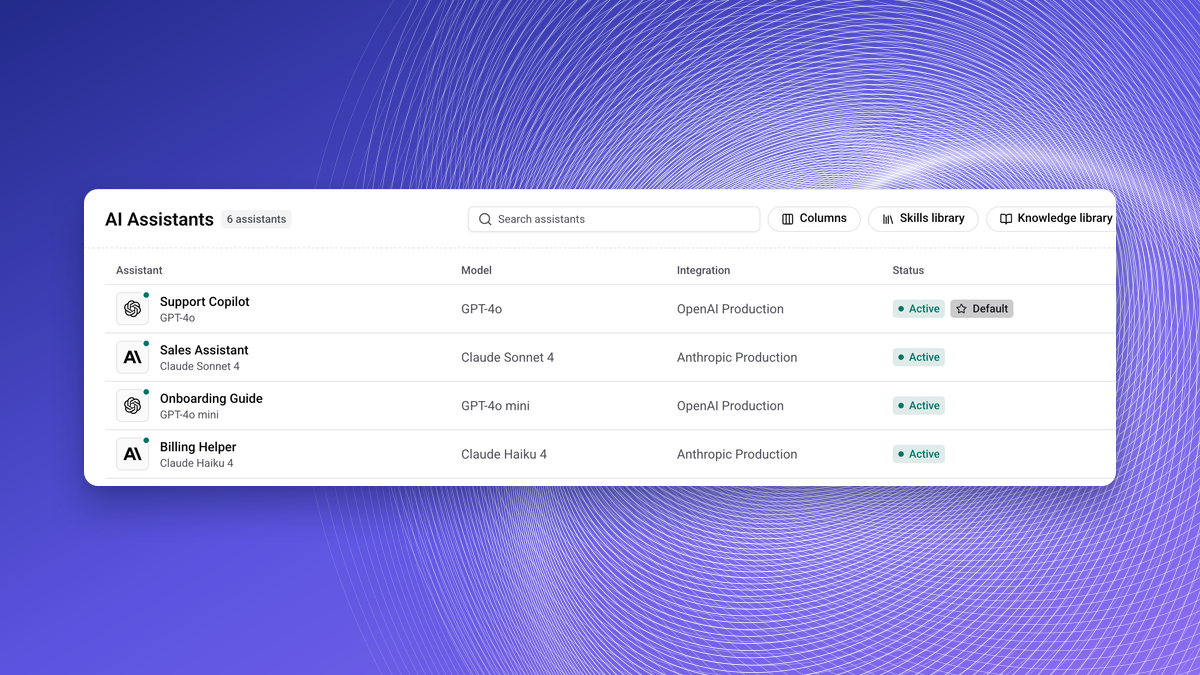
Several Assistants
Run several AI assistants and choose which one answers on each channel, with rules. See AI Settings and Assistants.
Webhook History on Every Plan
Delivery history is readable on any plan. See Webhook History.
Unpaid First Invoice
An unpaid first invoice no longer drops you to Free. Adding a card pays the open invoice. See Plan & Billing.
Dedicated Database Settings
Admins can manage the organisation's dedicated database settings. See Database.
WhatsApp 24-Hour Window
The window follows real signals from Meta, and failed messages carry an error code. See WhatsApp.
Message Status Webhook Event
Outbound webhooks have an opt-in message status event, and chat events carry status and assignee. See Webhooks.
Related
- September 2026 - the previous month.
- API and MCP changelog - API and MCP changes.