Configure
Profile Fields
Choose which details appear on the widget's Profile tab and in what order
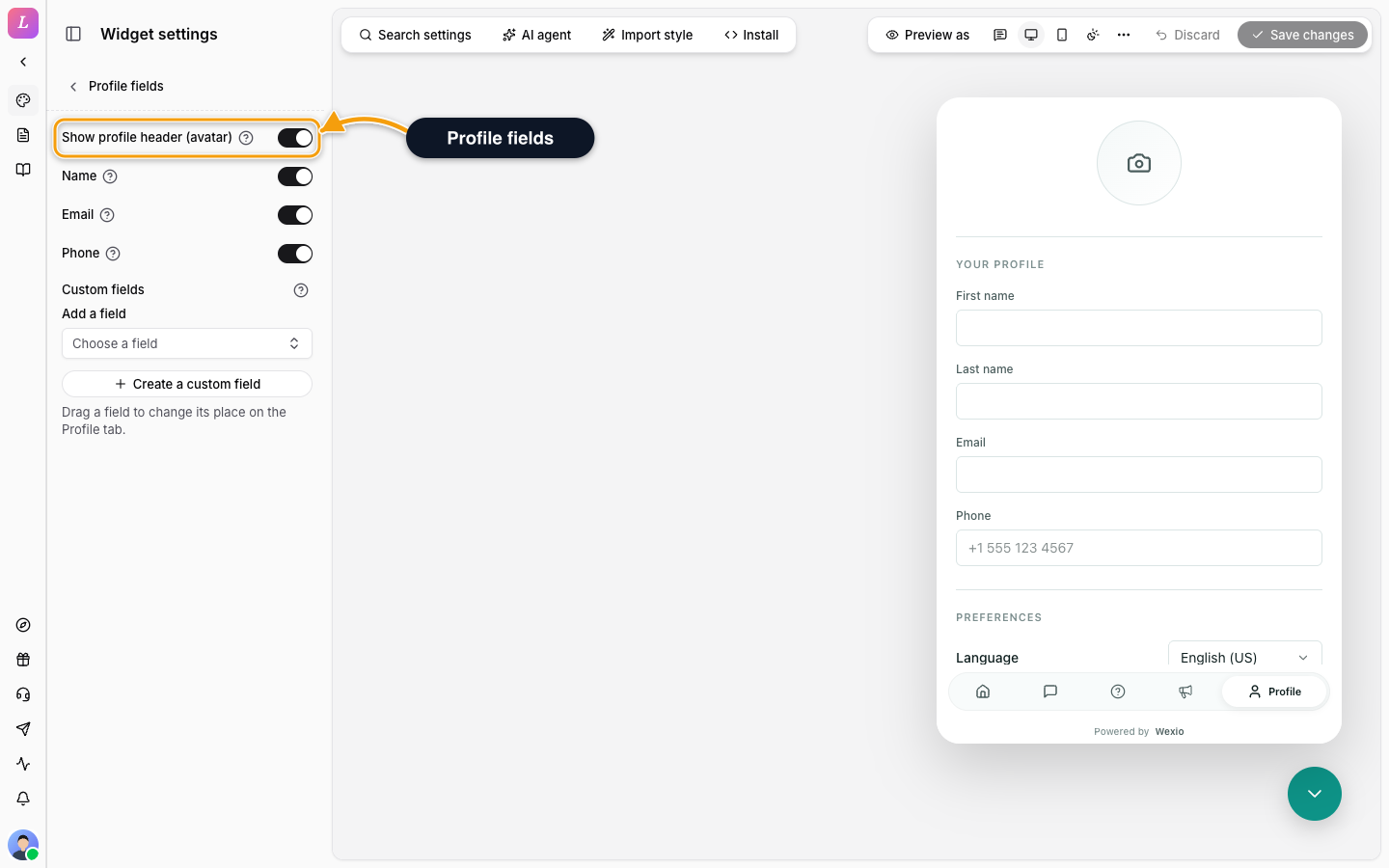
The Profile fields section in the Visitor group sets what the Profile tab shows. The tab itself is switched on under Layout. It follows the draft-and-Save model.
| Setting | What it does |
|---|---|
| Show profile header (avatar) | Shows the avatar header at the top. When off, a note says the header is hidden in the widget. |
| Name | Shows the first and last name fields. |
| Shows the email field. | |
| Phone | Shows the phone field. |
| Custom fields | Extra fields from your People fields. Click Add a field, drag to reorder. Up to 50 fields in total. Create a custom field opens the People settings. |
If no fields are picked, the widget shows its default set: first name, last name, email and phone.
Related
- Pre-Chat Form - ask for details at the start of a chat.
- Messenger - use profile fields as variables.