Forgot Password
Reset your password with a code sent to your email
If you forget your password, Wexio emails you a code, and you choose a new one. You are signed in when you finish.
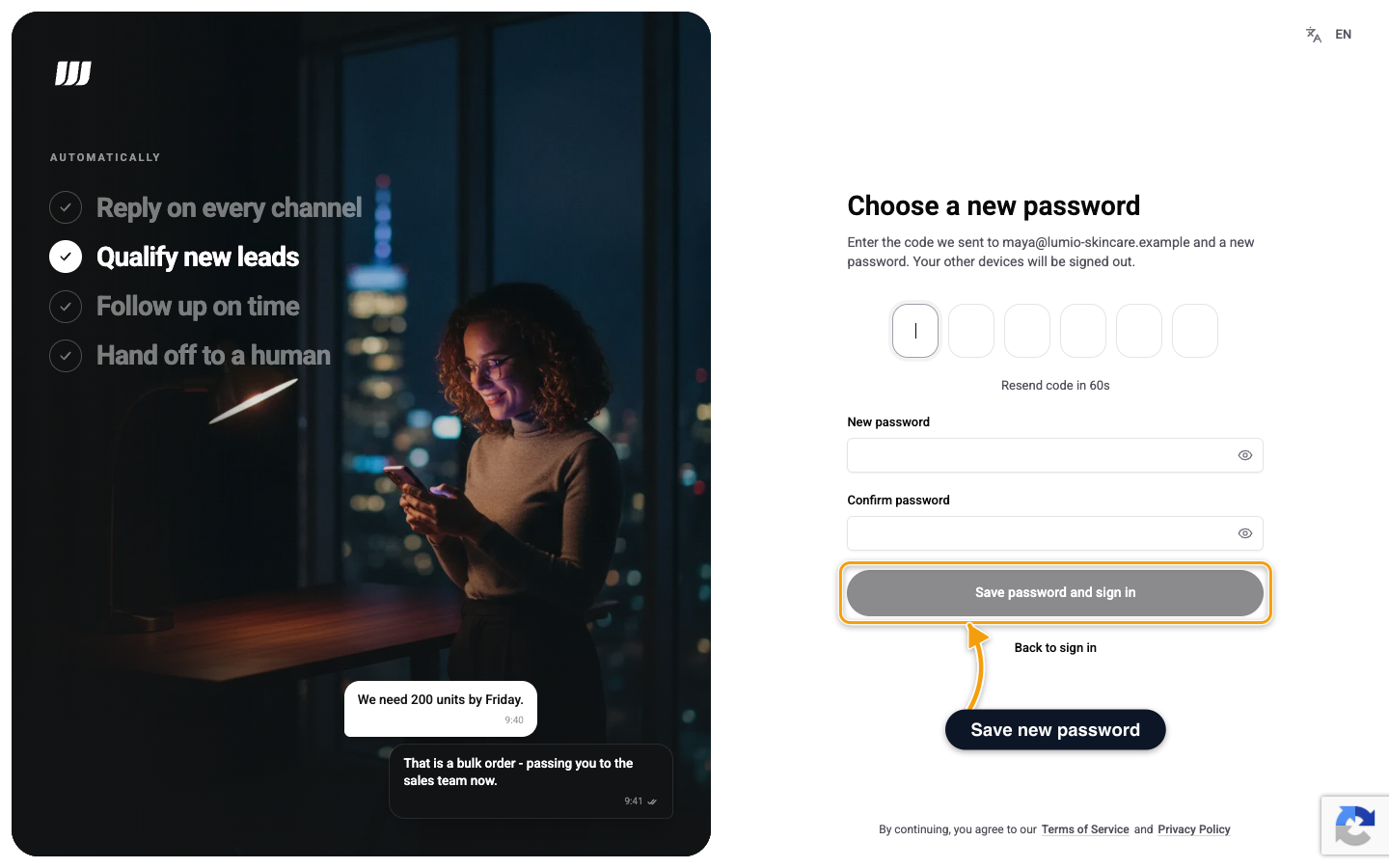
Reset Your Password
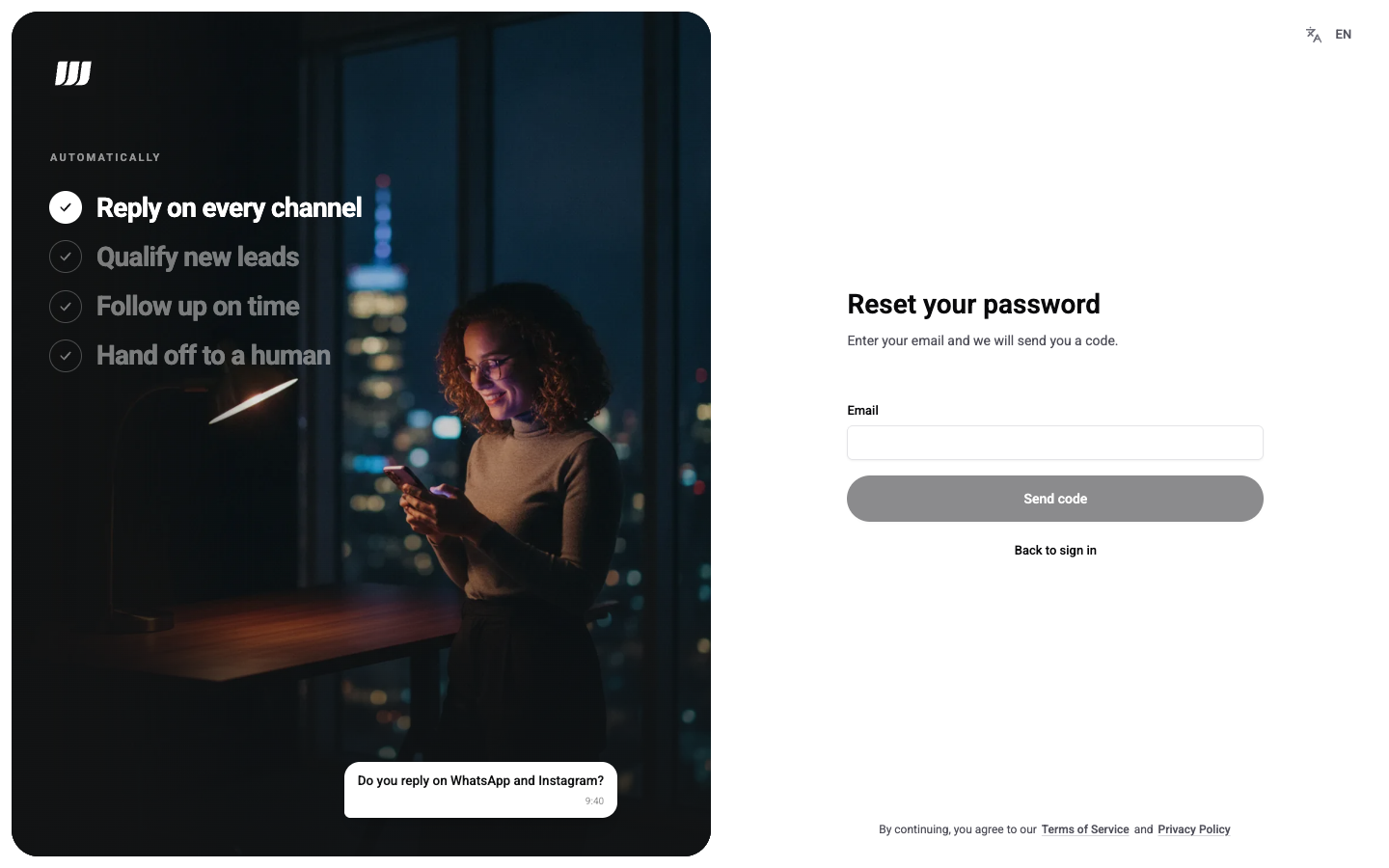
- On the sign-in screen, choose Forgot password?.
- Enter your Email and click Send code.
- Enter the 6-digit code, a New password and Confirm password.
- Click Save password and sign in.
The code has 6 digits and is valid for 10 minutes. After 60 seconds you can ask for a new one. A code is deleted after 5 wrong tries. If the code does not work, request a new one.
The new password follows the password rules. Wexio checks the password before it uses up your code, so a weak password does not cost you the code.
Your other devices are signed out when the reset finishes.
The screen says it sent a code whether or not the address has an account. If no code arrives, check the address and your spam folder. An account that signs in with single sign-on has no password to reset.
A reset can fail on an account whose email was never verified and that has two-factor authentication or a passkey. You see That code is not valid. Check it and try again. and Wexio emails the owner of the address. Sign in with your usual method instead.
What You May See
| You see | What it means |
|---|---|
| That code is not valid. Check it and try again. | The code is wrong, expired or used up. The message is the same in every case. Go back and request a new one |
| Too many attempts. Try again in N seconds. | Too many requests, or 10 wrong codes for one email in 24 hours. Wait for the time shown |
| Your organisation uses single sign-on. Taking you there... | Your email domain requires single sign-on. Wexio sends you to your identity provider |
If you have two-factor authentication on, Wexio asks for your authenticator code after you save the new password. See Two-Factor Sign-In.