Organisations
Create, switch between and add organisations
An organisation is your workspace. You can belong to more than one, and you switch between them from the top of the sidebar.
Your First Organisation
Right after your first sign-in with no organisation, Wexio opens the onboarding wizard so you can create one. It does this once per account in each browser.
If you leave the wizard, later sign-ins with no organisation land on your account page. It shows Create your first organisation with a Create organisation button, and a Create your organisation dialog offers the same. Maybe later closes the dialog, and it comes back once in your next browser session.
Invited to an existing organisation instead? See Accept an Invitation.
Switch Organisation
Click the organisation name at the top of the sidebar. The list shows every organisation you belong to. Click one to open it.
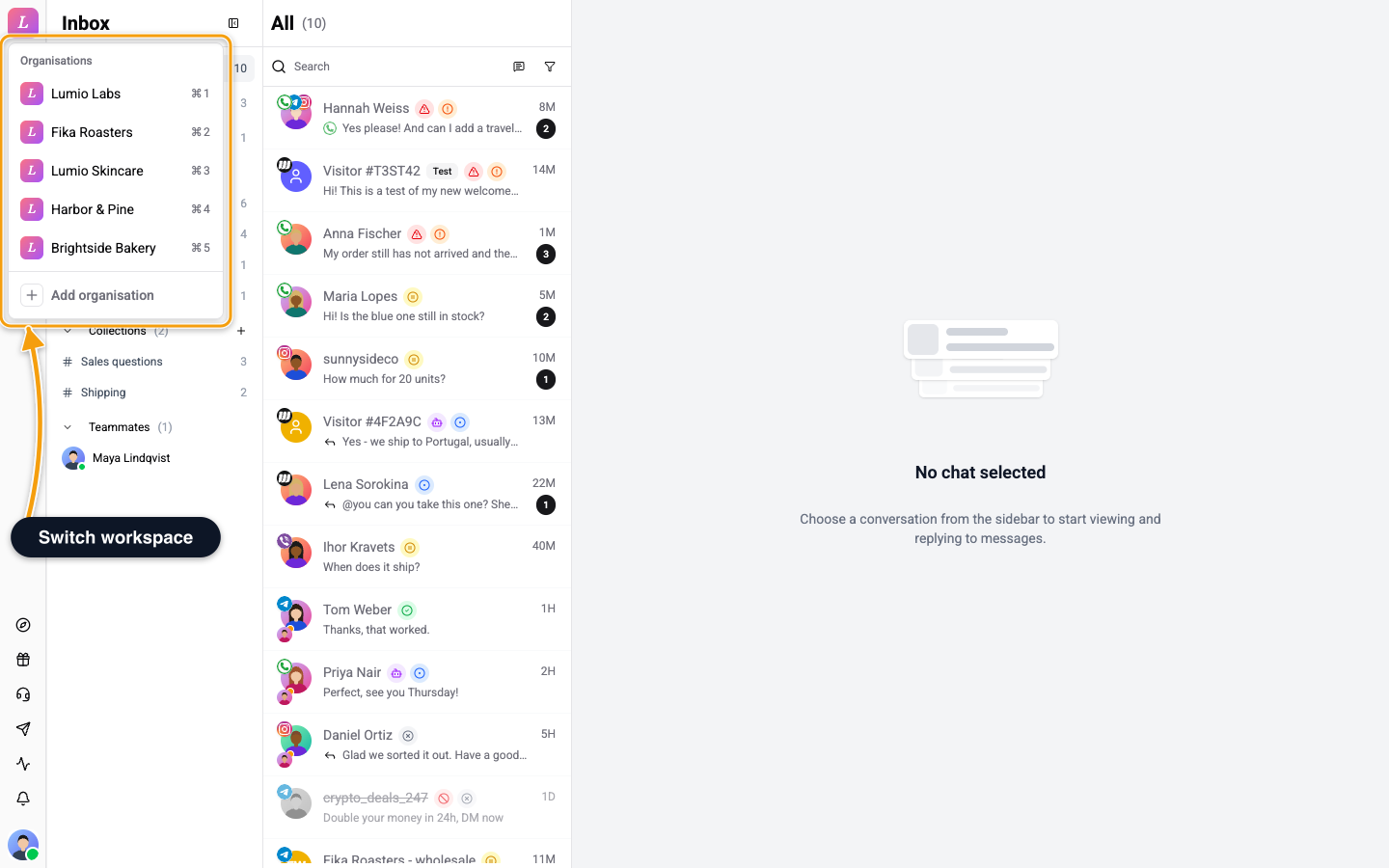
- Shortcut. Press
Cmd+1to9on Mac, orCtrl+1to9elsewhere, to jump to the organisation in that position. Only the first nine have a shortcut. - Unfinished setup. An organisation that has not finished onboarding reopens its onboarding.
- Where you land. A finished organisation opens on Explore if you are an Owner or Admin with three setup steps or fewer done, otherwise on the Inbox.
When you open Wexio with no address, it picks for you: the organisation you used last, else one you own, else the first one you can open.
How Many Organisations
There is no limit on how many organisations you can create. Each organisation has its own plan, so you choose a plan for each one.
Add Organisation
To create another organisation, open the switcher and choose Add organisation. The wizard starts again with a new workspace name, and you become its Owner. Each organisation has its own team, channels, plan and billing, and it gets the same starting setup as your first one. See What Wexio Creates.