Editing and Deleting Internal Notes
What happens to mentions, notifications and read receipts when you edit or delete an internal note
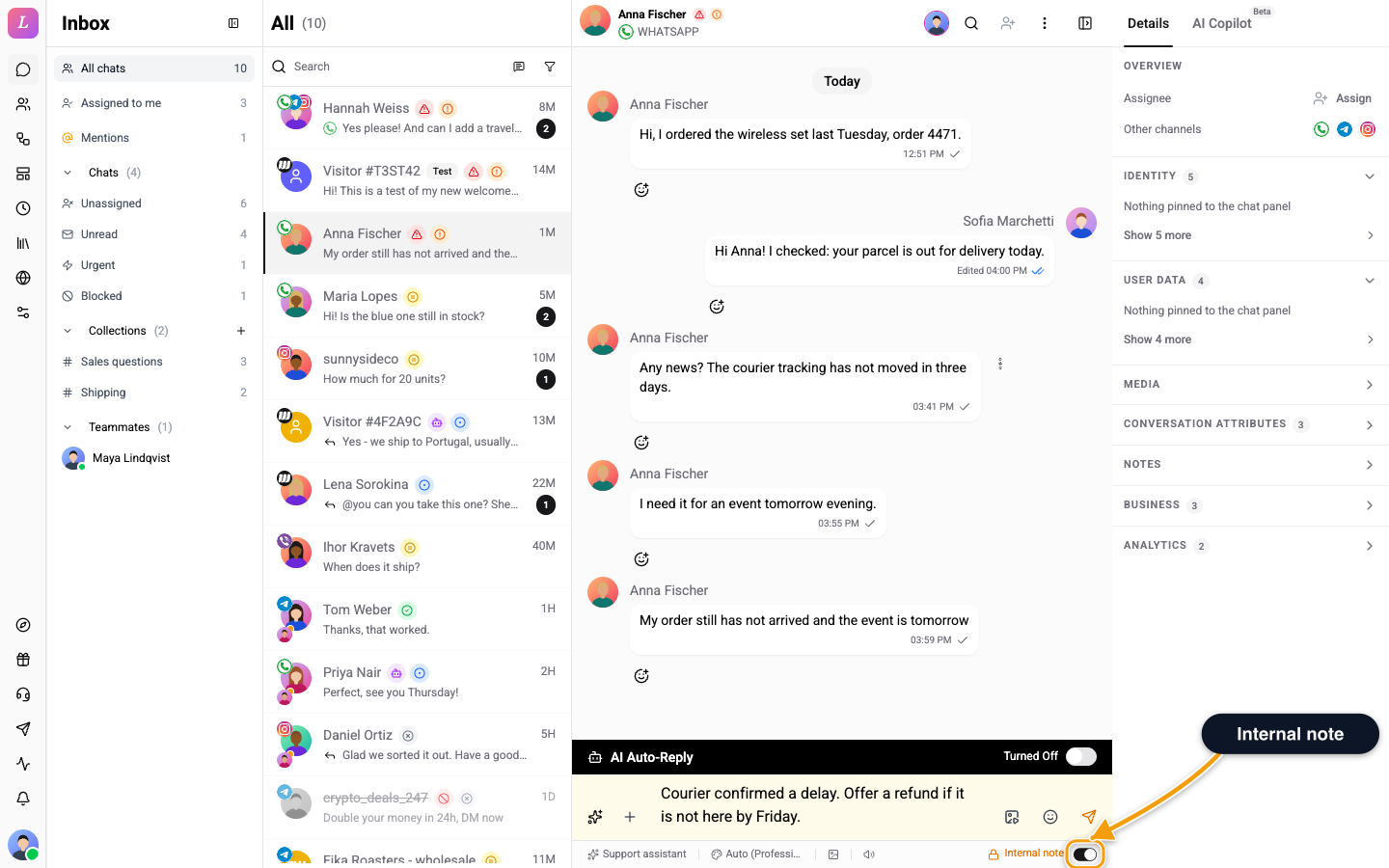
You can edit or delete an internal note after you send it. Mentions and notifications follow your changes.
Editing an Internal Note
You can edit the chips and the body like any other message.
| Action | Effect |
|---|---|
| Add a new mention | That teammate gets a fresh notification and a new entry in their Mentions tab. |
| Remove a mention | That teammate's notification and sidebar row disappear. Their unread count drops if it was unread. |
| Edit the text | The chat-thread bubble updates for everyone. |
The note keeps its internal-note identity even if you remove every chip. The yellow tint and inline placement stay, and nobody specific is pinged.
You can't turn a regular customer message into an internal note, or the reverse. The type is set at send time and locked. The first would be dishonest because the text already shipped to the provider. The second would leak previously-private content.
Re-adding a Teammate
If you remove someone and add them back later, they get a fresh receipt: a new notification, a badge increment and an unread state. Read state from the earlier mention does not carry over.
Deleting a Note
Deleting works like any message, and the bubble shows a "Note deleted" tombstone. The note's mention receipts drop out of the Mentions tab, and the sidebar badge decrements for any operator who had not read it.
Receipts stay in the audit history, so a future "all mentions Alice ever received" report still includes the deleted note. The sidebar feed and unread badge ignore them.
Related
- Mentions & Internal Notes - send a note, tag teammates and track who has read it.
- Internal Note - how the message type is stored and never dispatched.