Reschedule Booking Card
Let the contact move one of their own bookings to a new time
The Reschedule Booking card lets a contact move one of their own bookings to a new time. It sits in the Bookings dropdown of the card palette. It is available on Standard, Pro and Enterprise plans. Each run costs 1 operation, see Operations Cost.
Settings
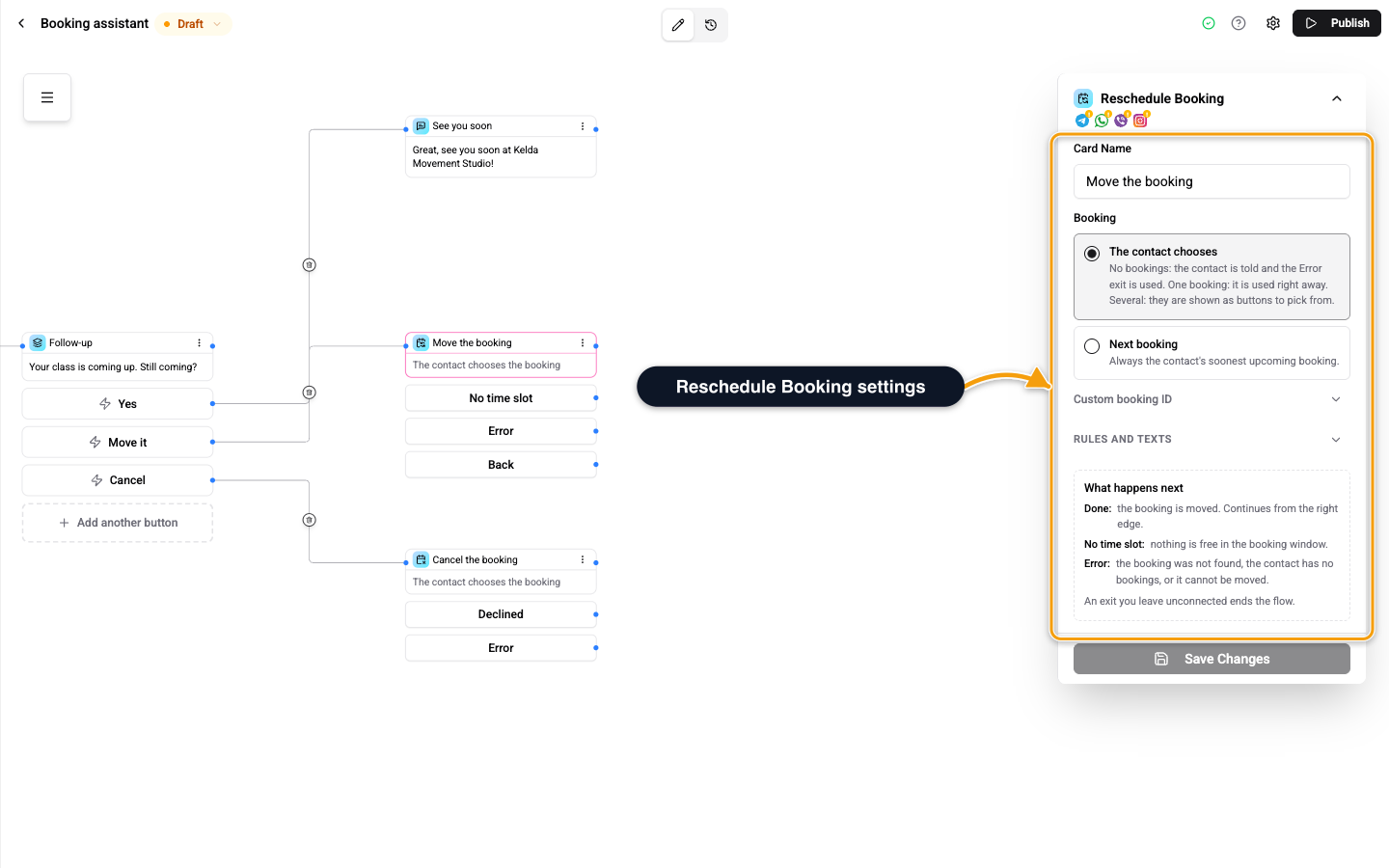
| Setting | What it does |
|---|---|
| Booking | Which booking to move. The contact chooses, Next booking, or From the bookings list in a card that shows the contact's bookings. |
| Two-step date picker | The contact first picks Next available or a date, then a time. Off shows one flat list of times. |
| Minimum notice to change | In minutes. Changes are refused within that time of the start. Empty: a booking can be changed until it starts. |
| Rescheduled message | Optional text after the move. '{when}' is the new time, '{timeZone}' its time zone and '{minutes}' the length. |
The times offered come from the booking's own calendar and event type, without the slot the booking already holds.
On the Web Widget
On the web widget the contact moves the booking in the widget. When they have two or more bookings, the chat shows each one with a Reschedule button that opens that booking's screen. The card waits and finishes when that booking was moved there.
Exits
| Exit | Leaves here when |
|---|---|
| Right edge of the card, Done | The booking is moved. |
| No time slot | Nothing is free in the booking window. |
| Error | The booking was not found, the contact has no bookings, or it cannot be moved. |
An optional Back exit gives the contact a Back button on the first screen of the picker. An exit you do not connect ends the flow there.
Related
- Book a Time Card - offer times and book one.
- Cancel Booking Card - cancel a booking instead.